Storefronts
Design your store. Publish when it's ready.
Start from a theme, then arrange sections and blocks, set colours and type, and preview every change on desktop and mobile. Shoppers see nothing until you publish.

Themes
Every theme in one library
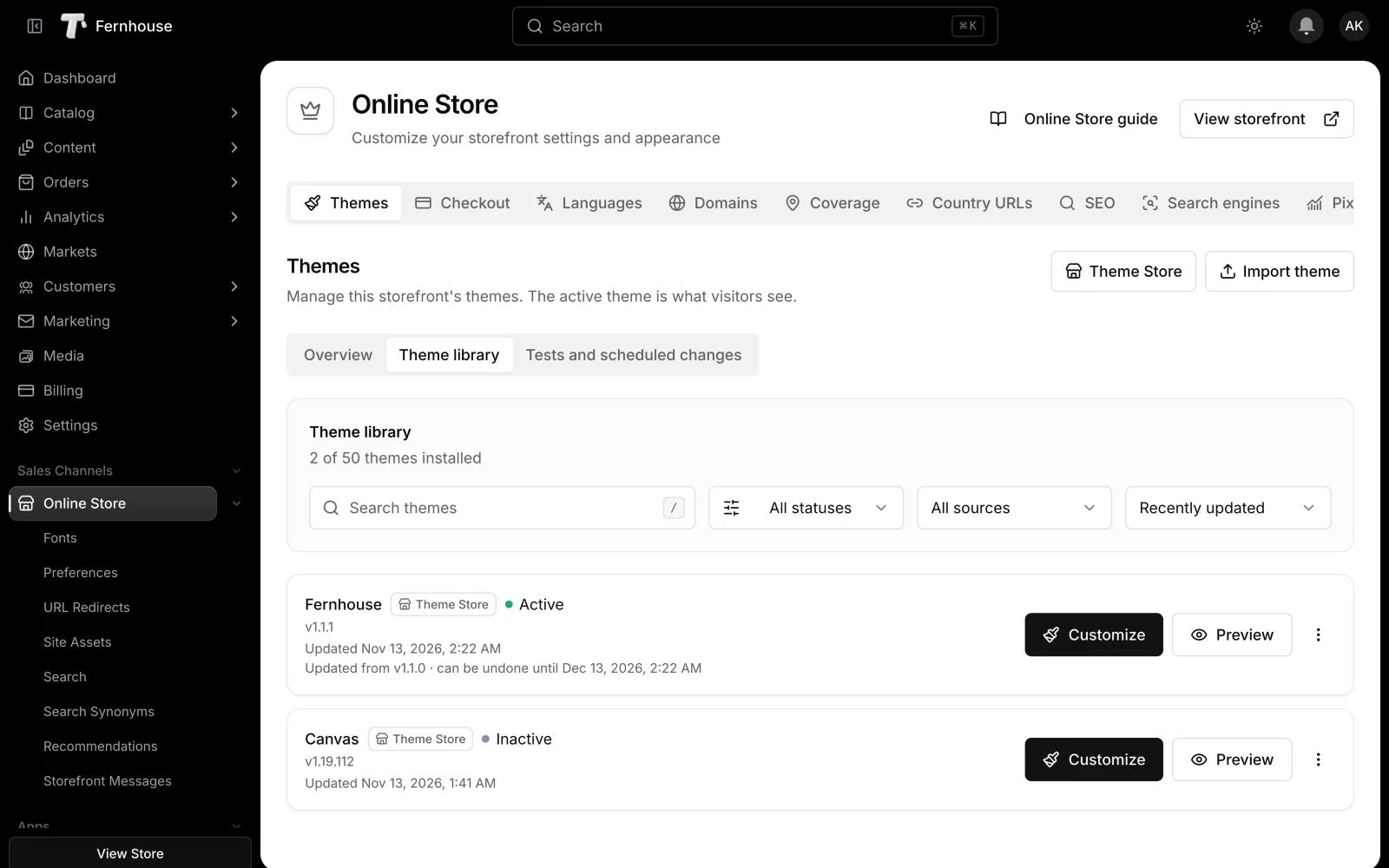
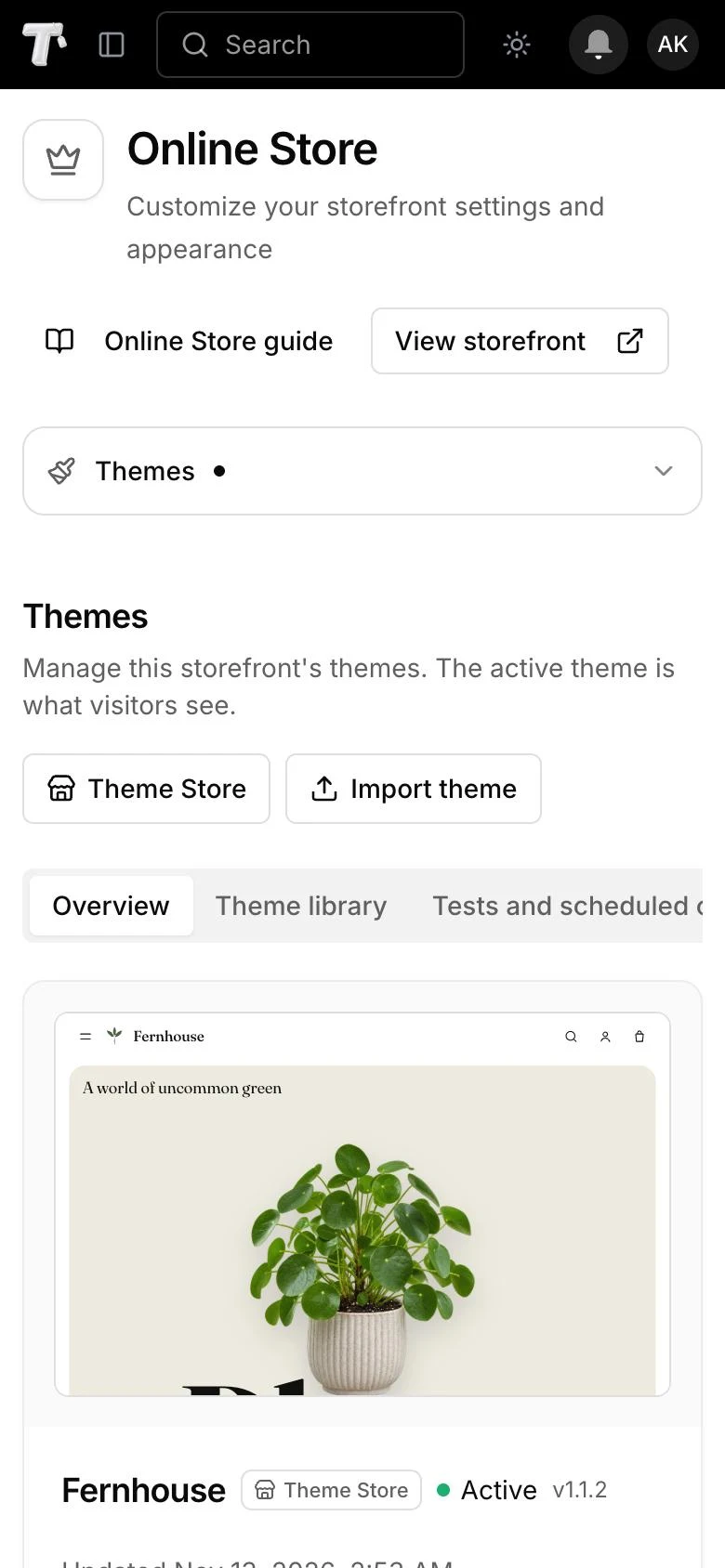
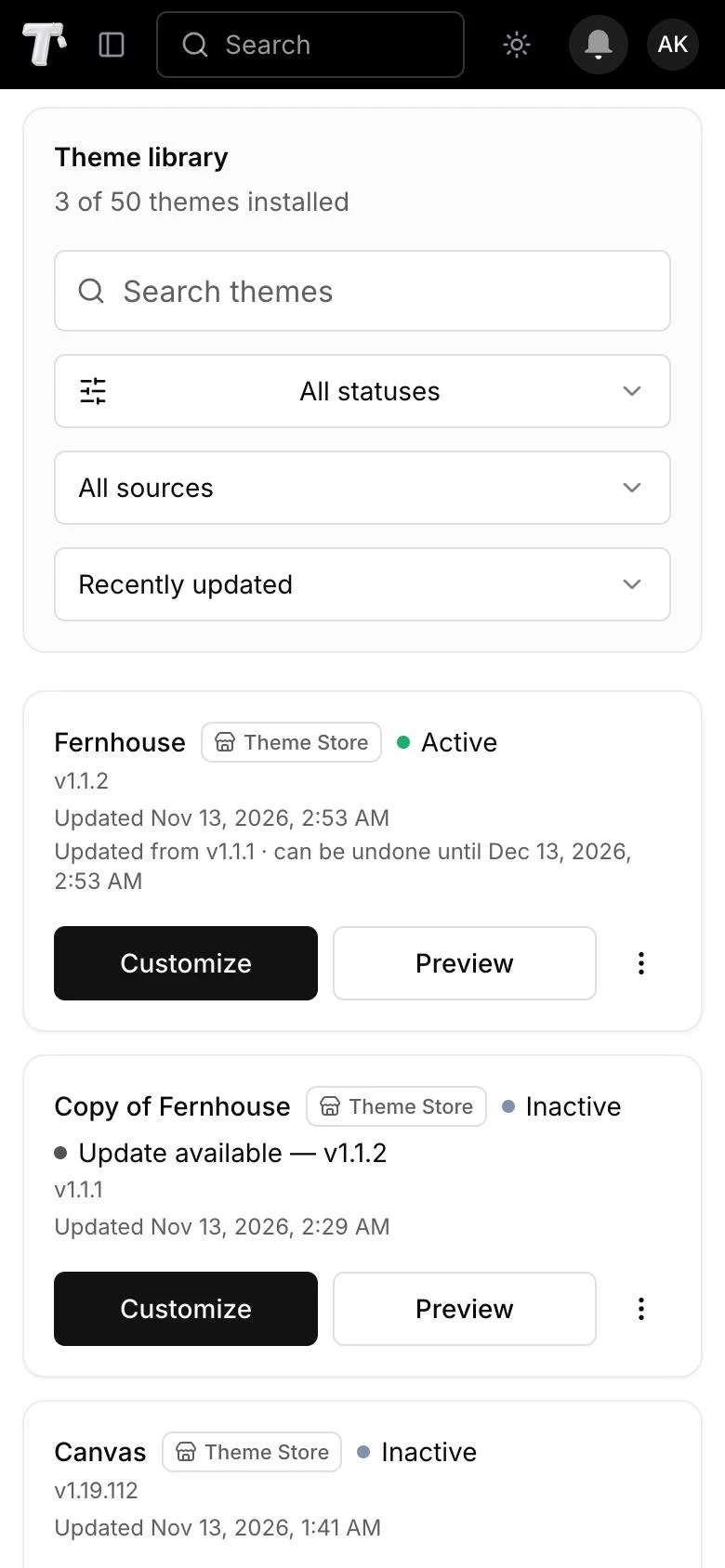
Each storefront keeps its themes in Online Store. One is active, and that's what visitors see. Try another, duplicate the live one to work on a copy, and make it live when it's ready.

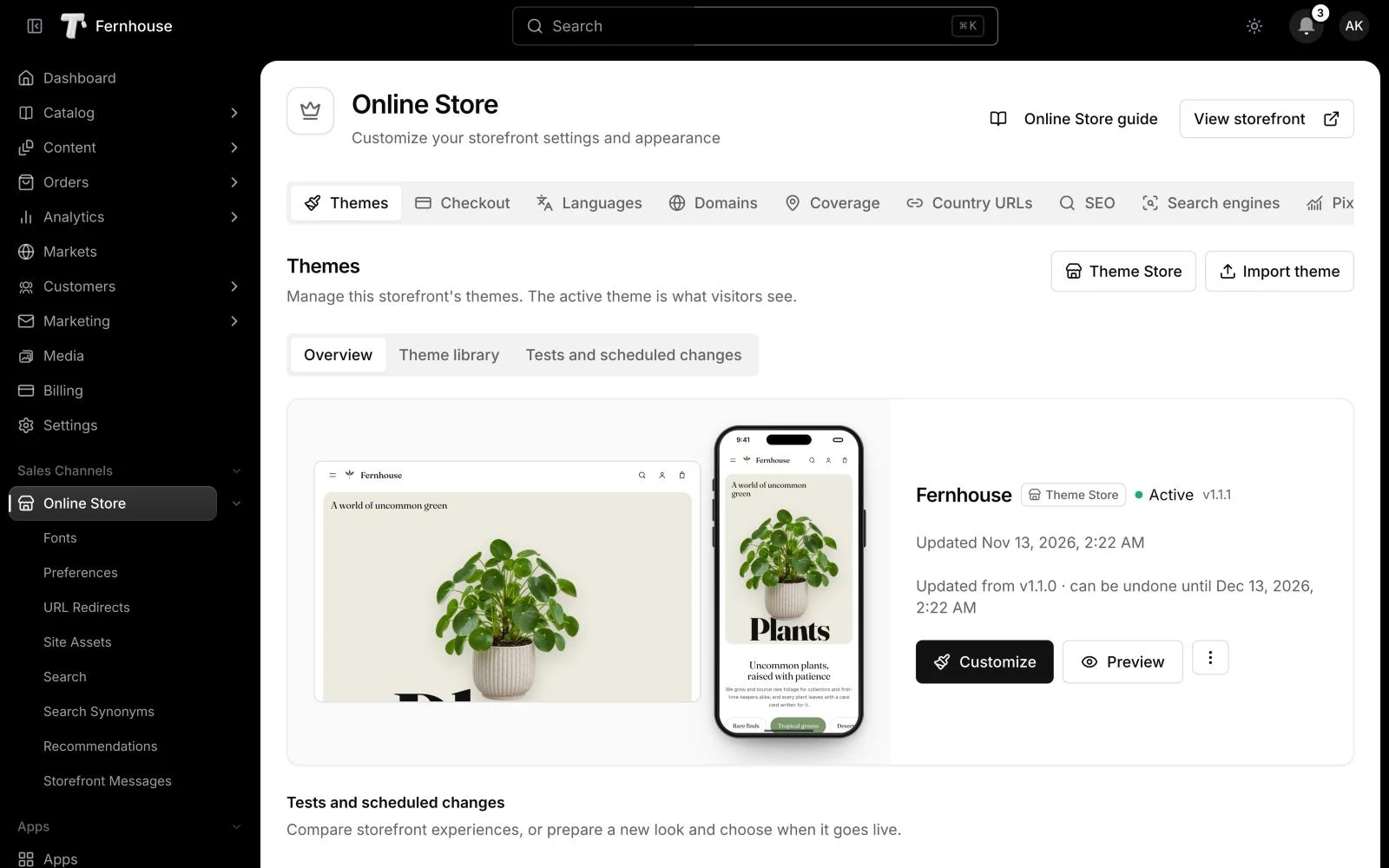
From the Theme Store or your own
Install a theme from the Theme Store at themes.tringify.com, or import your own. New themes arrive unpublished.
Free or paid once
Theme Store themes are free or paid once.
Work on a copy
Duplicate, rename or preview any theme in your library while the live theme keeps running.
Schedule a change
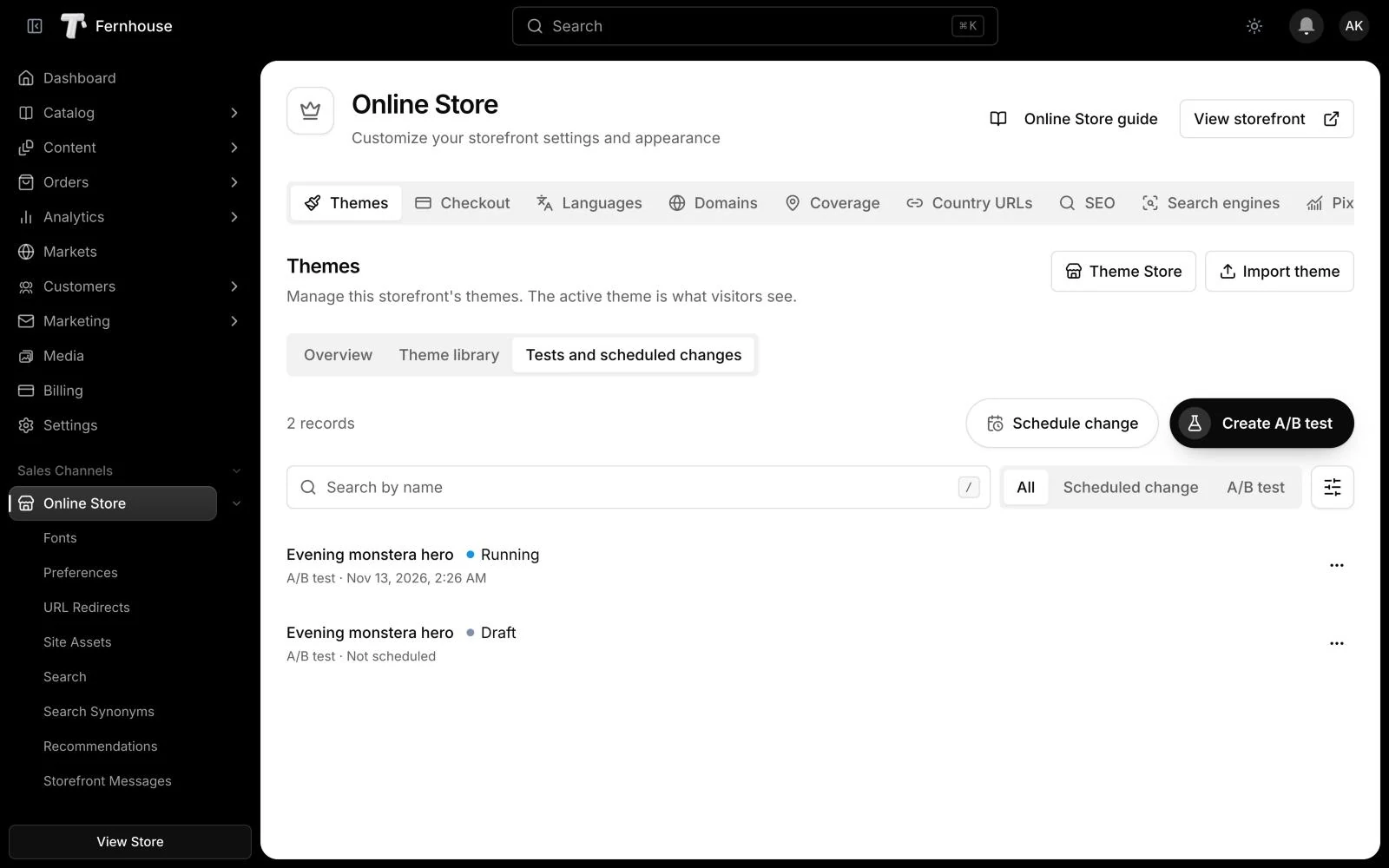
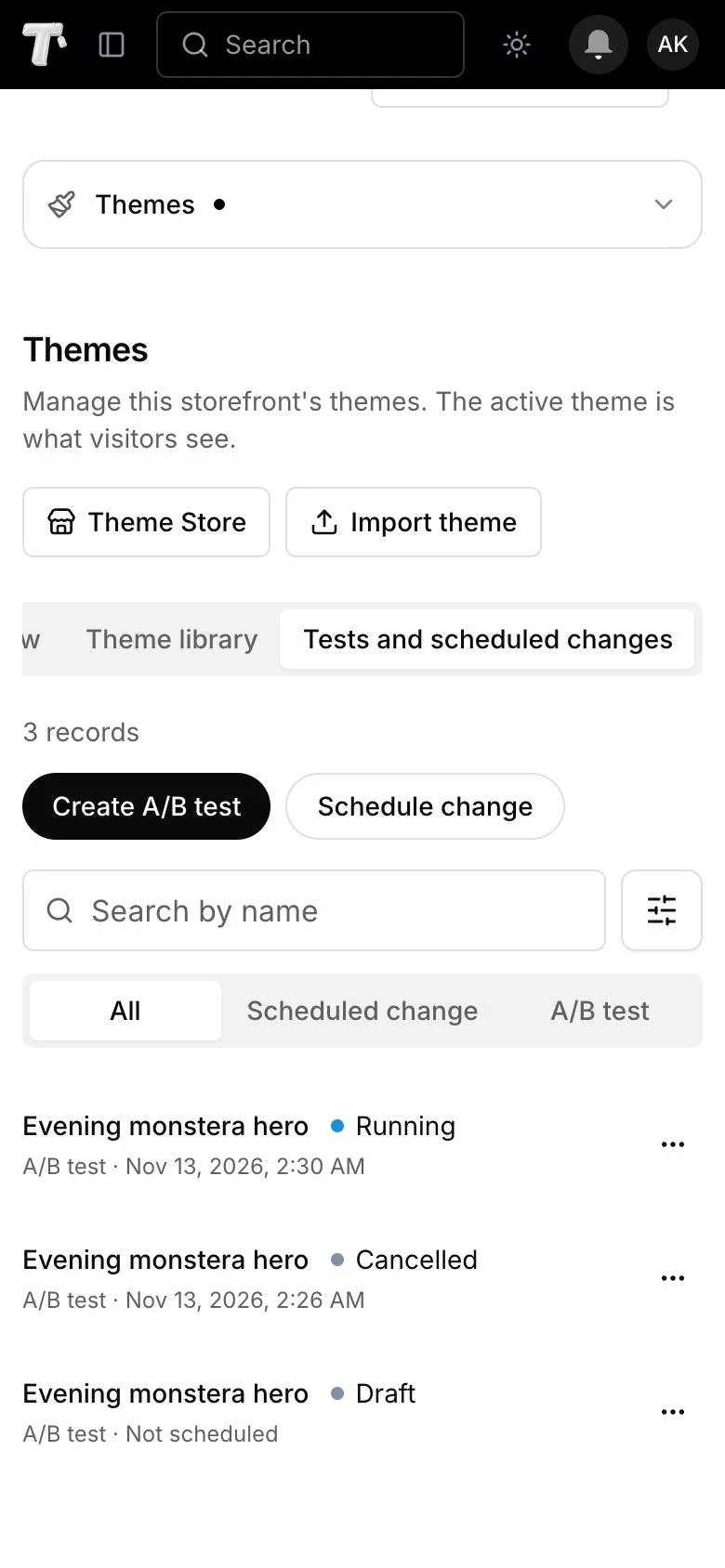
Set a theme to go live at a date and time you choose.
A/B test a theme
Test a theme against the live one by country, device, and new or returning visitors, and compare results such as revenue per visitor.
Updates you can undo
When a Theme Store theme updates, your edited files are merged with the update. Conflicts wait for your decision, and you can undo an update for 30 days.




Theme editor
The whole look of your store, in one editor
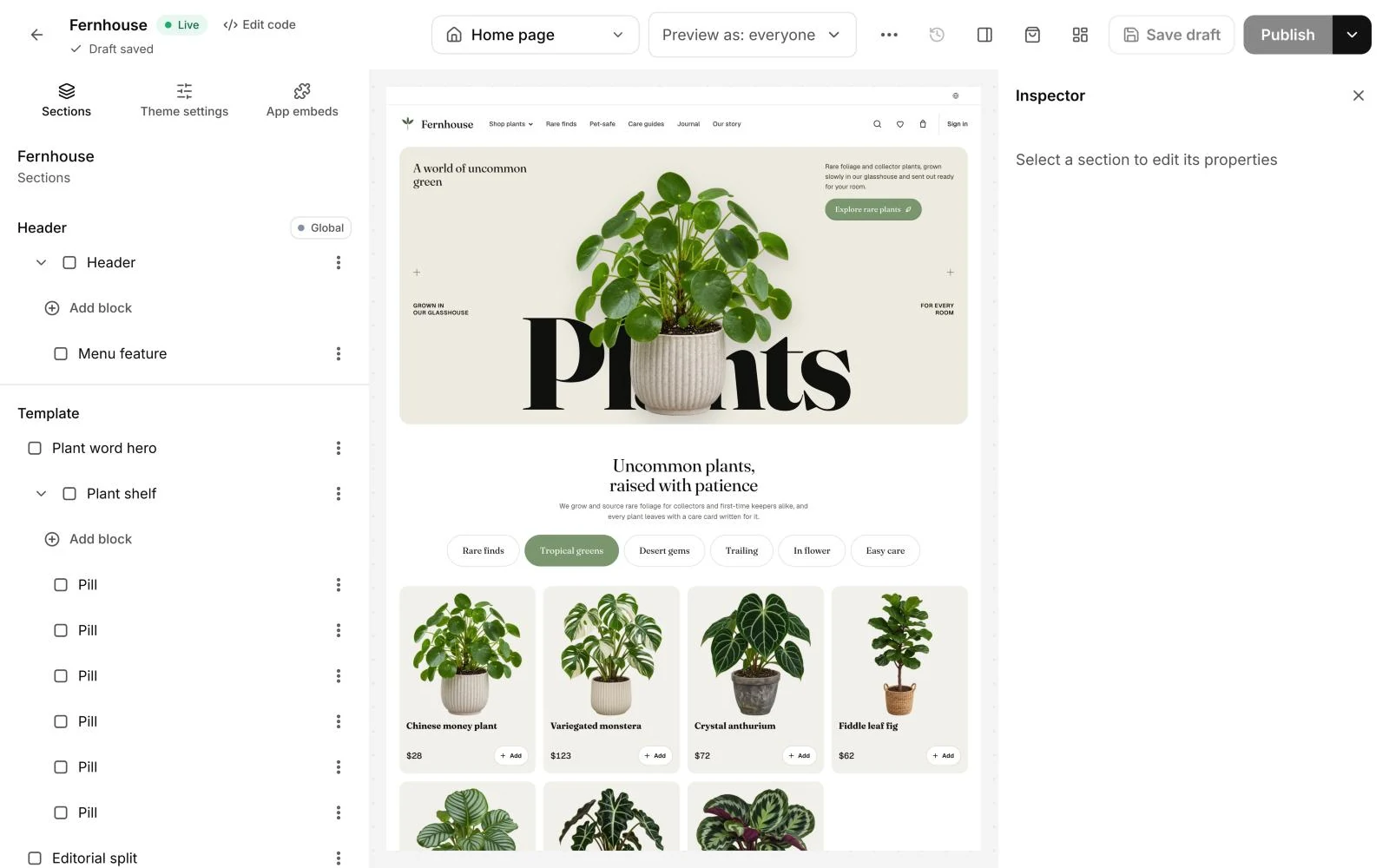
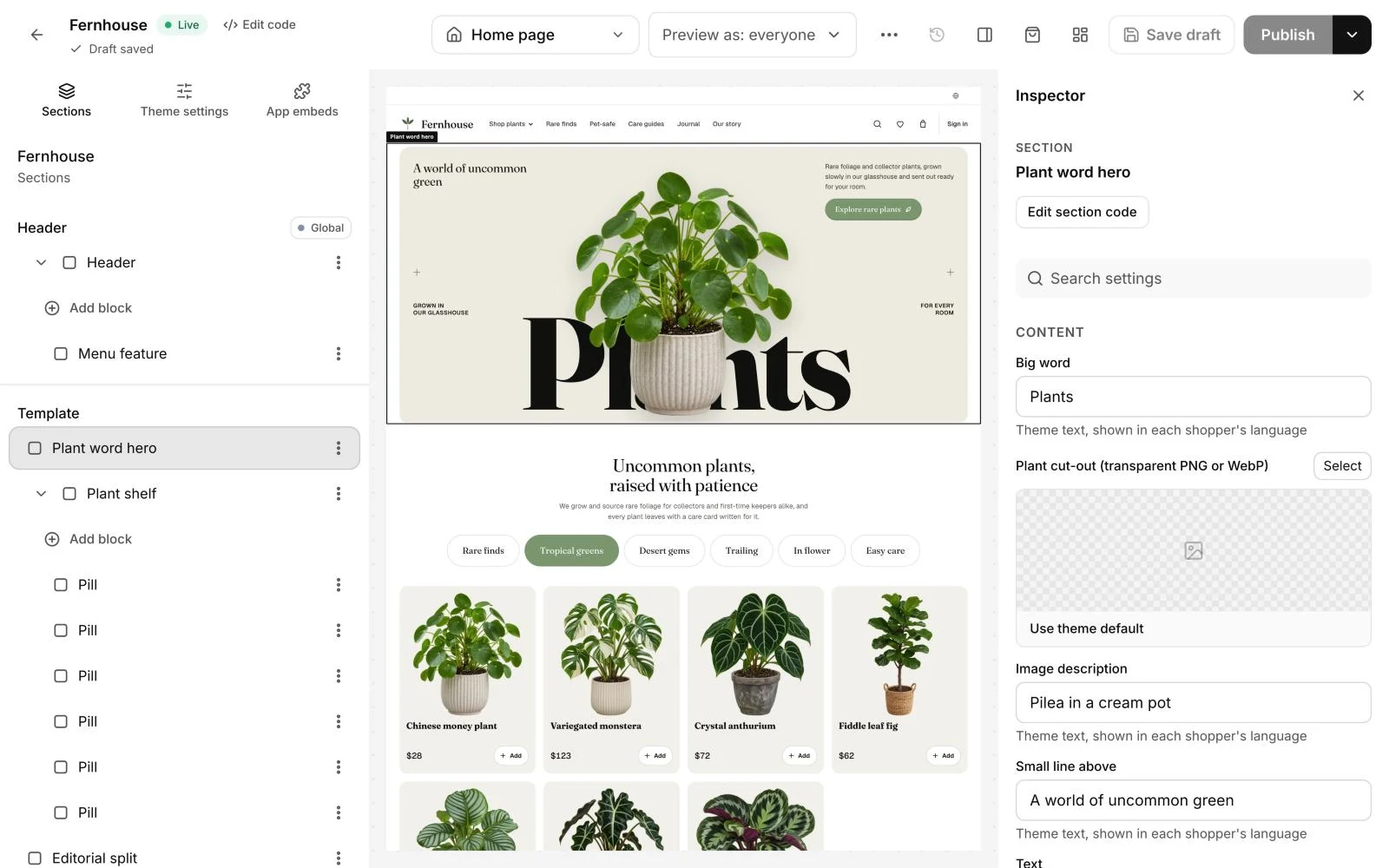
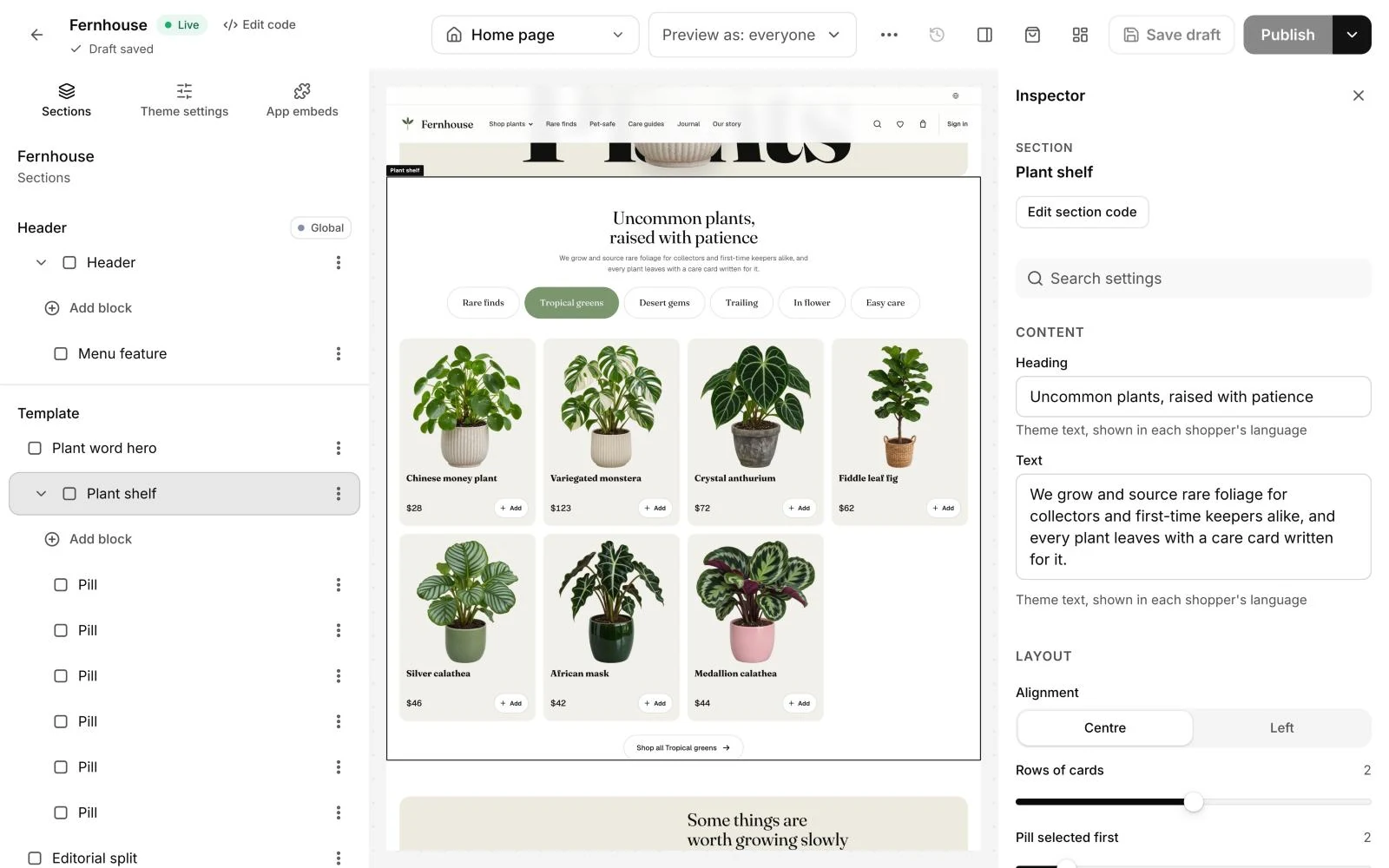
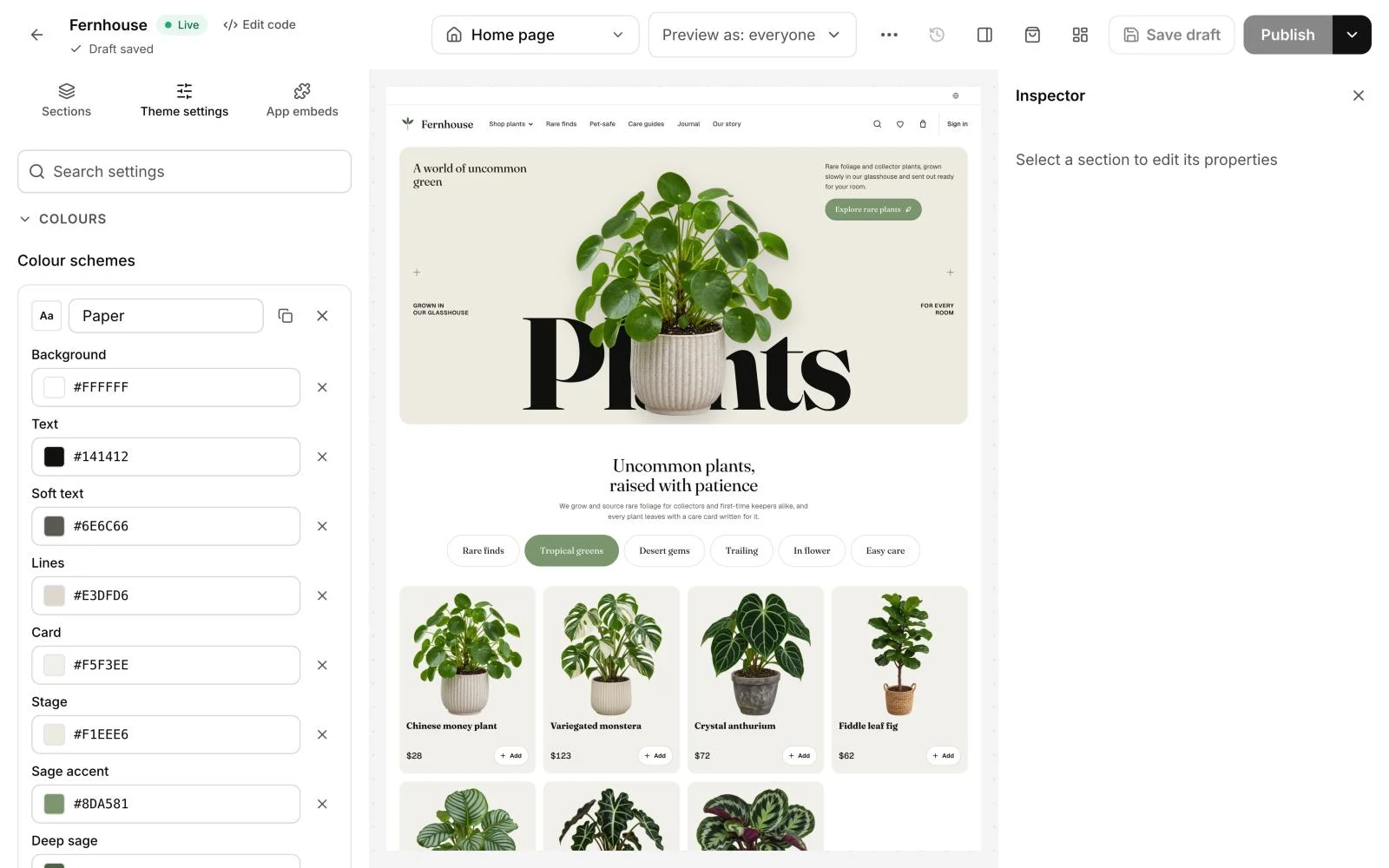
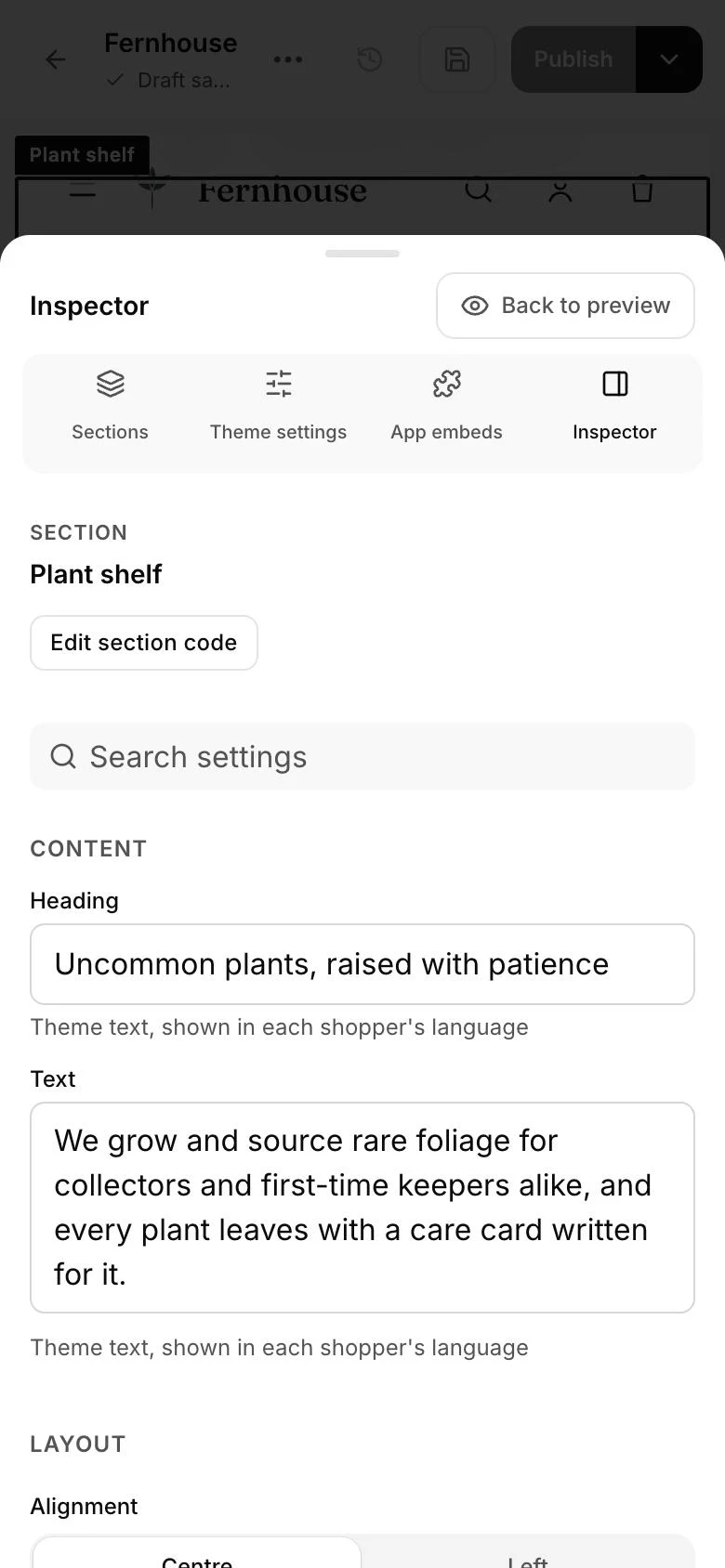
Customize opens the theme editor on your real theme. Arrange sections and blocks, set the theme's colours and type, and see each change in the preview. Save a draft as often as you like and publish when it's ready.
Every page at once
Expand the canvas to lay out every page of your theme side by side. Pan and zoom across them, fit them all on screen, and open any page to edit it.
AI edits wait for your review
Ask Claude, ChatGPT or any AI to change your theme through Connectors and MCP. Its edits never reach your live theme directly: each one appears in Theme changes to review as it's made, so you can check them, then publish or discard.


Sections and blocks
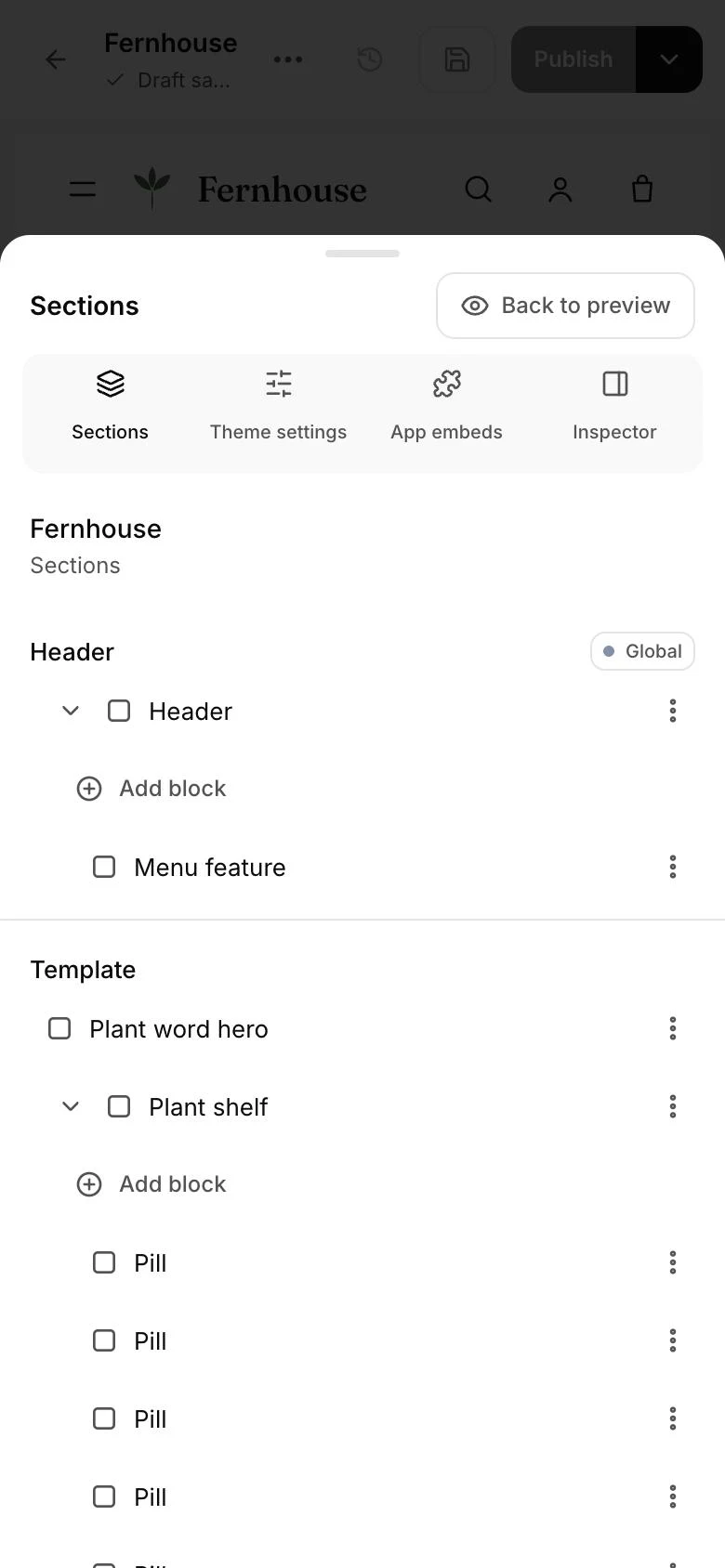
Add, reorder, hide and remove sections on any template. Inside a section, add blocks such as headings, text, images and buttons.
Theme settings and colour schemes
Set fonts, colours and styles once for the whole theme. Give any section its own colour scheme.
Templates
Edit the home, product, collection and page templates. Create alternate templates for products or pages that need a different layout.
App embeds
Turn app embeds on or off from one panel. Each shows the cookie consent it needs, such as Always on or Shown with analytics consent.
Preview on any screen
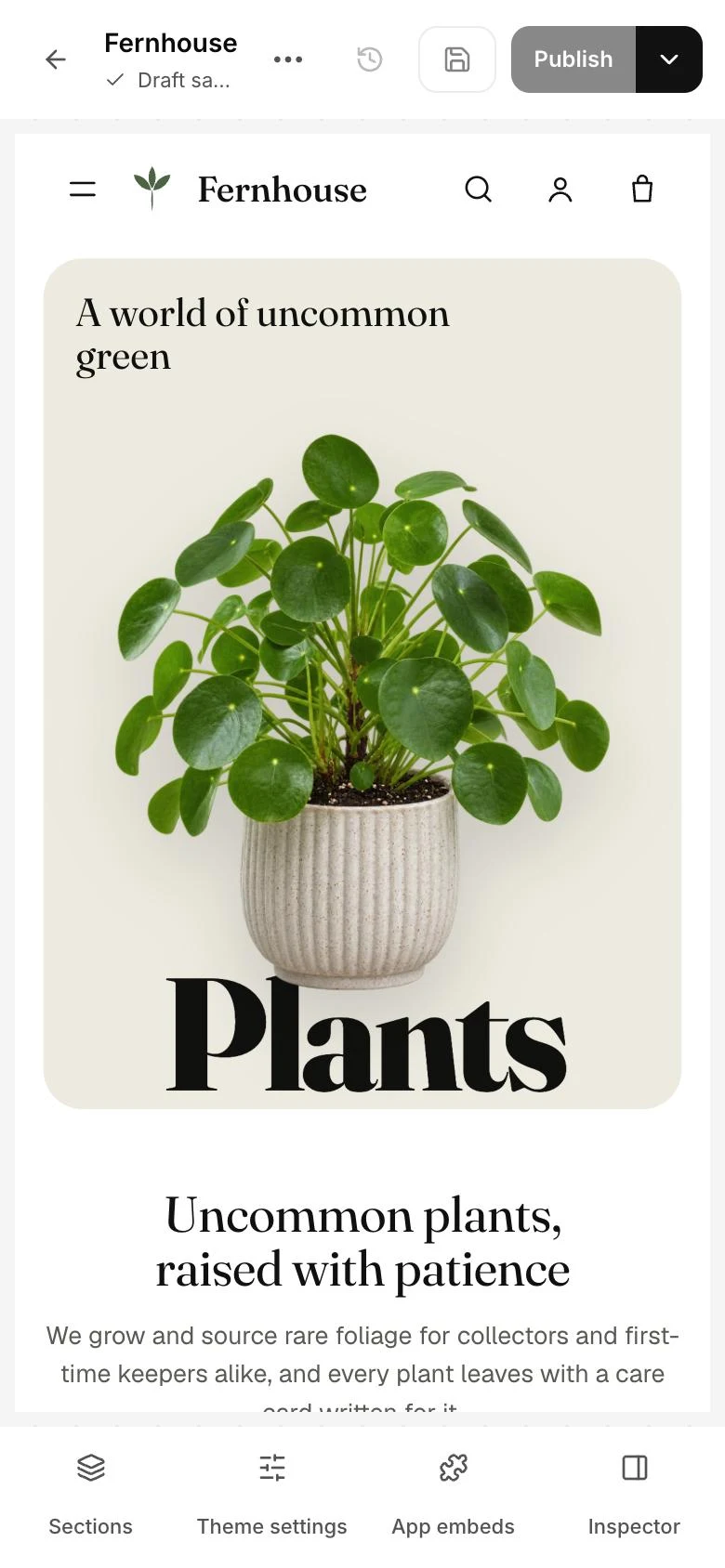
Switch between desktop, mobile and full screen, choose the product or collection to preview, and undo or redo any edit.
Draft, then publish
Save a draft and come back to it whenever you like. Publish when it's ready, or schedule the change.
Theme code
Code when you want it
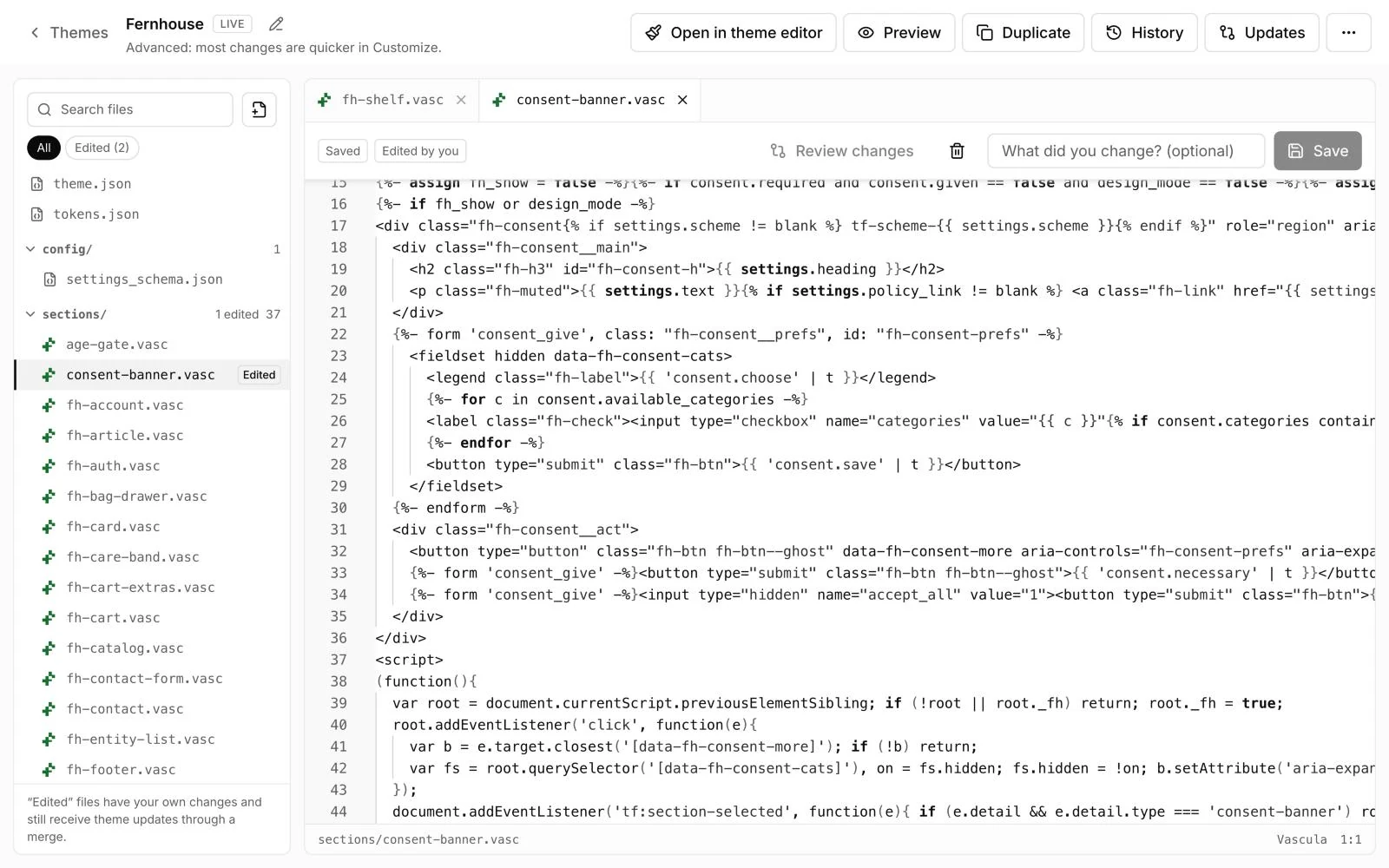
Most changes need no code. When you need something the settings can't do, open the theme's files in Store Admin. Every save is checked against the whole theme, so a save that would break a page is refused and never reaches shoppers.
Vascula
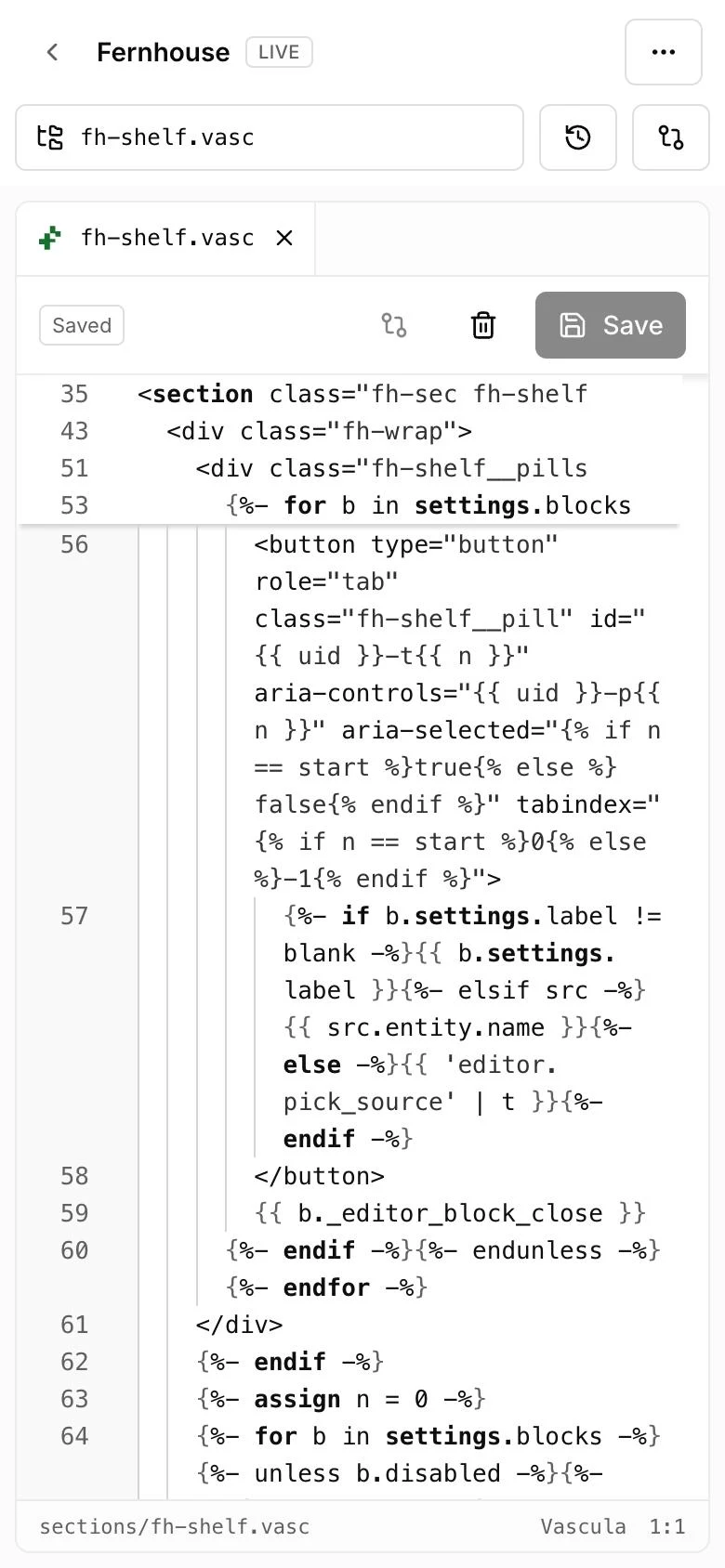
Themes are written in Vascula, Tringify's theme language. Section and block files end in .vasc.
Checked on every save
A save that doesn't compile, or would remove a buy, cart or checkout form, is refused and names the file and the reason.
File history
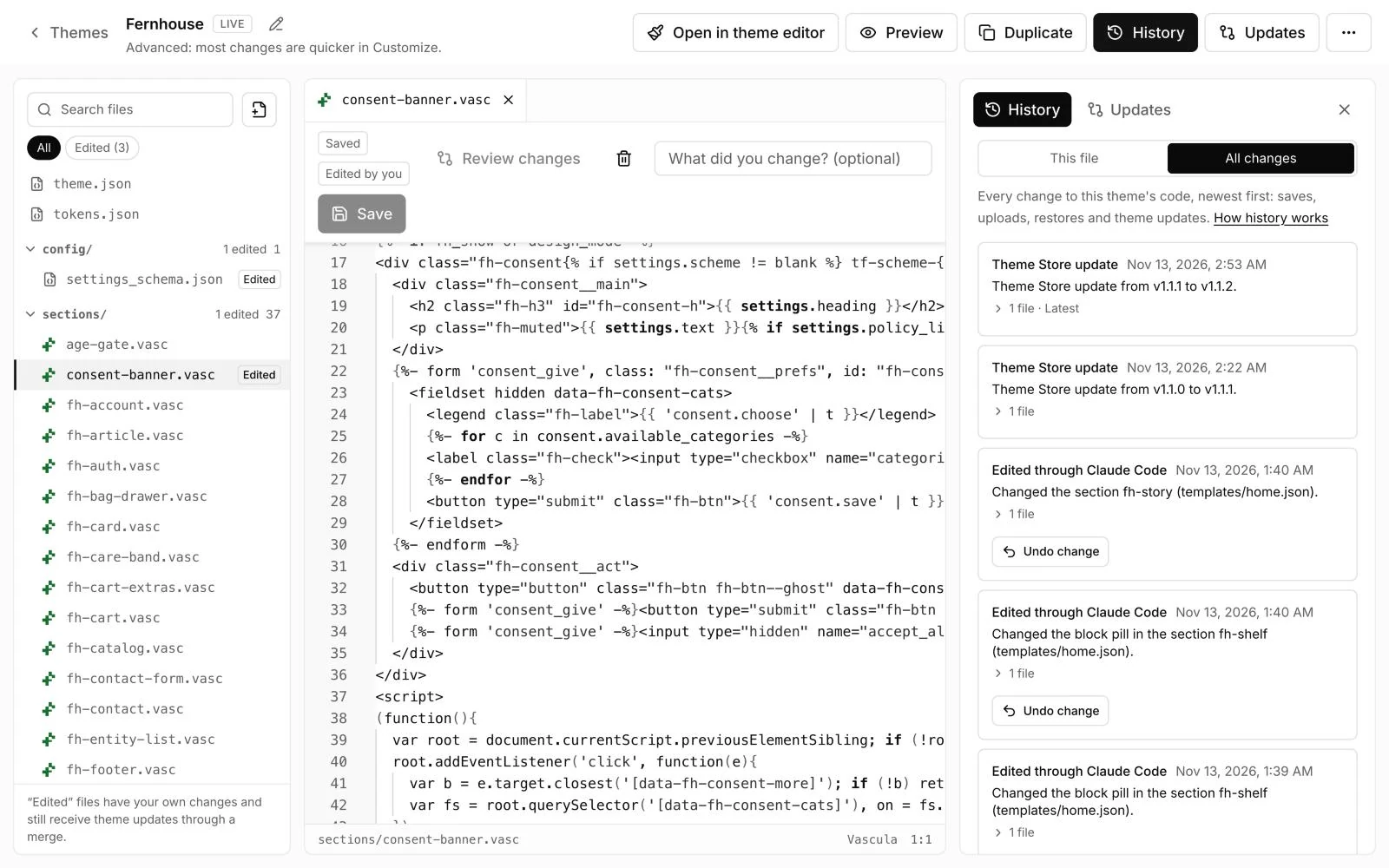
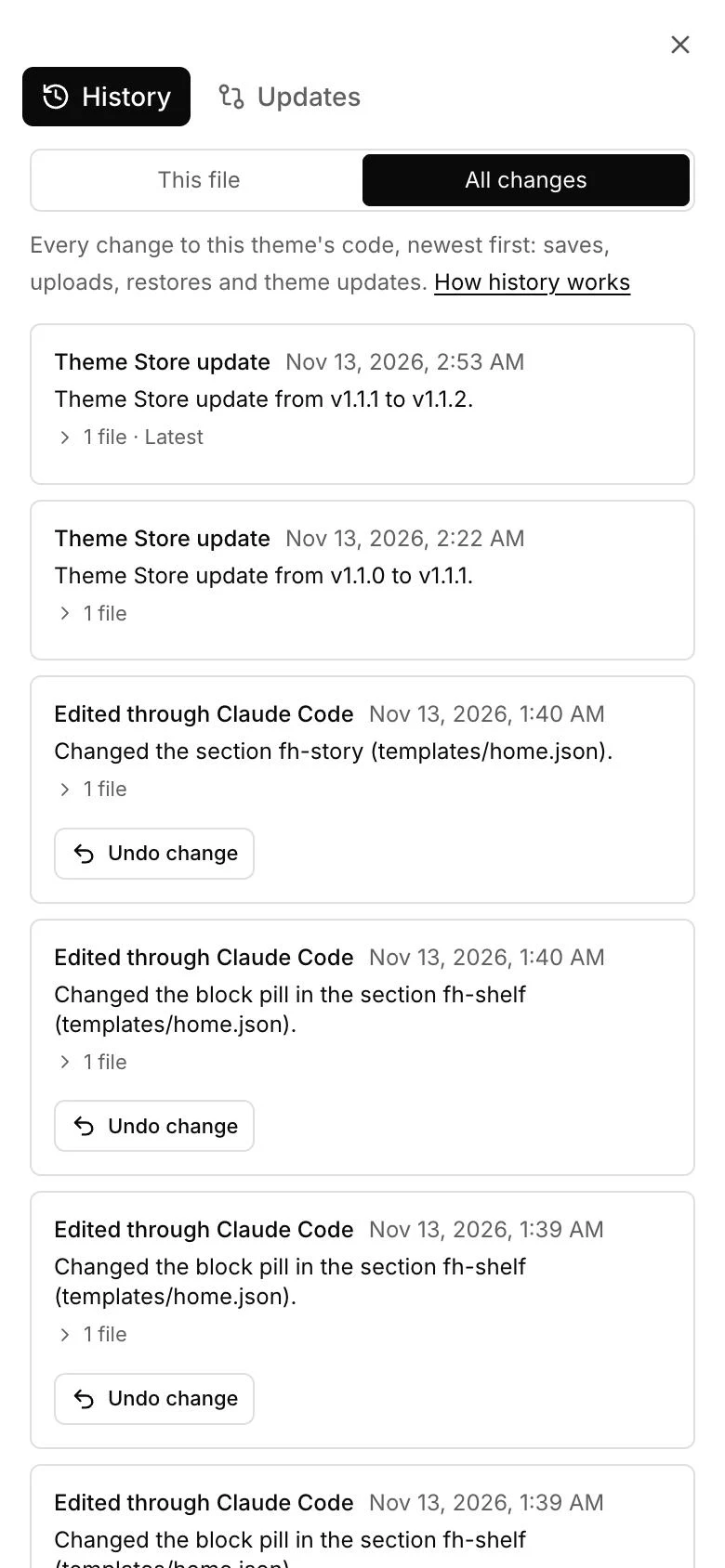
Every save is a change in the theme's history. Compare and restore any of a file's latest 200 versions, or undo a whole change.
Live or a copy
Edit the live theme, where a save applies straight away, or a copy you preview first. Tringify's default theme is edited through a copy.
Upload a zip
Replace a theme's code with a theme zip. It goes through the same checks as a save.
Safe with a team
If someone else saved the same file while you were editing, your save is refused so nothing is overwritten.

Storefront
Everything around the theme
Domains, languages, search and speed are set once for the storefront and work with whichever theme is live.
Your domain
Connect your own domain and choose the primary one.
Languages
Add the languages your plan includes and translate your theme's text.
Search engines
Set SEO title patterns and social images. Sitemaps and structured data are generated for you.
Redirects
Add URL redirects when pages move, and old links keep working.
Fast pages
Pages are cached and refresh on their own, and images are served at fixed widths to suit each screen.
Speed from real visitors
Analytics has a Speed tab with LCP, INP, CLS, FCP and TTFB from real visitors.