Products & collections
A catalog built for what you sell.
Simple and variable products, collections that follow your rules and filters for your storefront. Managed in Store Admin, or from any AI through Connectors and MCP.
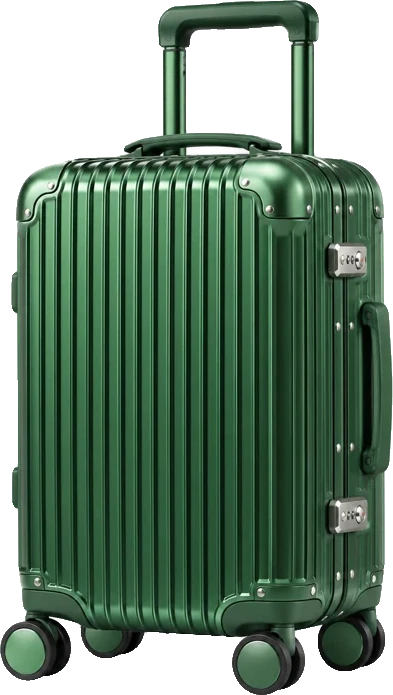

Simple or variable
One form for a single item or thousands of variants, priced in every currency you sell in.
Collections that run themselves
Nineteen kinds of condition keep every collection current as your catalog changes.
Managed anywhere
In Store Admin, or from any AI assistant through Connectors and MCP.
One form for everything a product carries.
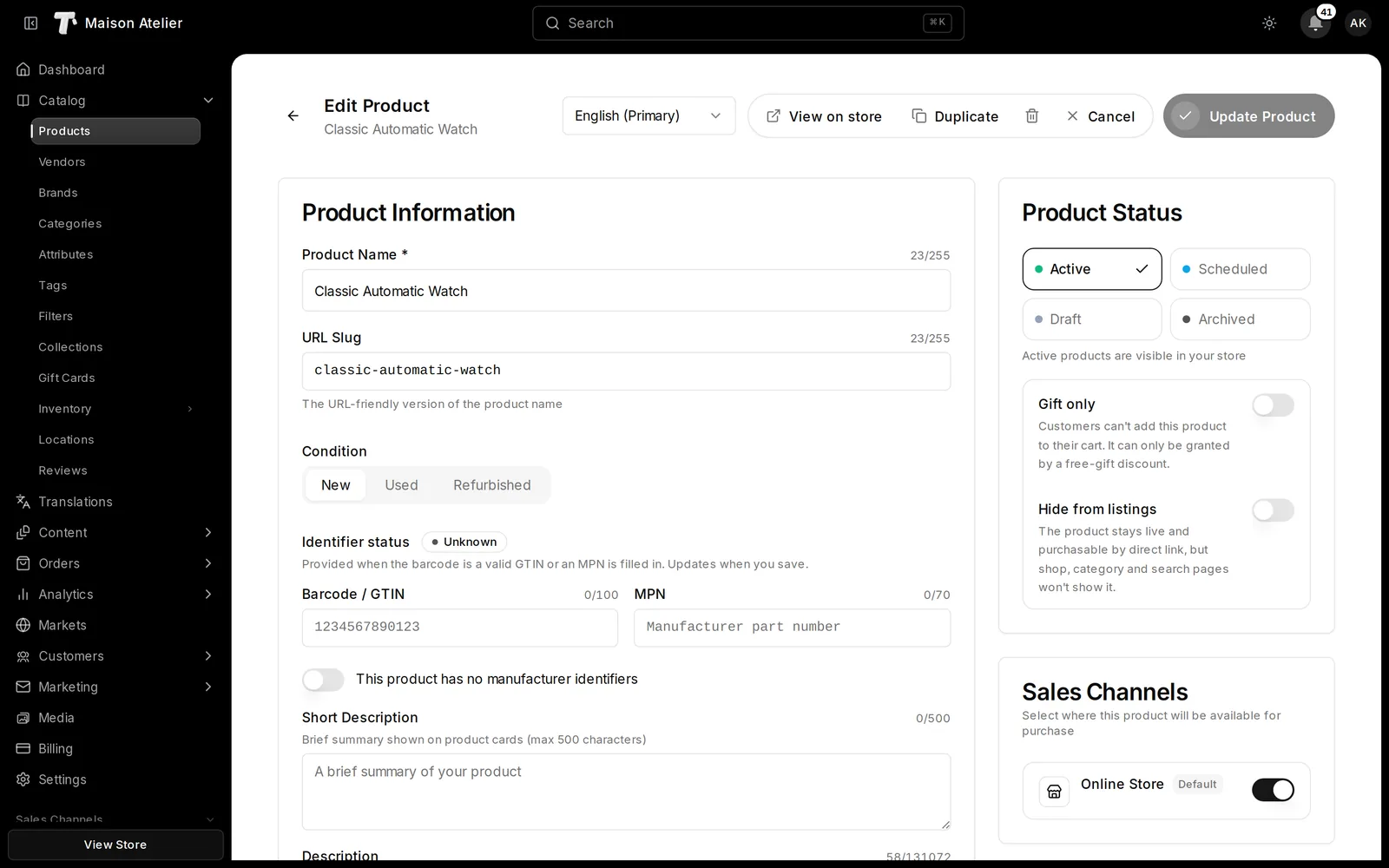
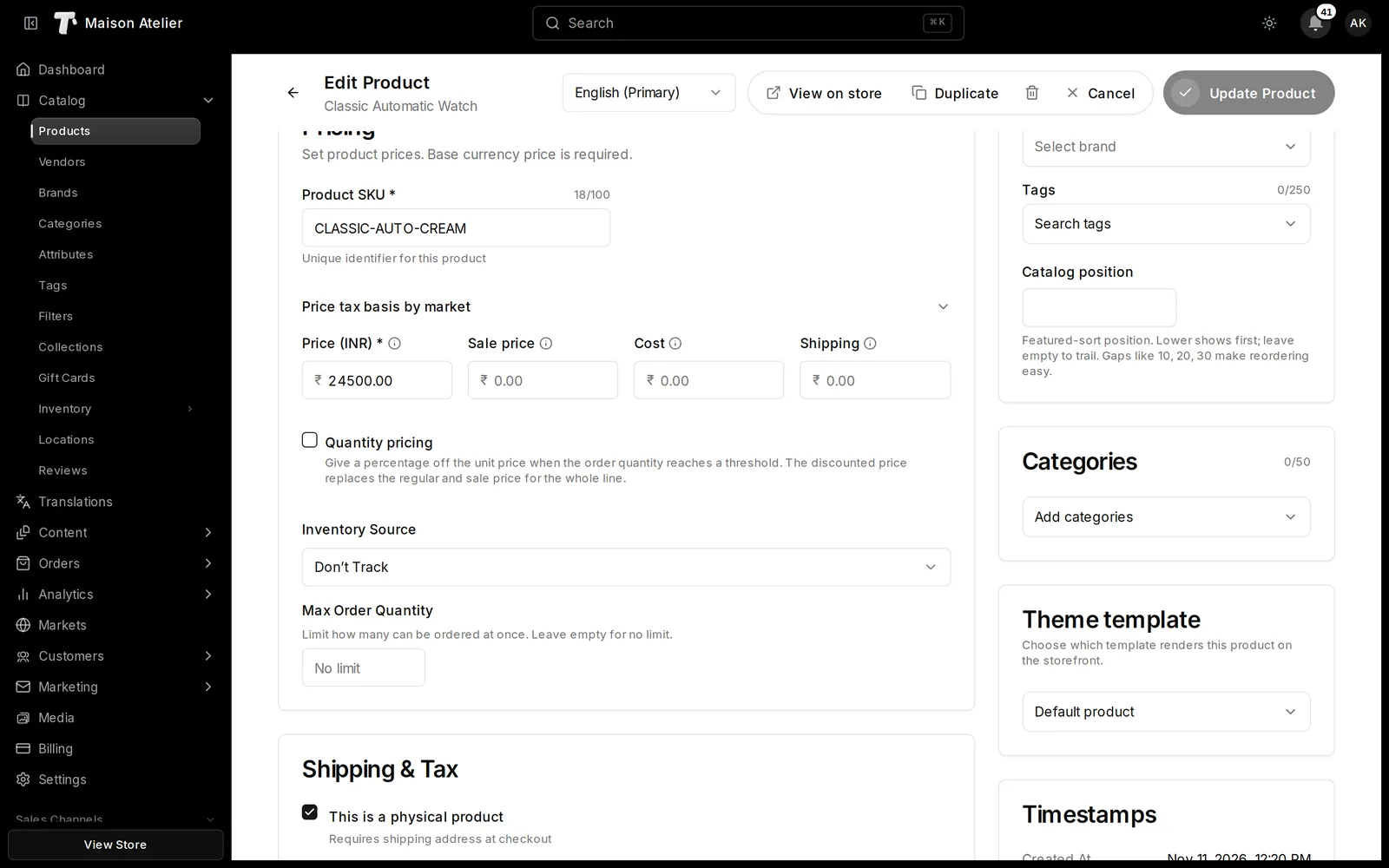
Product information, pricing and variants, shipping and tax, media, SEO and metafields on the left. Status, sales channels, organization, categories and theme template on the right.

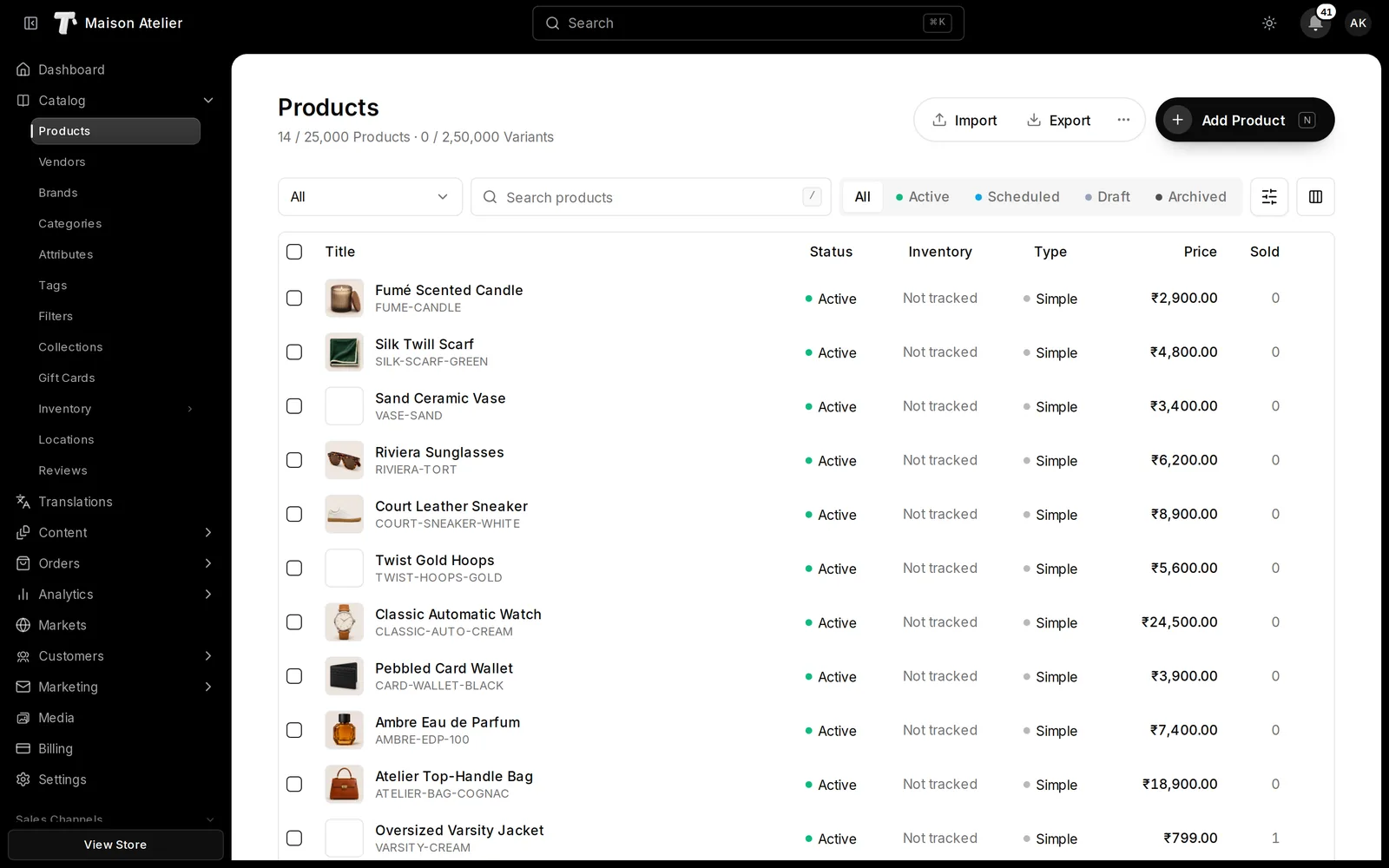
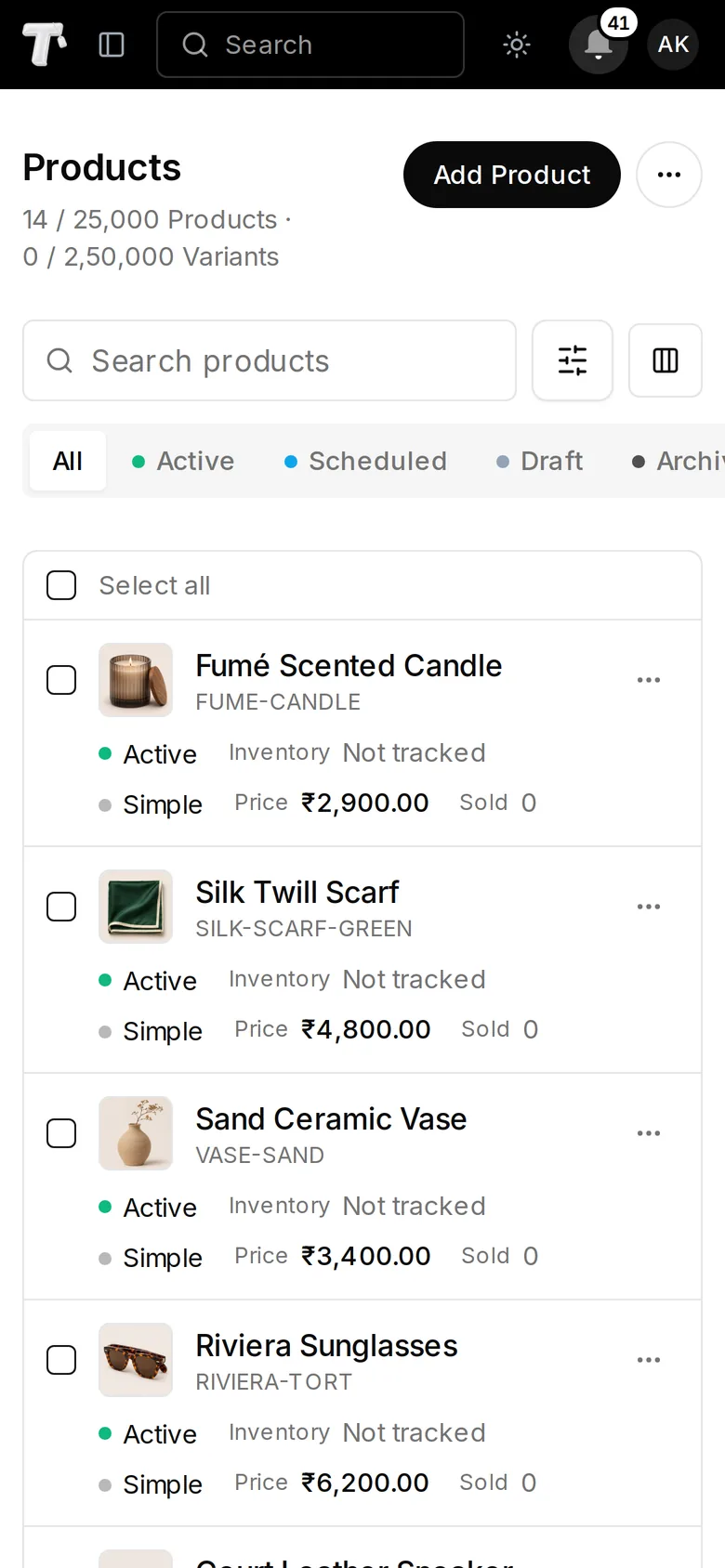
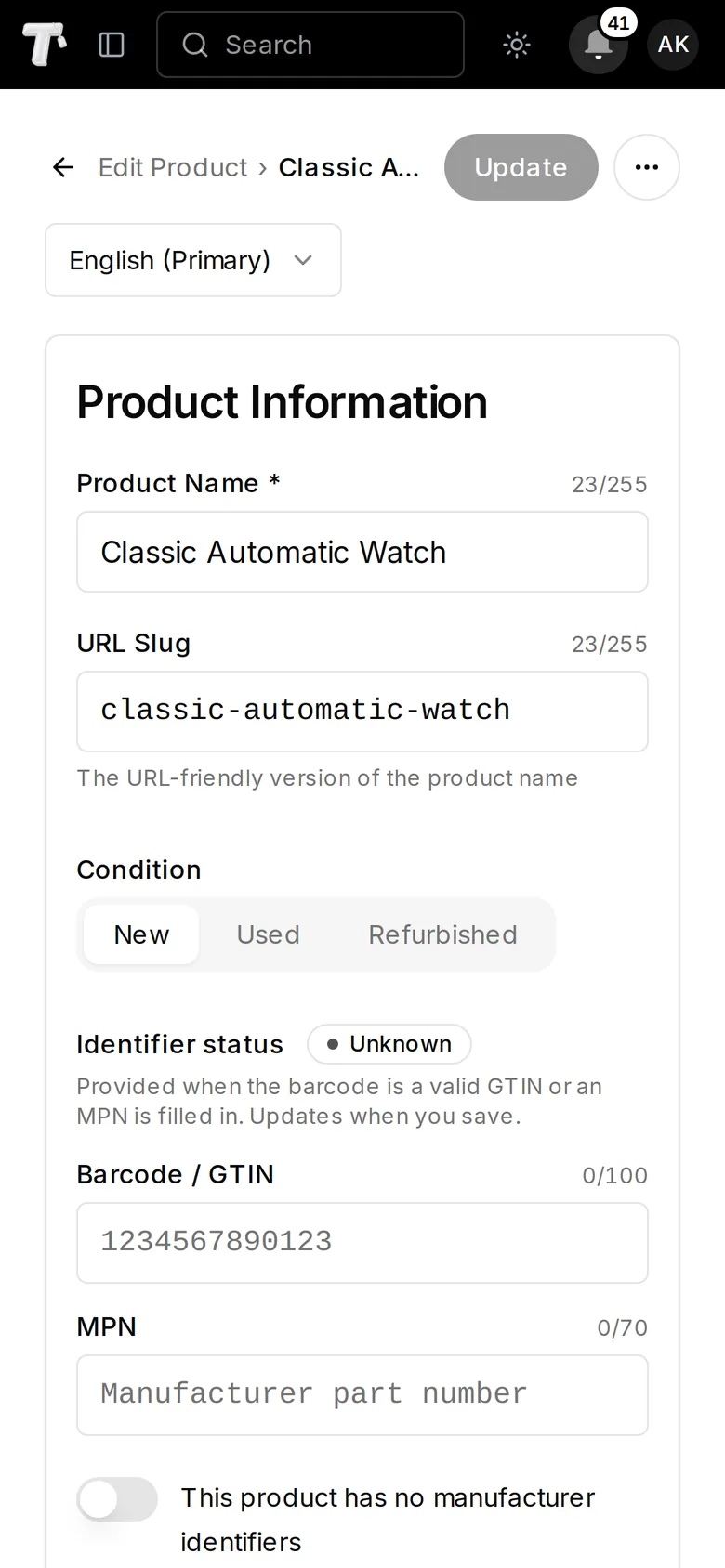
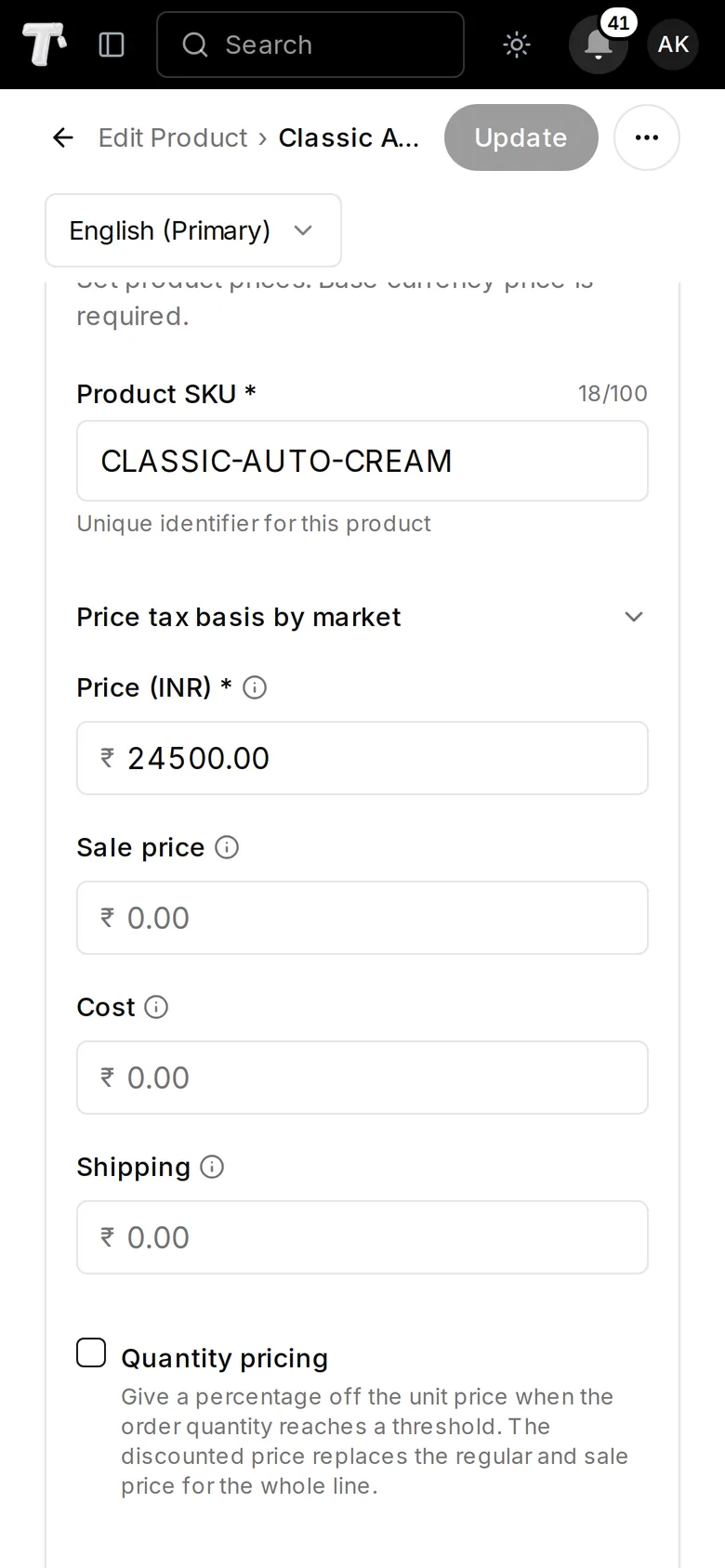
Simple or variable
Choose Simple for an item sold as it is, or Variable when customers choose options such as size or color. The type is set when you first save the product.
Every variant, its own item
Each variant has its own SKU, barcode, prices in each currency, inventory, order limit, image and metafields.
Prices for each currency
Regular, sale and cost price for each currency you sell in, with an optional sale window. Quantity pricing takes a percentage off from the quantities you set.
Stock, tracked your way
Track stock at each location, don’t track it, or draw from an inventory group shared with other products. Add low-stock alerts and a maximum order quantity.
Published when you’re ready
Draft, Active, Scheduled or Archived. Schedule a launch up to 365 days ahead, hide a product from listings, or keep it gift only for free-gift discounts.
Ready for search
Edit the page title and meta description, and check the search preview of the title, URL and snippet your storefront sends to search engines.
Identifiers and feeds
Set the condition, barcode (GTIN) and MPN. Your catalog also builds the product feed files for Google, Meta and Snapchat.
Shipping and customs
Weight, dimensions, HS code, country of origin and tax class, plus a shipping price of its own where a product needs one.
Start the next one faster
Duplicate a product to start the next, give one its own theme template, or sell a gift card as a product.
Attributes define the choices. Variants are what you sell.
Create an attribute once, as Standard, Color Swatch or Image, and reuse its options across your catalog. Generate the combinations, leave out the ones you don’t sell, and add missing ones later with Add combinations.
Need a different driving attribute later? Replace attribute maps its options to another one. Your variants keep their SKUs, prices and stock.
- 2,000
- variants per product
- 3
- attributes driving variants
- 100
- options per attribute
- 300
- images per product
- 250
- tags per product
- 50
- categories per product
How many products and variants a store can keep depends on its plan: from 2,000 products and 25,000 variants on Starter to 500,000 products and 2,000,000 variants on Plus.
See all product limitsCollections that keep themselves up to date.
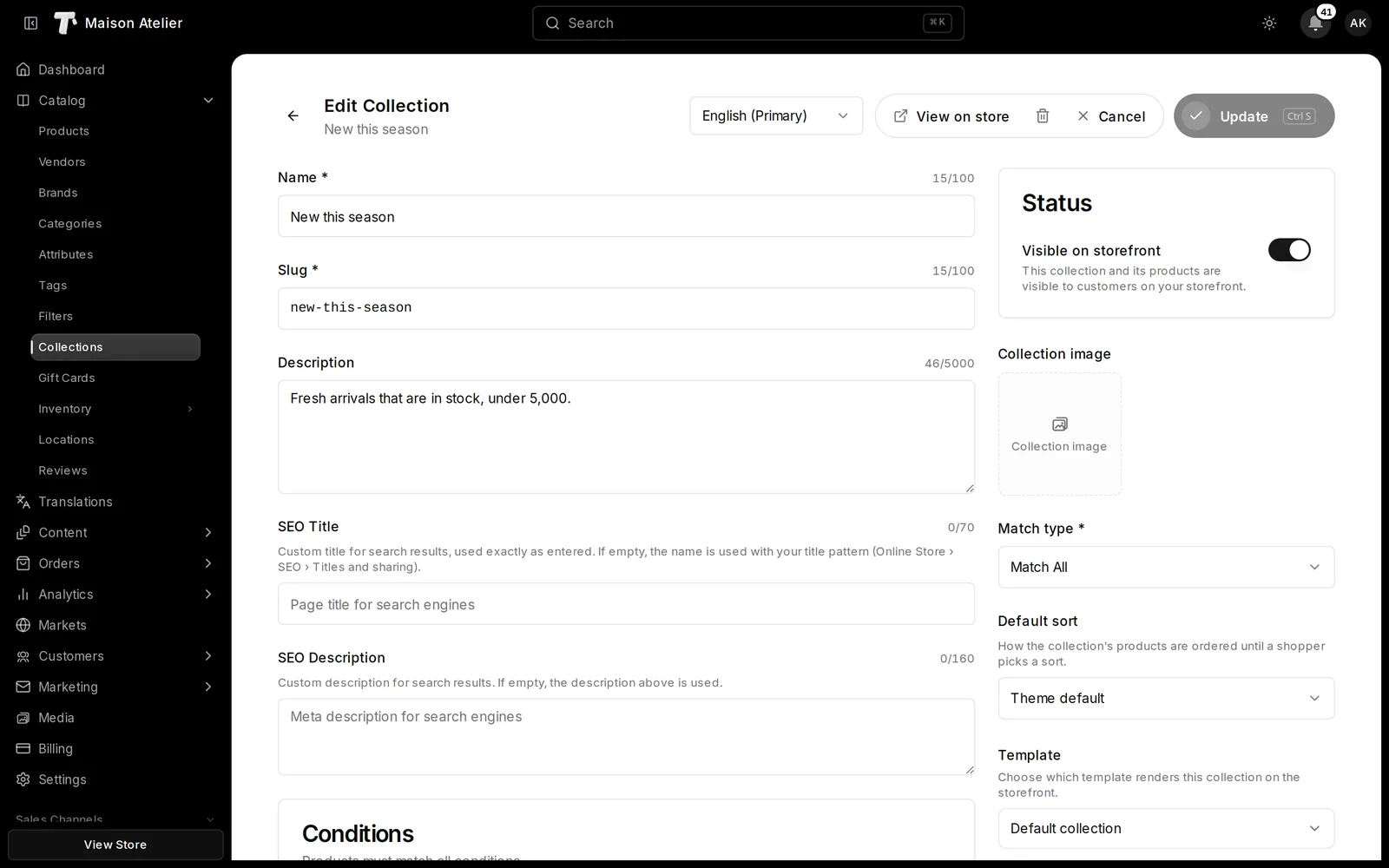
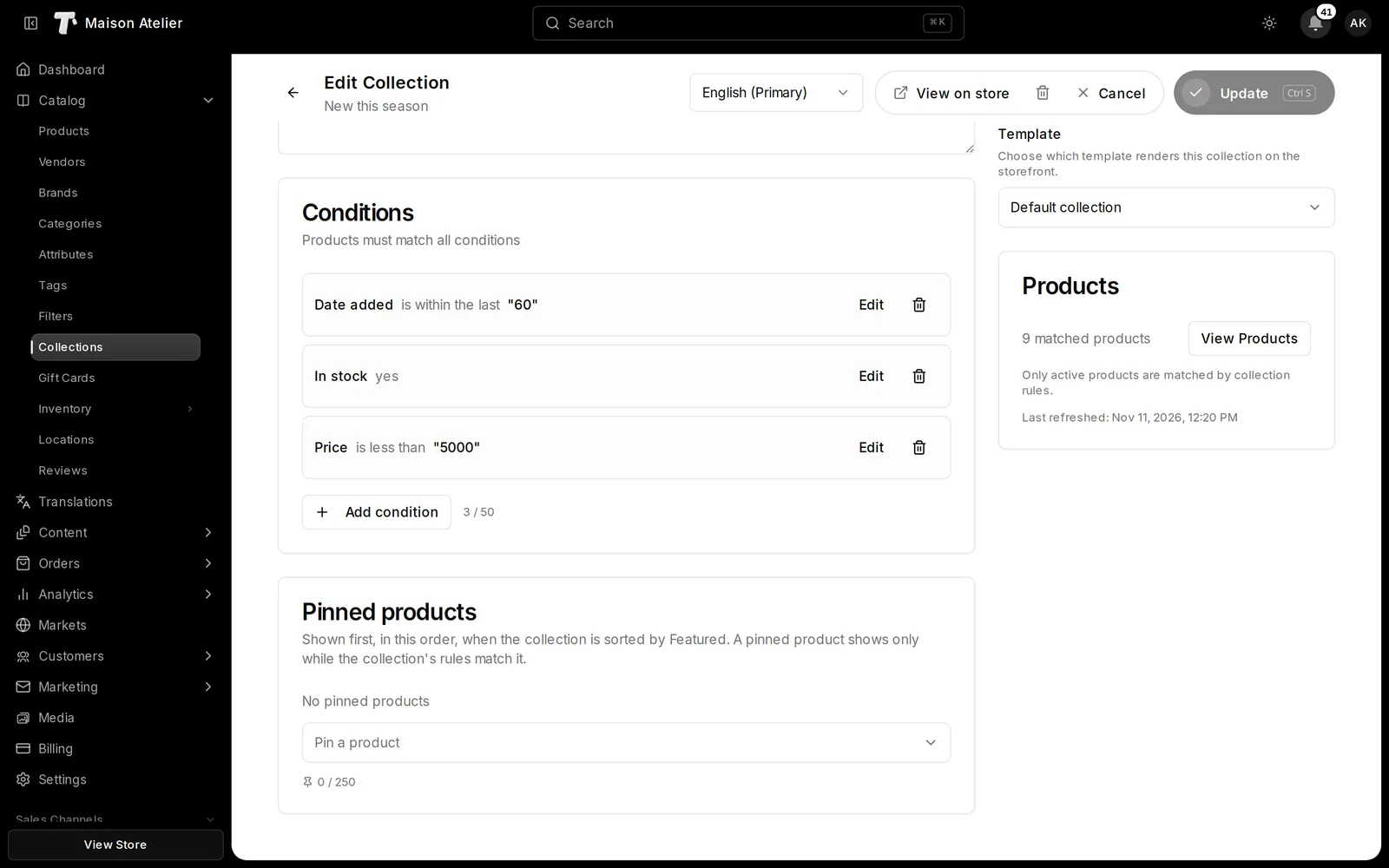
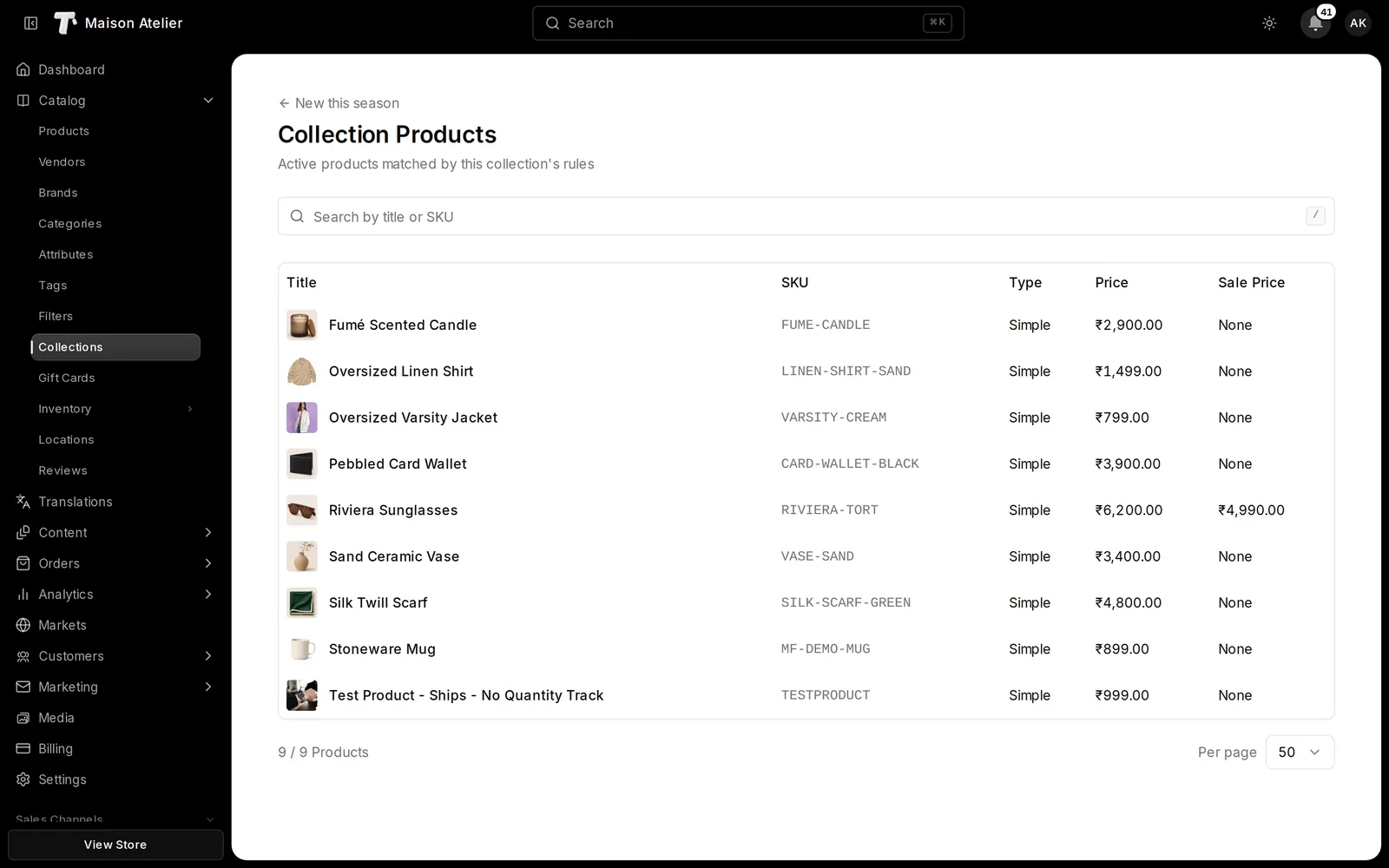
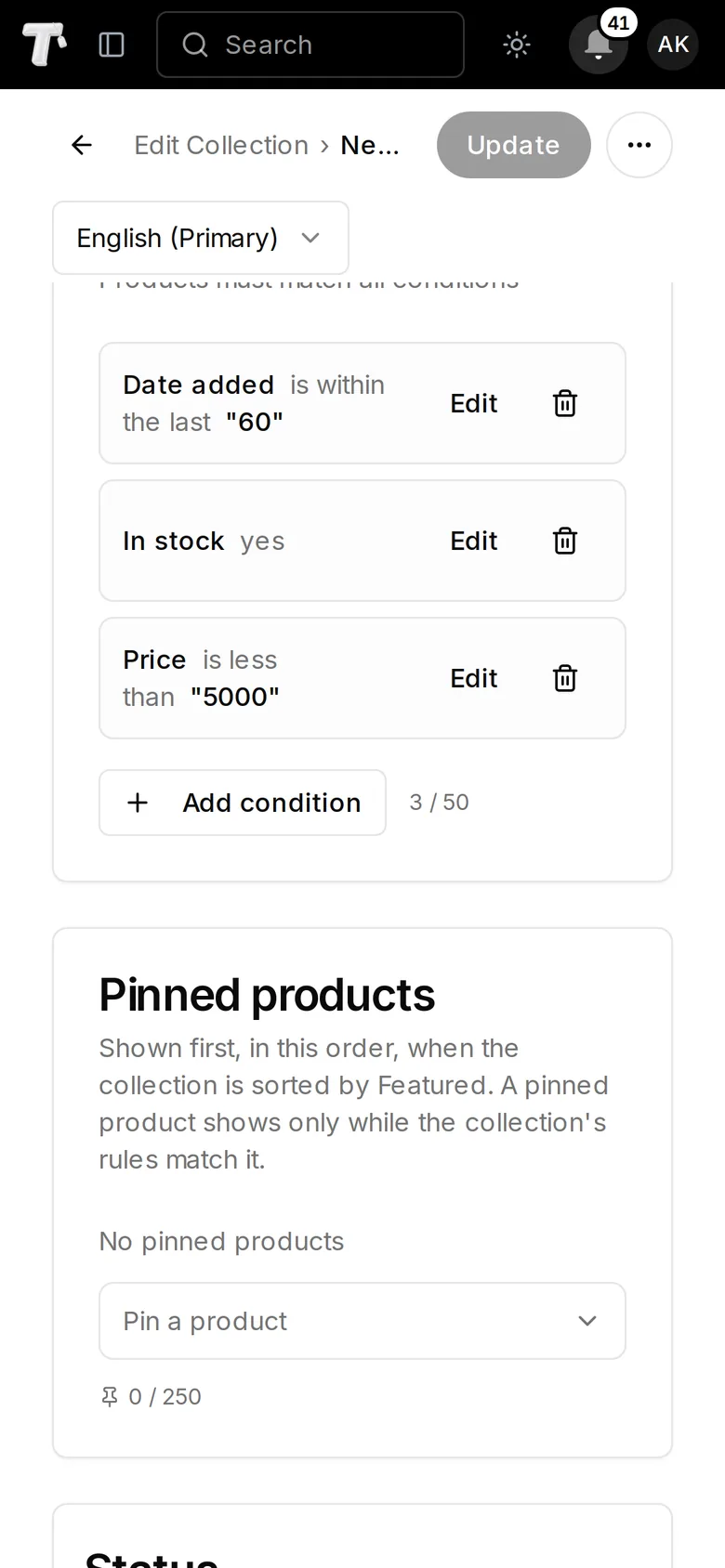
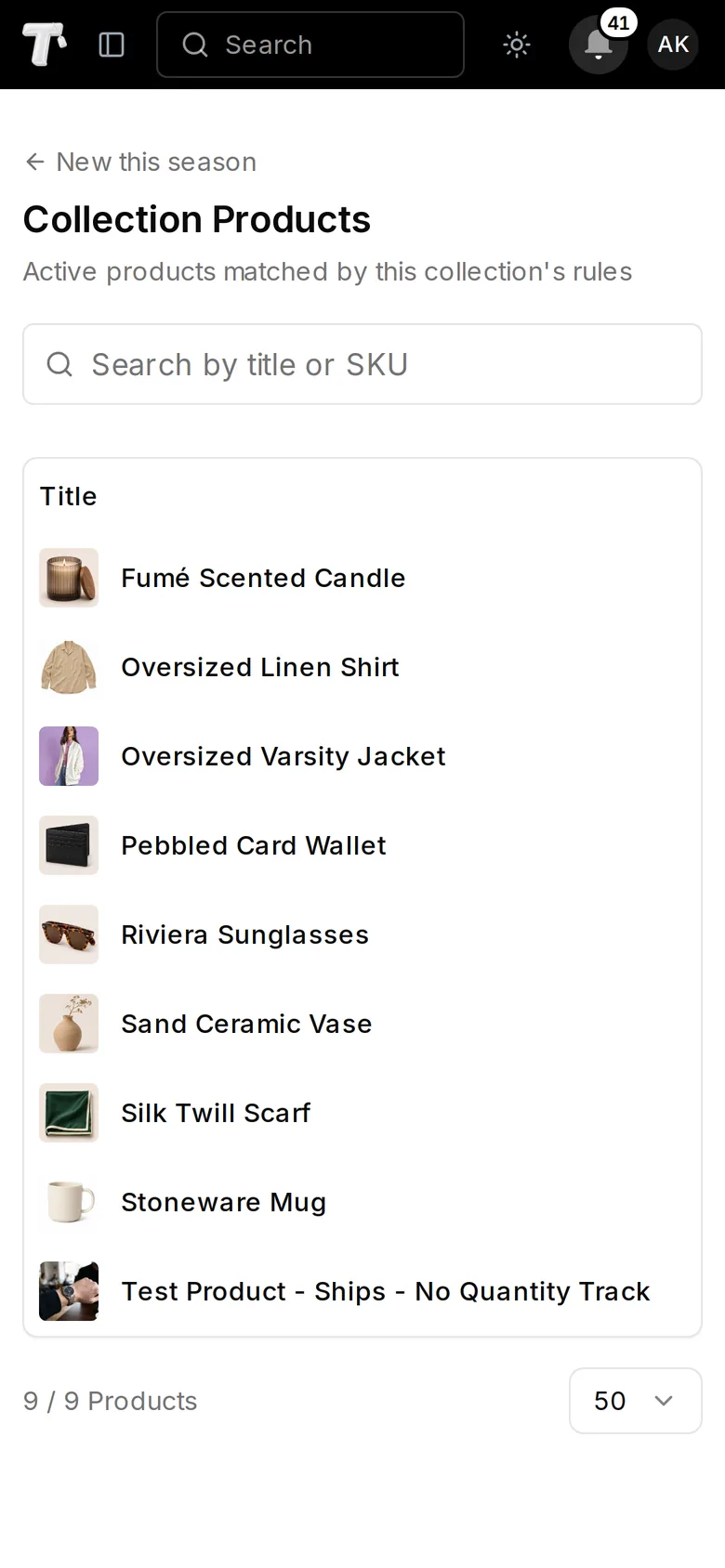
Set the conditions once and the collection fills itself: products join the moment they match and leave when they stop. Combine up to 50 conditions, and choose whether a product must match all of them or any one.
Nineteen kinds of condition
Catalog
Tag, category (with or without its subcategories), vendor or brand: is, is not, is empty or is not empty. Title contains or doesn’t contain a word.
Price
Price or regular price above, below or between two amounts, and whether the product is on sale.
Stock
Whether the product is in stock, or how many units are available across tracked stock.
Date and options
Added within the last so many days, up to ten years, or offered in an option value such as Colour: Red.
Performance
Units sold, best sellers, views, most viewed, sales growth, viewed but not bought and return rate, over the last 7, 30 or 90 days.
Mix them freely: up to 50 conditions per collection. A product must match all of them, or any one.
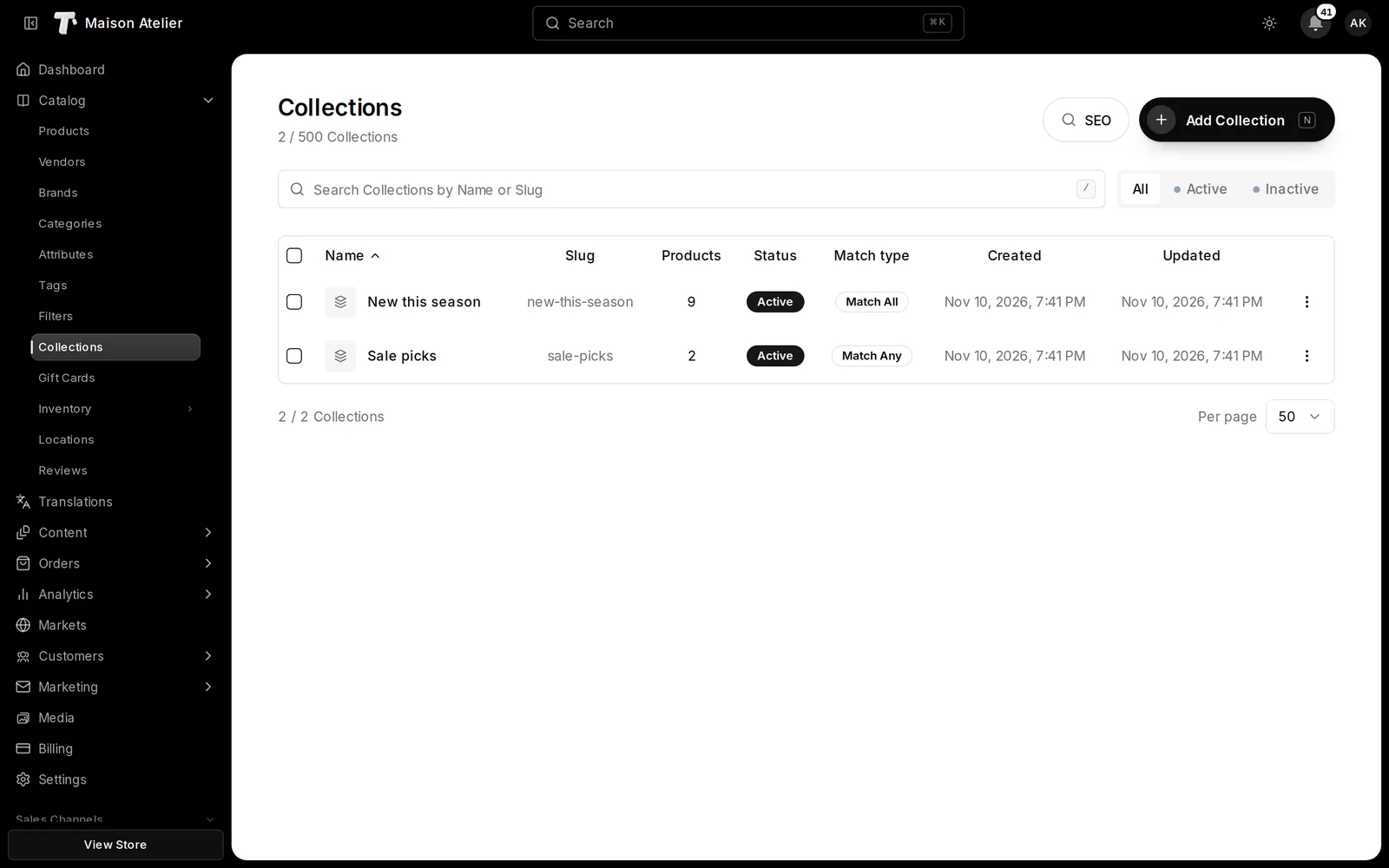
Pin what leads
Pin products to the top of a collection, in your order. Everything else follows the rules.
Sorted your way
Choose the order shoppers see first: featured, newest, best selling, title, price either way, or recently updated.
A page of its own
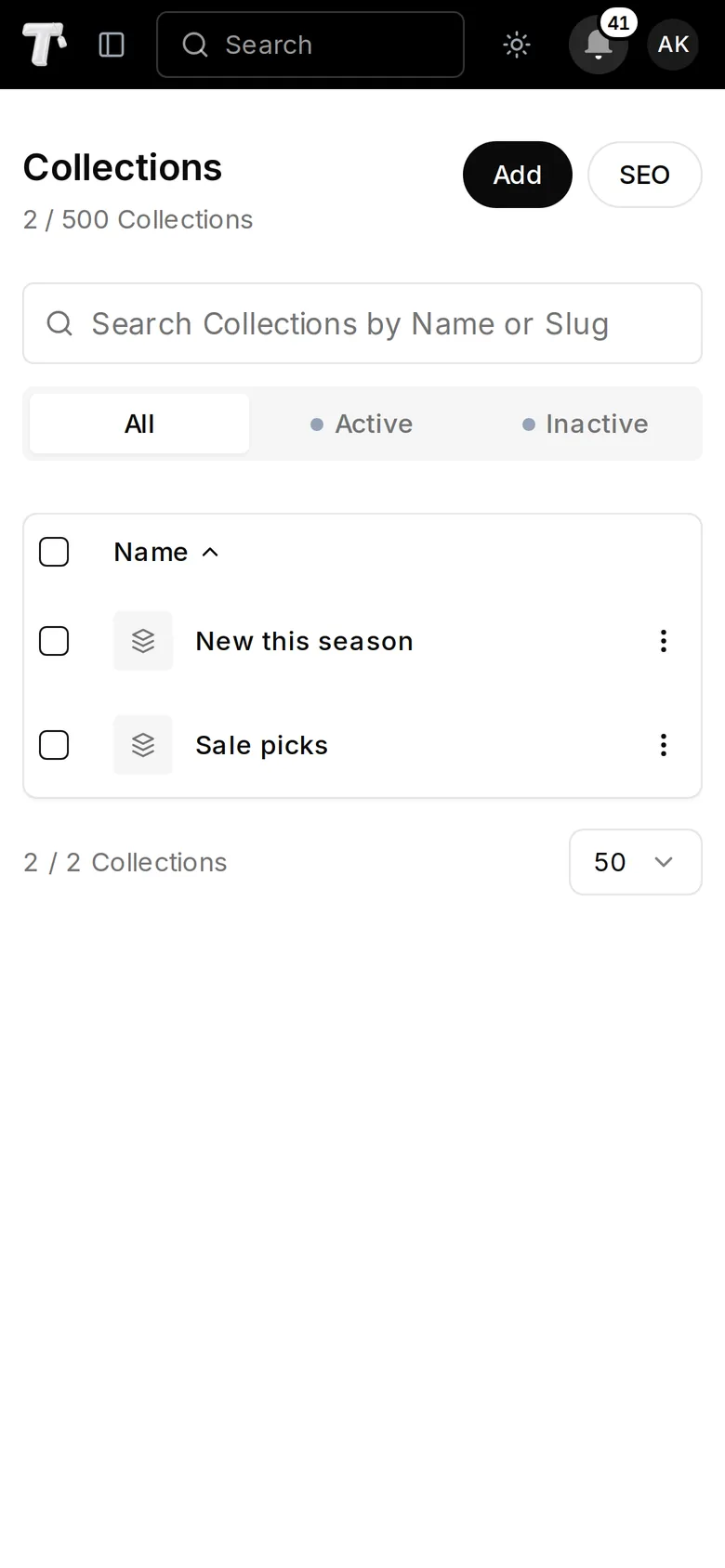
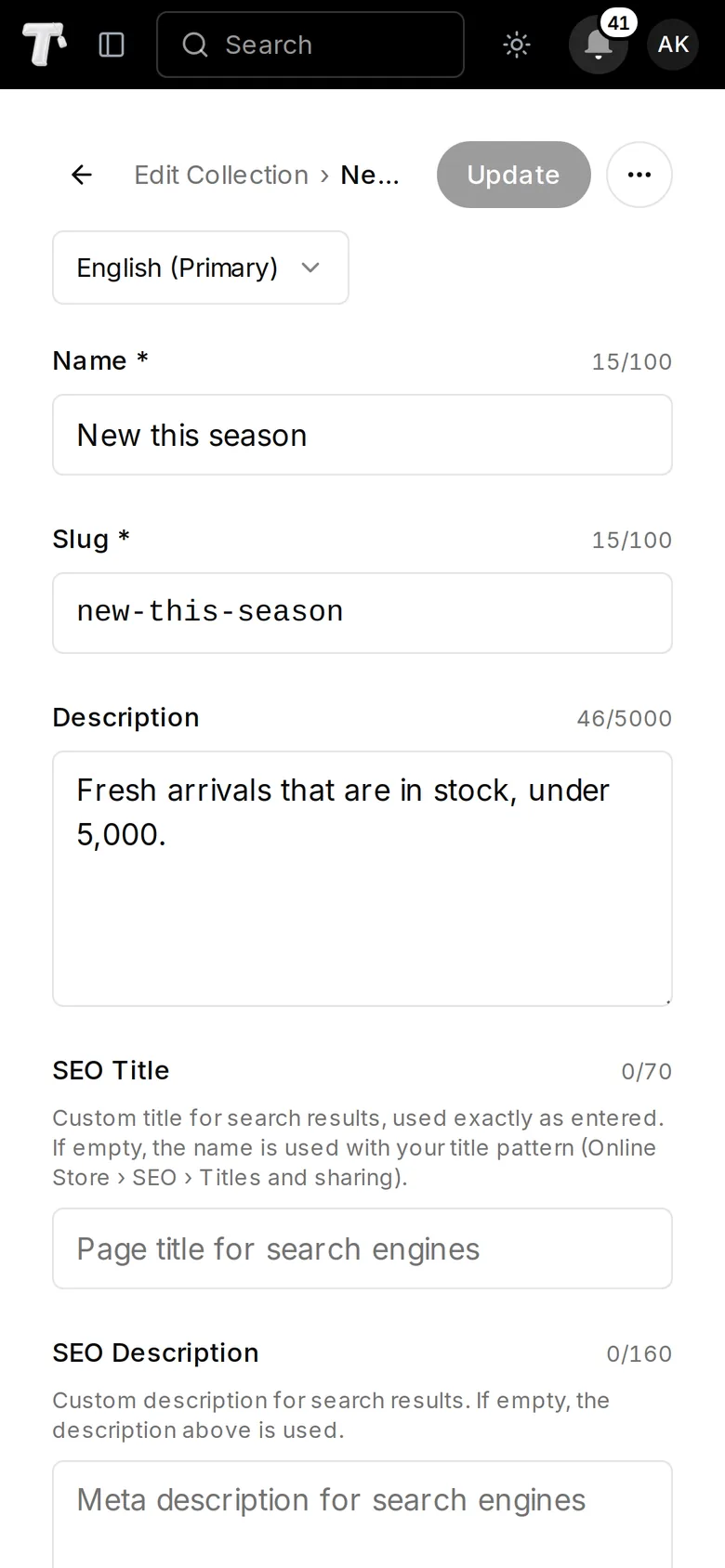
Each collection has its own page with an image, description, SEO details, theme template and translations, and can be hidden without losing its rules.
Link a collection from a menu, feature it in a theme section, or target it with a market discount or a packaging rule.
Find any product. Change many at once.
Search by title, SKU, variant SKU, barcode, vendor, brand or tag. Filter by status, type, vendor, brand, category, tag, collection, sales channel, location, price or stock.
Bulk actions
Select products to set their status, categories, tags, brand, vendor or sales channel together.
Import, update and export
Bring products in by CSV, update them in place, or export your catalog. Previews show every row error before you confirm.
With any AI
Create, edit and translate products from any AI assistant through Connectors and MCP, on the same catalog as Store Admin.
Organized for you. Easy to browse for shoppers.
Categories
Nest categories under parents. Each can have its own page, image, SEO details and theme template.
Vendors, brands and tags
Record who supplies a product and whose brand it carries, and label it with tags for search, filters and collections.
Storefront filters
Turn variant options, attributes and eligible metafields into filters for your storefront, as checkboxes, swatches, ranges, toggles or pills, in the order you choose.
Metafields
Add structured details to products and variants: text, numbers, dates, choices, files, references and lists, with buyer access set for each definition.
Translations
Translate titles, URL slugs, descriptions, SEO, variant titles and eligible metafields for each language, in the product form or in bulk.
Sales channels
Choose where each product is published: your Online Store and any other sales channel you connect.
More for every product.
AI photos and alt text
Generate product photos, and write alt text across your whole catalog in one job, with your store’s AI credits.
Recommended products
Show related products on the storefront, pin the picks you want, set rules and leave out what shouldn’t appear.
Reviews
Collect product reviews with photos, moderate them, and reply as the store.
Back-in-stock requests
Shoppers ask to hear when a product returns. See the demand and notify them when it’s back.