Filters & Search
Help shoppers find it in a few clicks.
Storefront filters built from your catalog, search with instant suggestions and synonyms for the words your shoppers use. Managed in Store Admin.
- filters per store
- 50
- ways to display a filter
- 6
- letter is all suggestions need
- 1
- words in a synonym group
- 2–25
- days of search history
- 90
Storefront filters
Filters that narrow. Counts that stay honest.
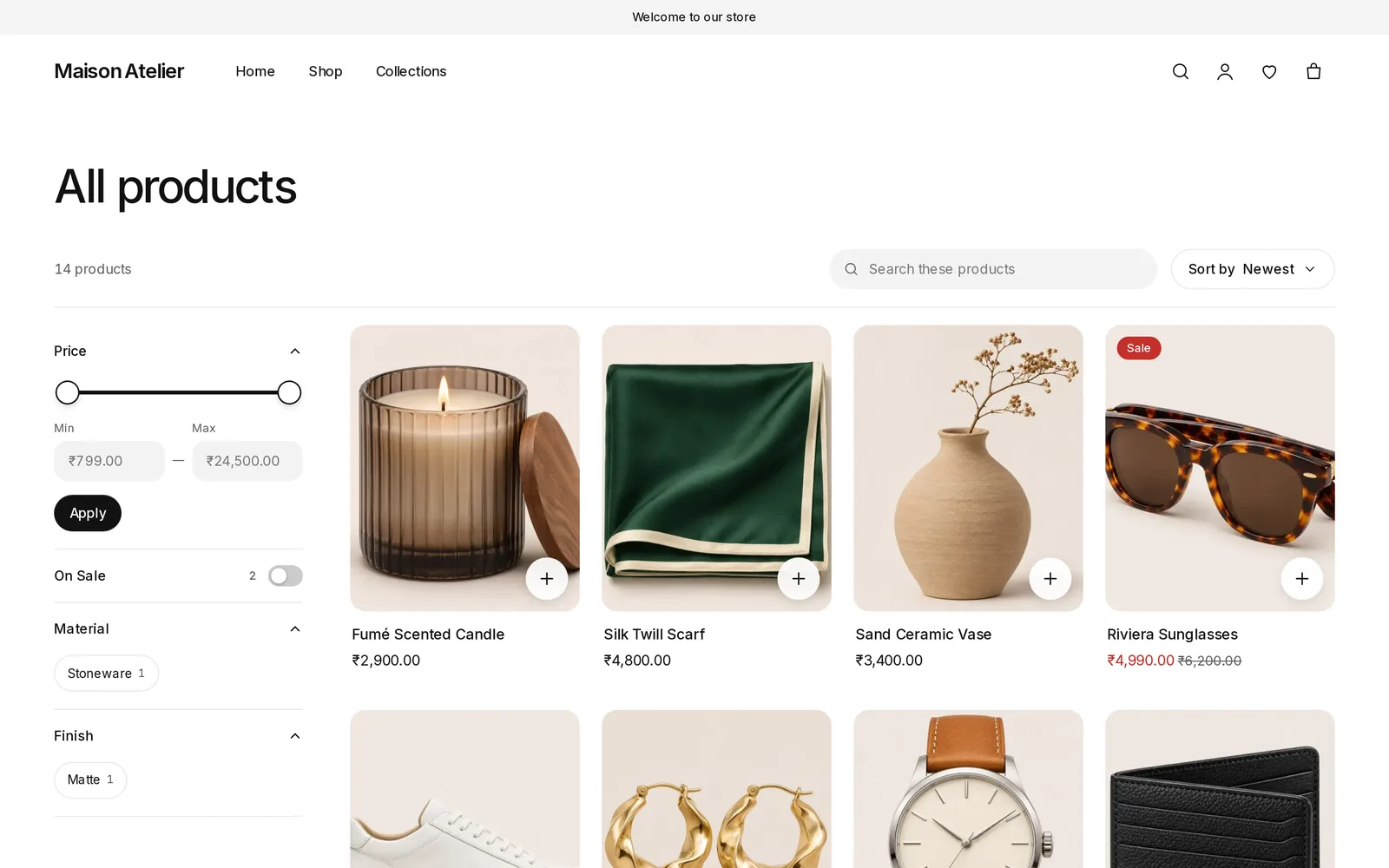
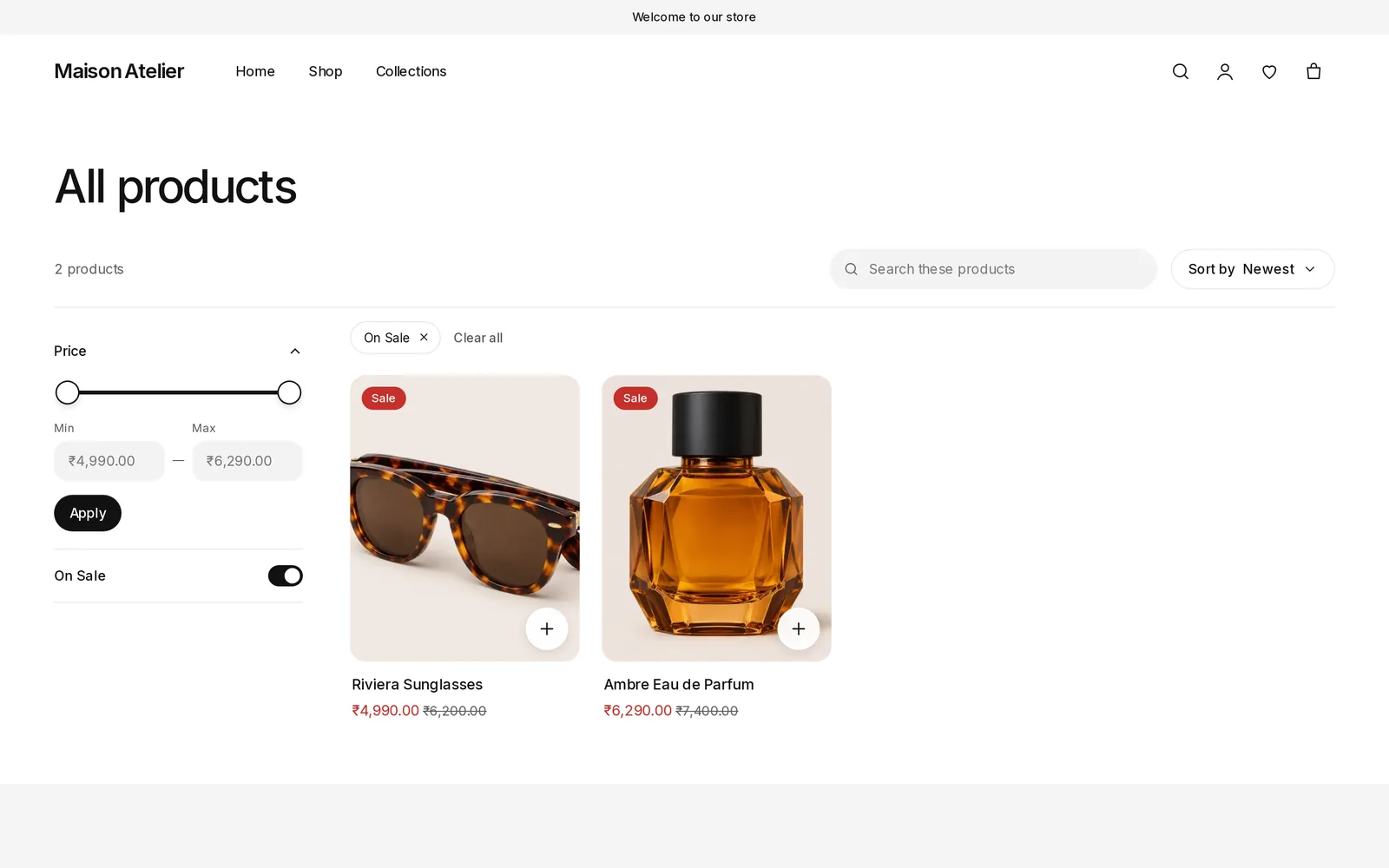
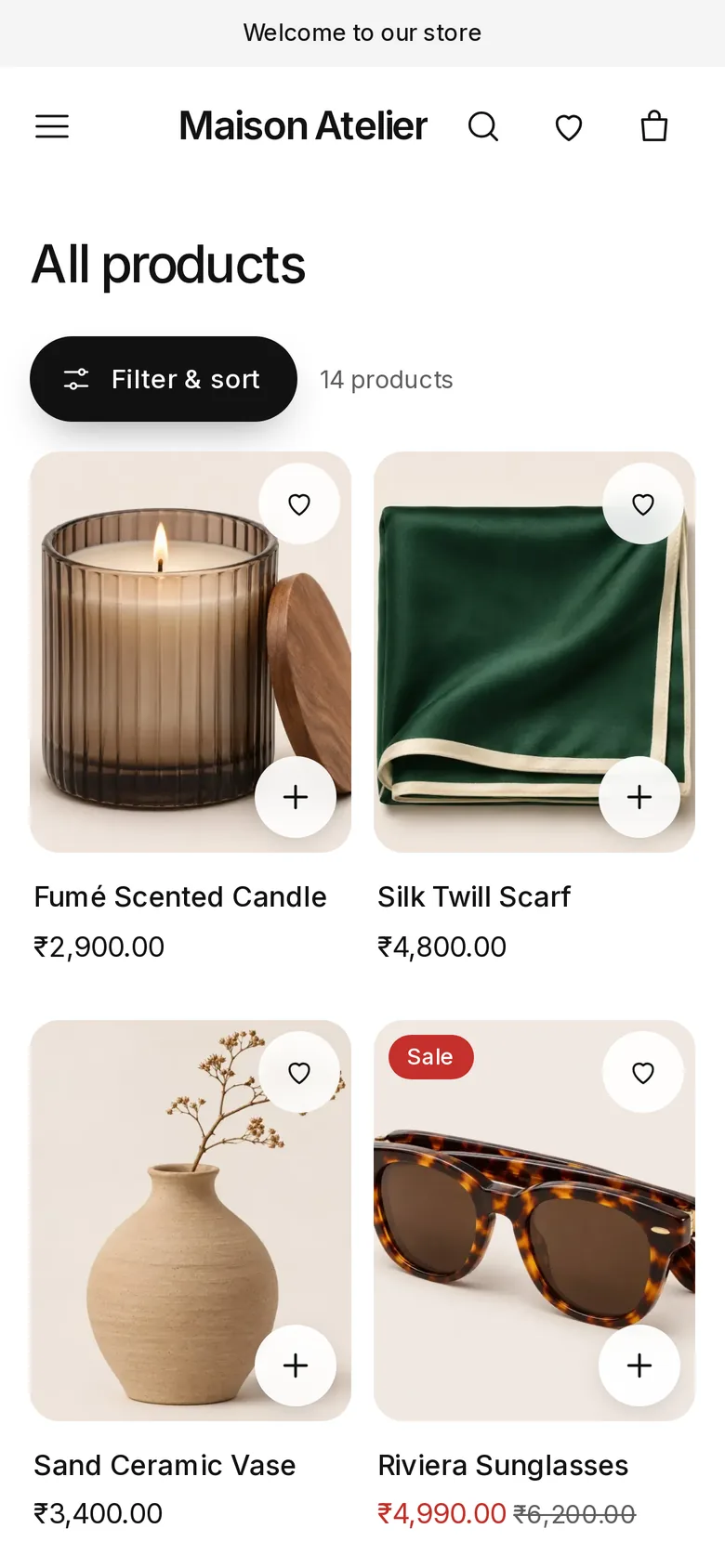
Shoppers combine filters on collection, category, vendor, brand, search and all-products pages. Choices within one filter widen the results; each further filter narrows them. Every count shows what a shopper gets by choosing it.

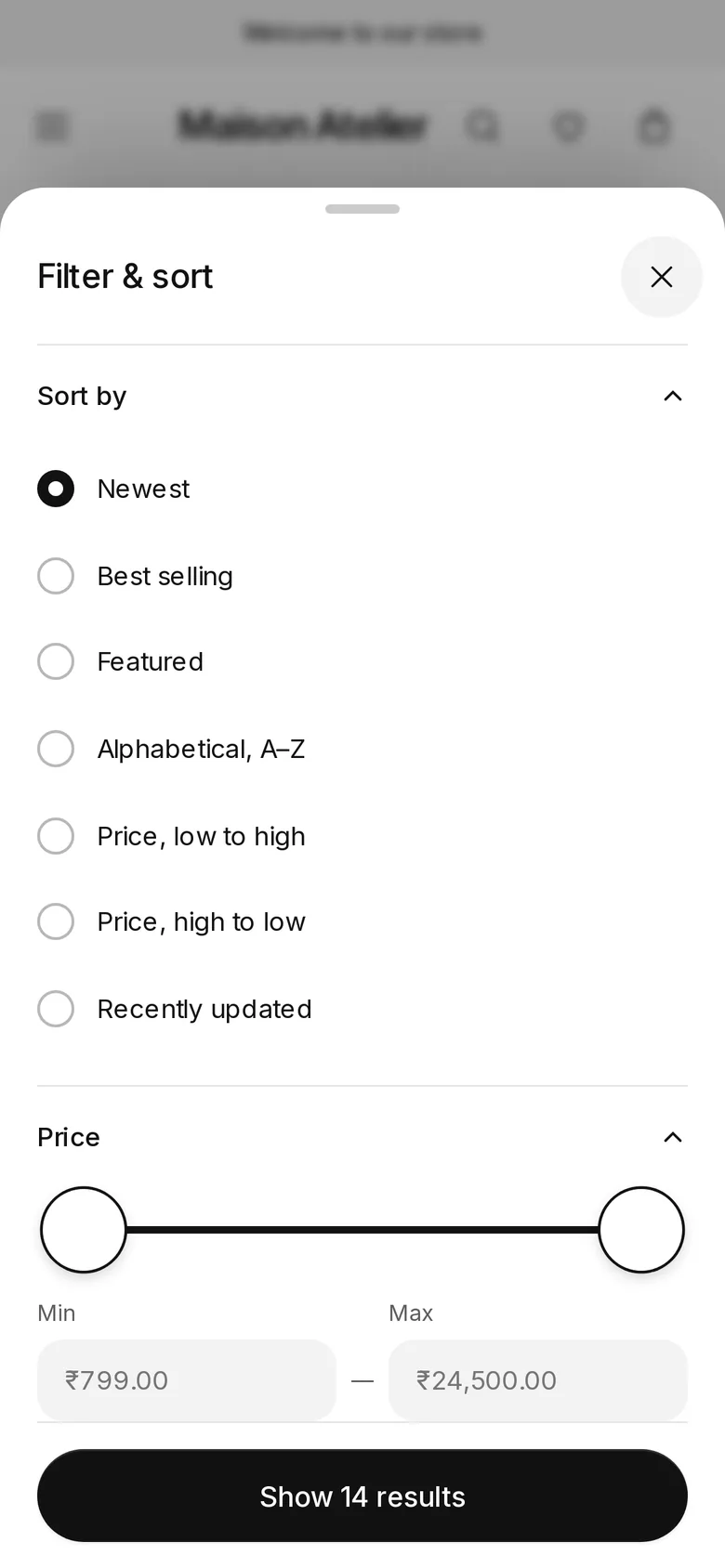
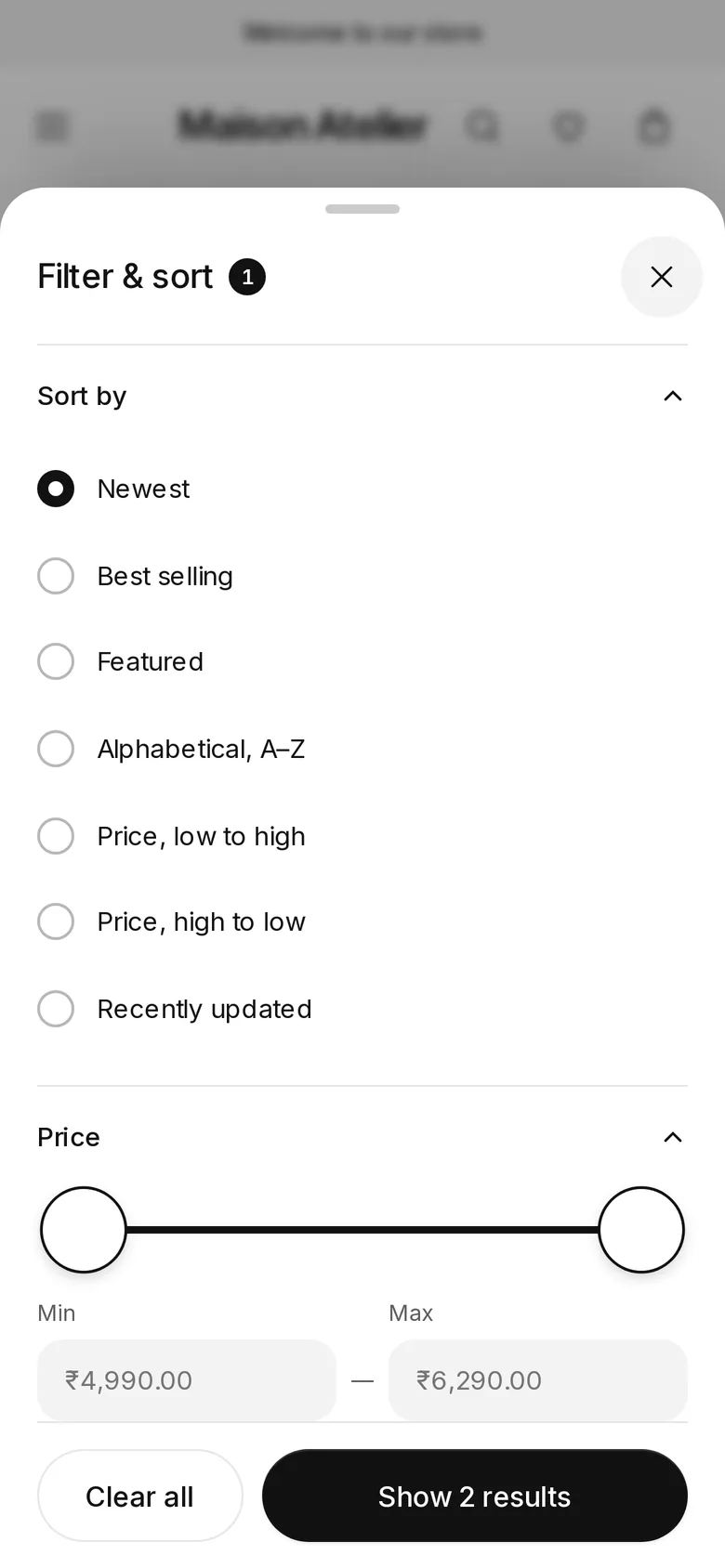
Counts with the other filters applied
Each choice counts the products that match it with the shopper’s other filters in place. Choices with nothing to show are left out, and a selected one stays until the shopper removes it.
Only combinations that exist
Variant filters such as color and size must match on the same variant. Black and L only finds products that sell a black shirt in L.
A link for every view
Filters, price range, sort order and page are kept in the URL, so a filtered listing can be bookmarked, shared or added to a menu.
The price shoppers pay
The price filter uses the price a shopper pays, sale prices included, in the currency they shop in.
Seven ways to sort
Newest, Best selling, Featured, A to Z, price low to high or high to low, and Recently updated. Search results add Relevance and start with it.
Ready for large catalogs
Long lists of choices can be searched and paged where your theme offers it. Above 20,000 products in a listing, counts are estimates marked with a plus sign.

In Store Admin
Choose the filters. Set their order.
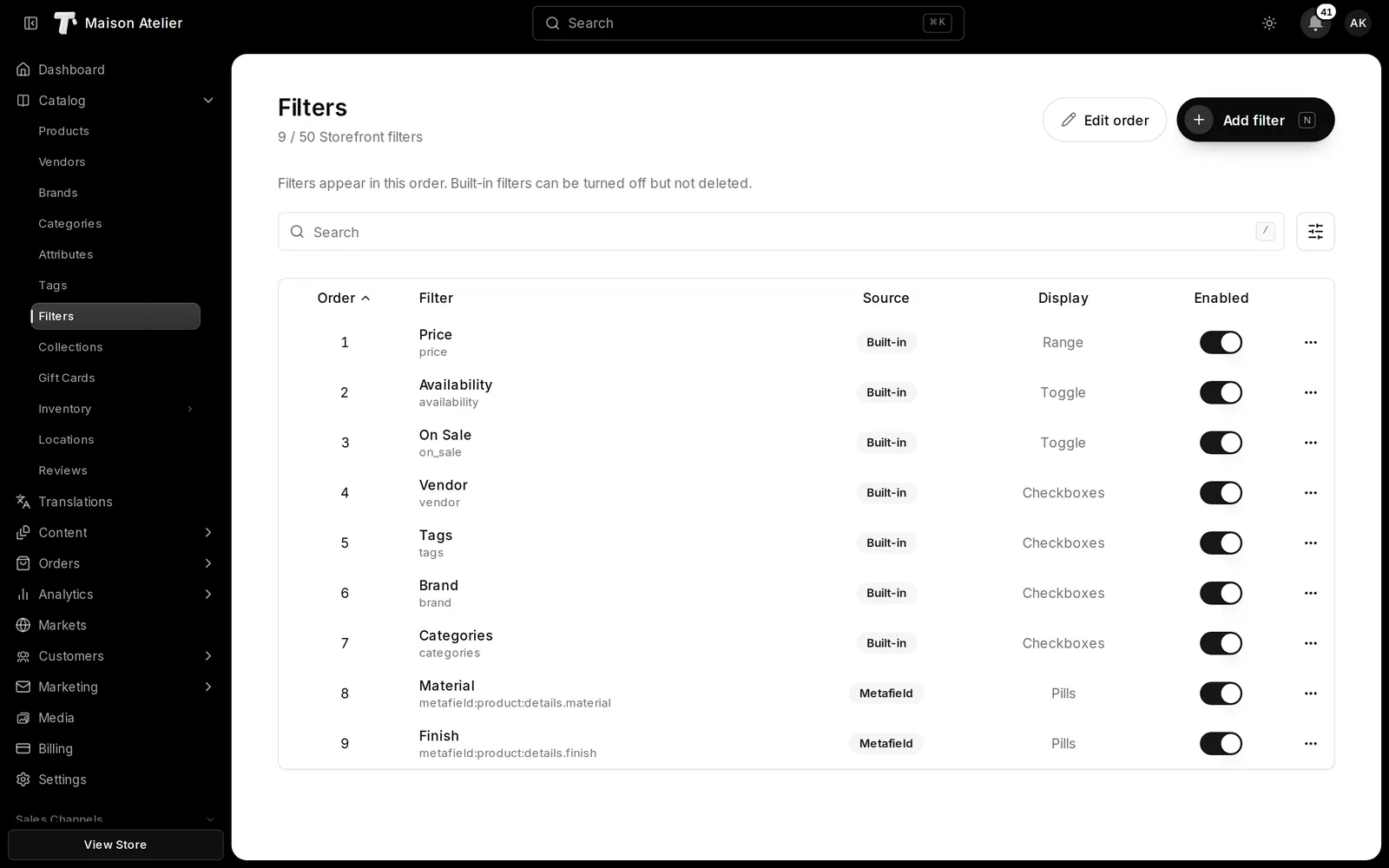
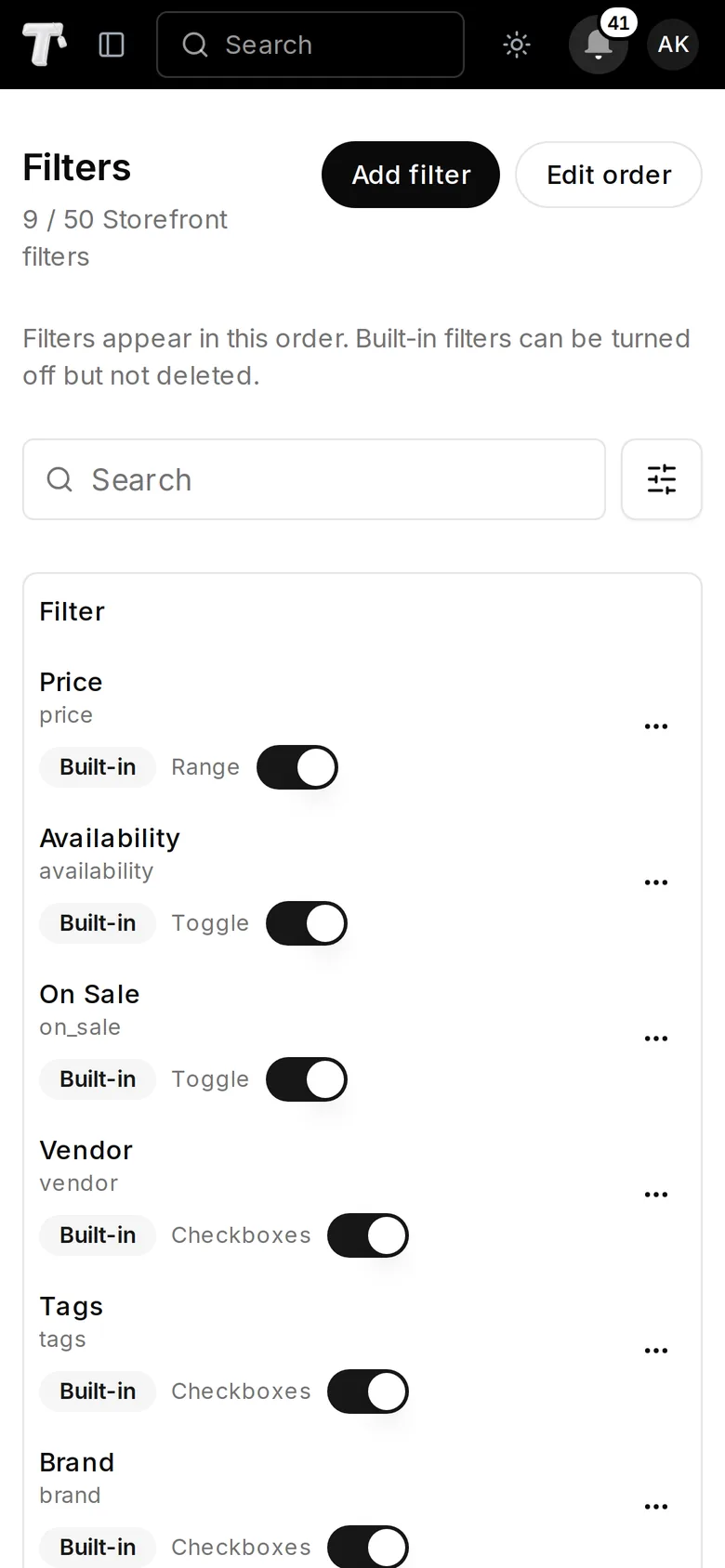
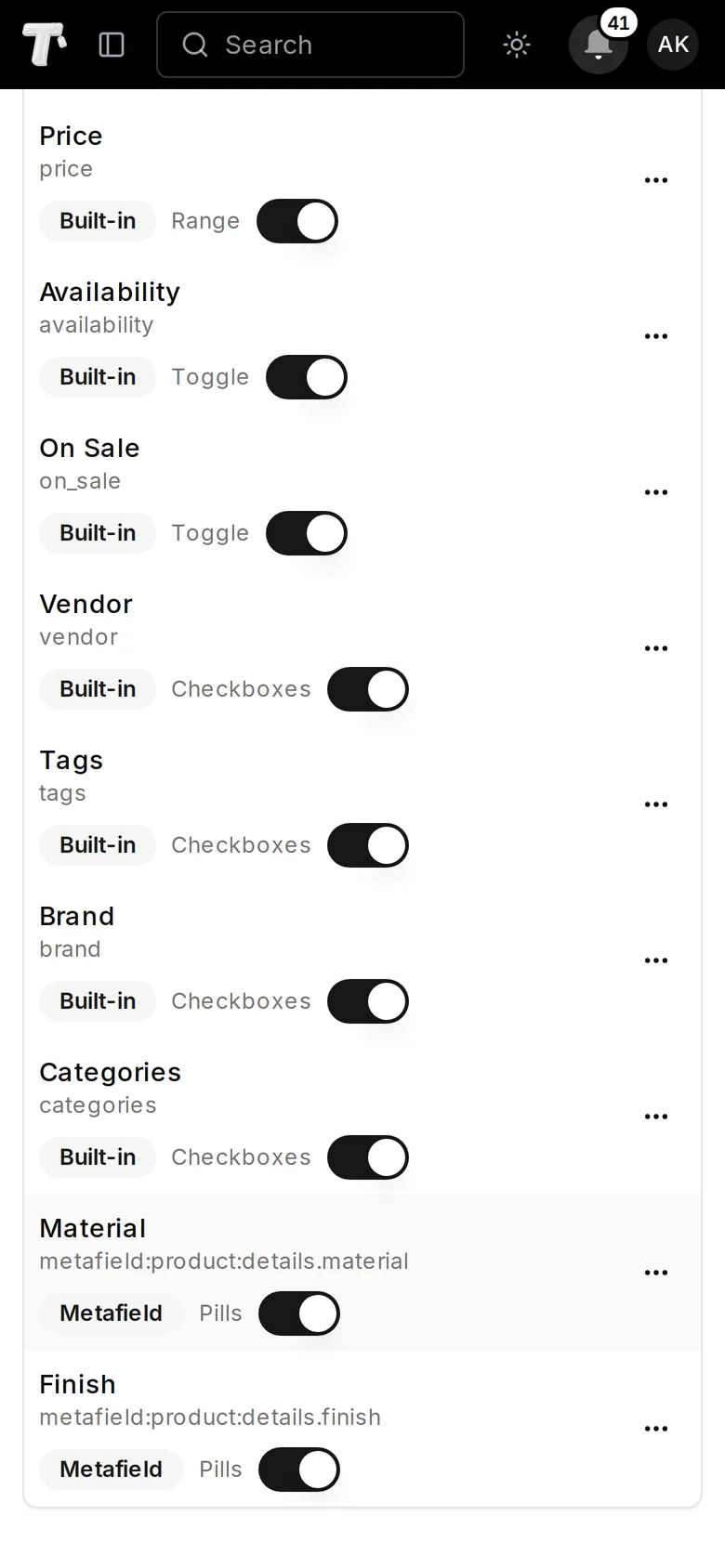
Every store starts with seven built-in filters: Price, Availability, On sale, Vendor, Brand, Tags and Categories. Add your own from attributes such as Color or Size and from product or variant metafields. Set each label, how it displays, whether shoppers can pick more than one value, and the order filters appear in.
Each filter where it belongs
Show a filter on the all-products page, in search, or on collection, category, vendor or brand pages. Limit it to up to 100 specific ones, a category with all its subcategories if you like, or hide it from the pages you name.
A display for each source
Checkboxes, pills, color swatches, image swatches, a price range or a toggle, depending on what the filter is built from. Your theme draws them in its own style.
Metafields that qualify
Product and variant metafields that are visible on the storefront and set as filterable: choice lists, true or false, whole numbers and decimals.
Built-in filters stay
Rename, reorder or turn off a built-in filter. Its behavior is fixed, and it can’t be deleted.
Filters in every language
Translate filter names in Translations, by hand, with AI or by CSV. Choices reuse your translations of attribute options, vendors, brands, categories, tags and metafields, and built-in choices such as In stock come translated. Anything not yet translated shows in your default language.
Up to 50 filters
Up to 50 filters per store, built-in and turned-off ones included, with labels of up to 100 characters. Filters come with every plan.
With any AI, or the API
Add, edit, reorder and translate filters from any AI assistant through MCP, or manage them through the Store API.
Search
Search that suggests as shoppers type.
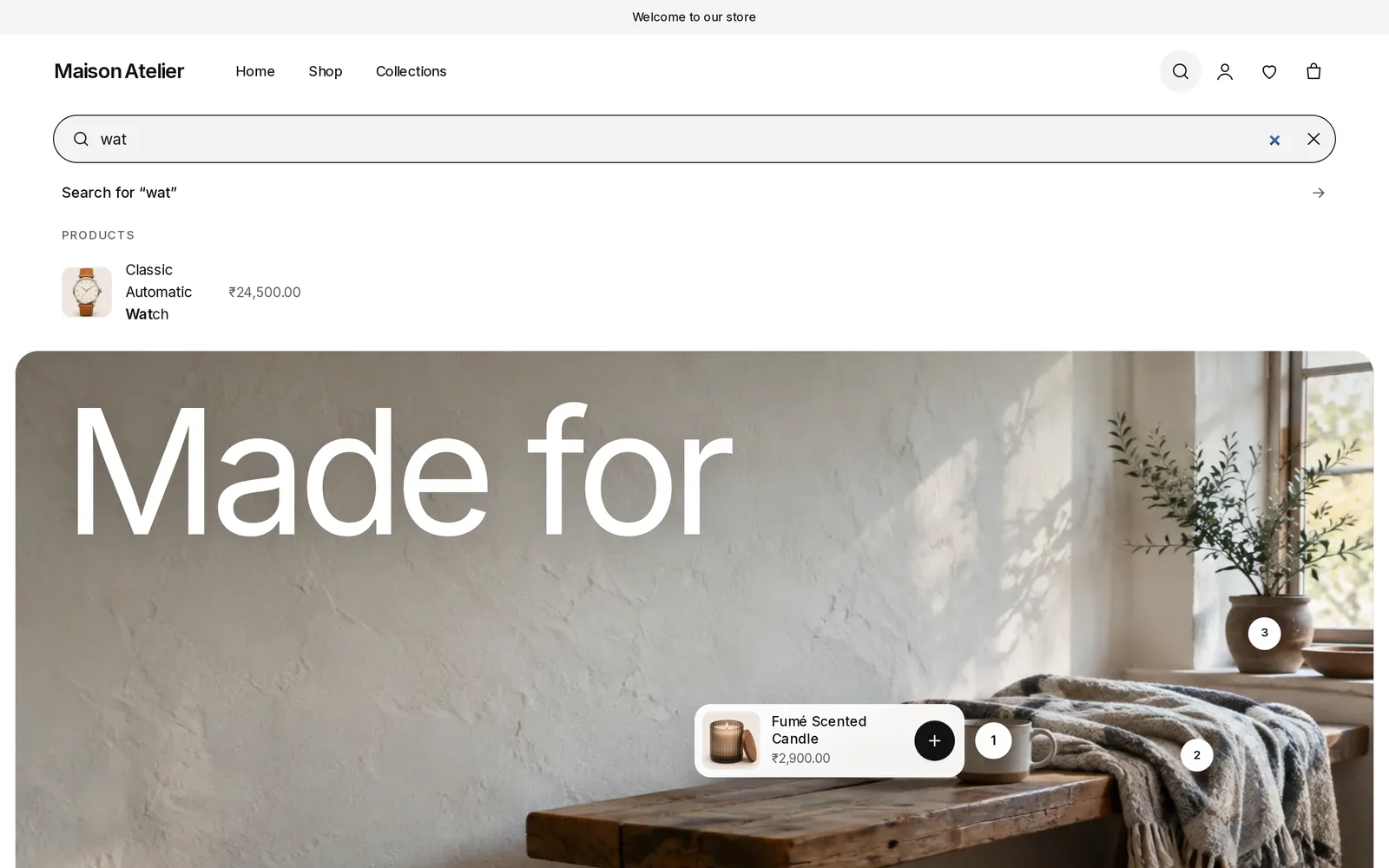
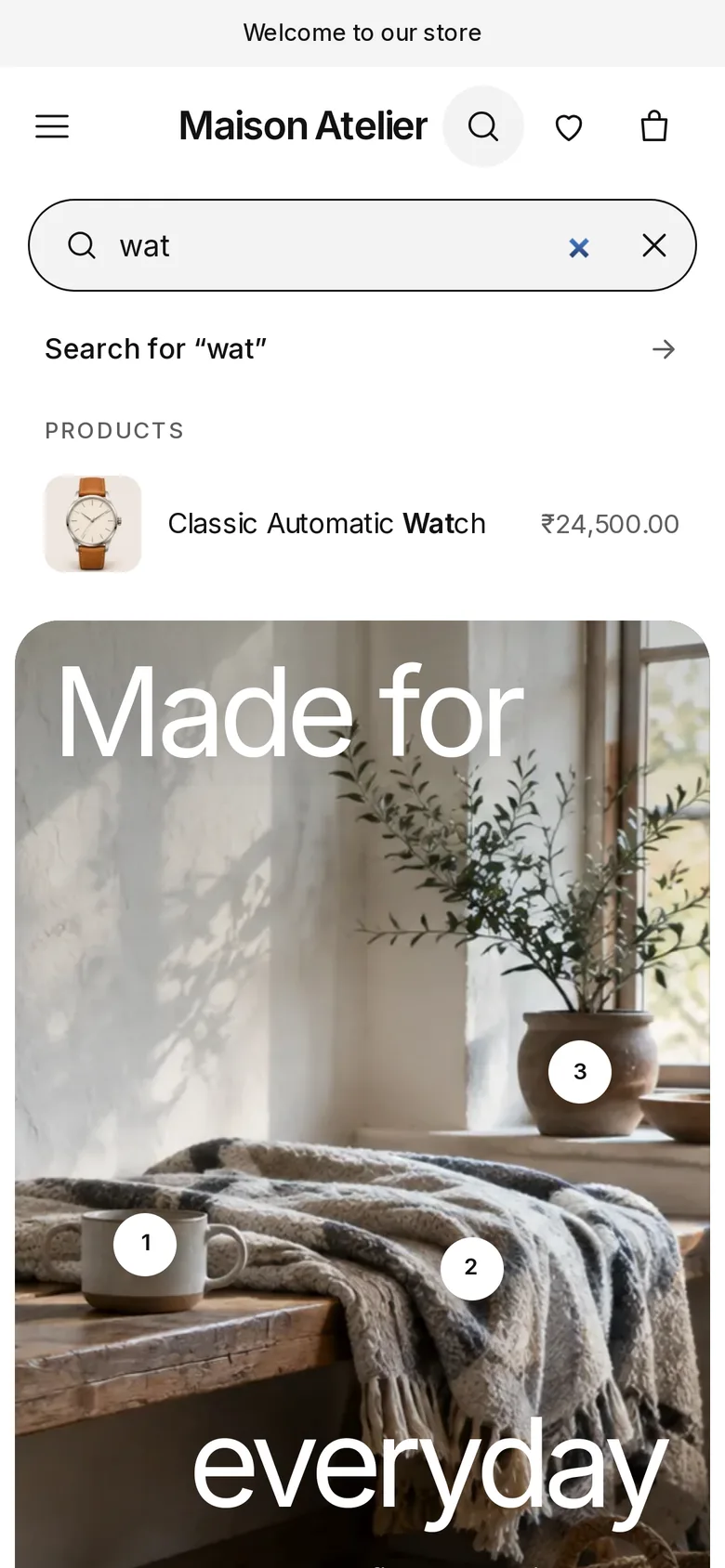
Search reads product titles, SEO titles, vendors, brands, product types, descriptions and searchable metafields, in the shopper’s language. Every word must match, in any of its forms such as plurals, and the last one can be unfinished, so results appear from the first letter a shopper types.
Suggestions as they type
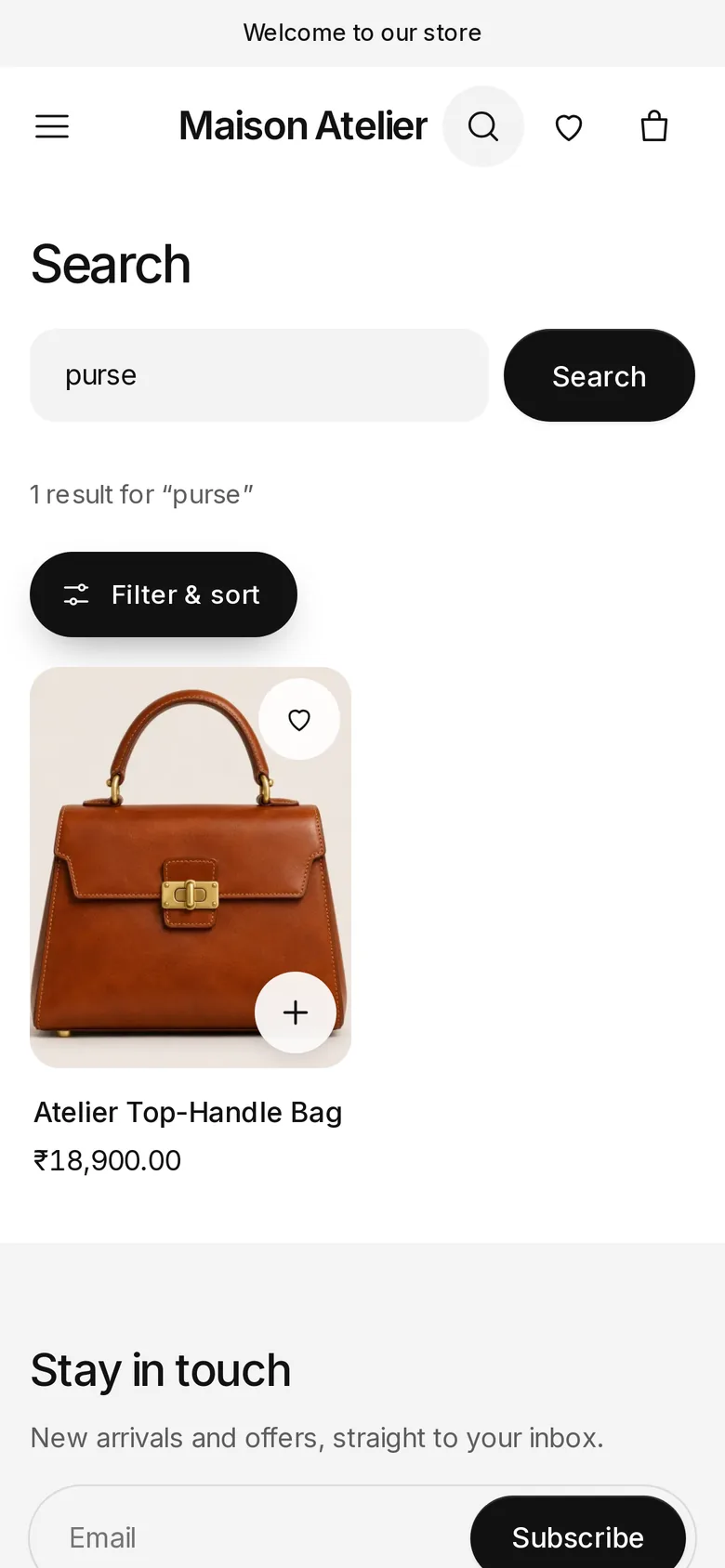
From the first letter, shoppers see up to ten products with image, price and vendor, up to five of each other result type, and a link to all results.
More than products
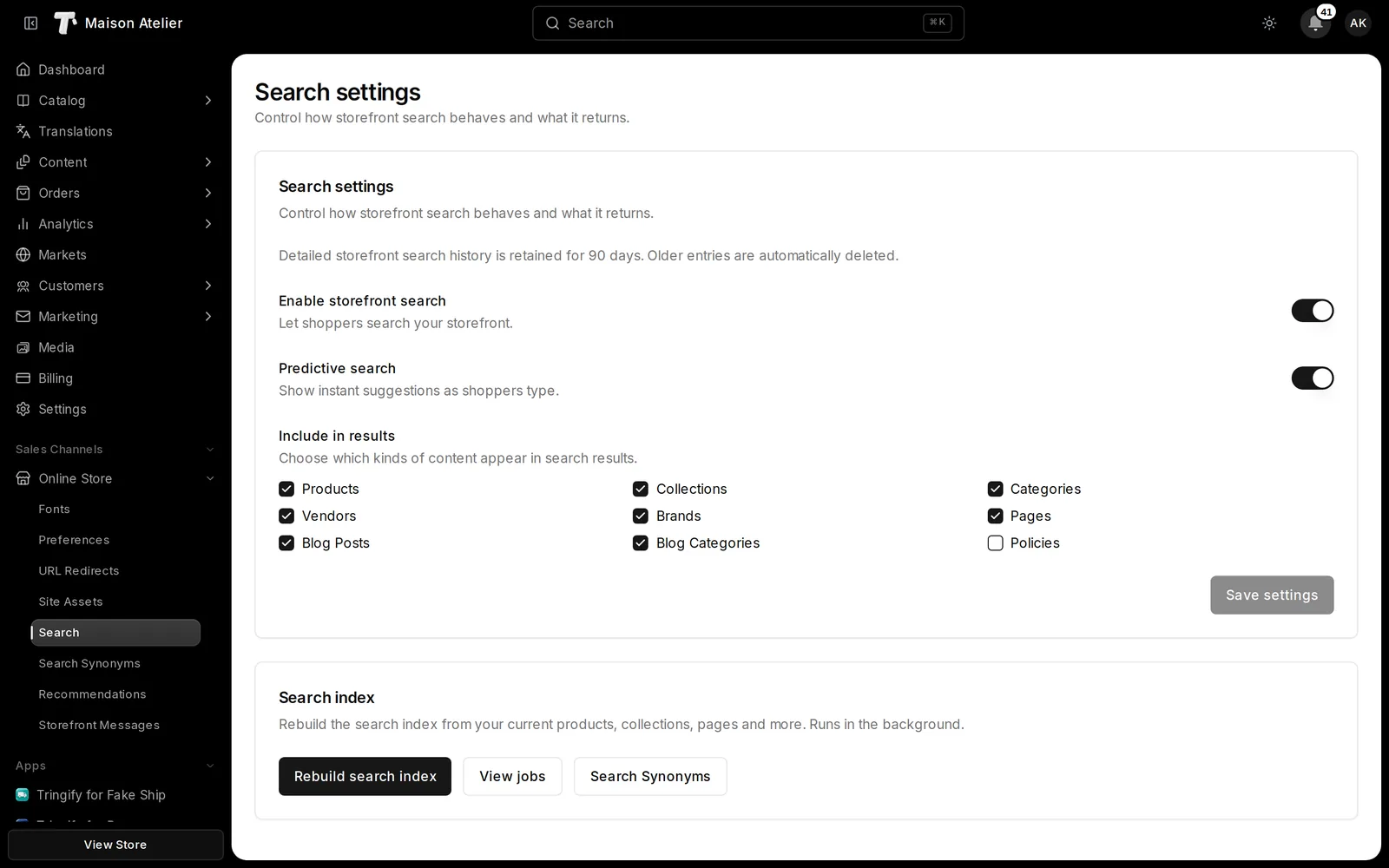
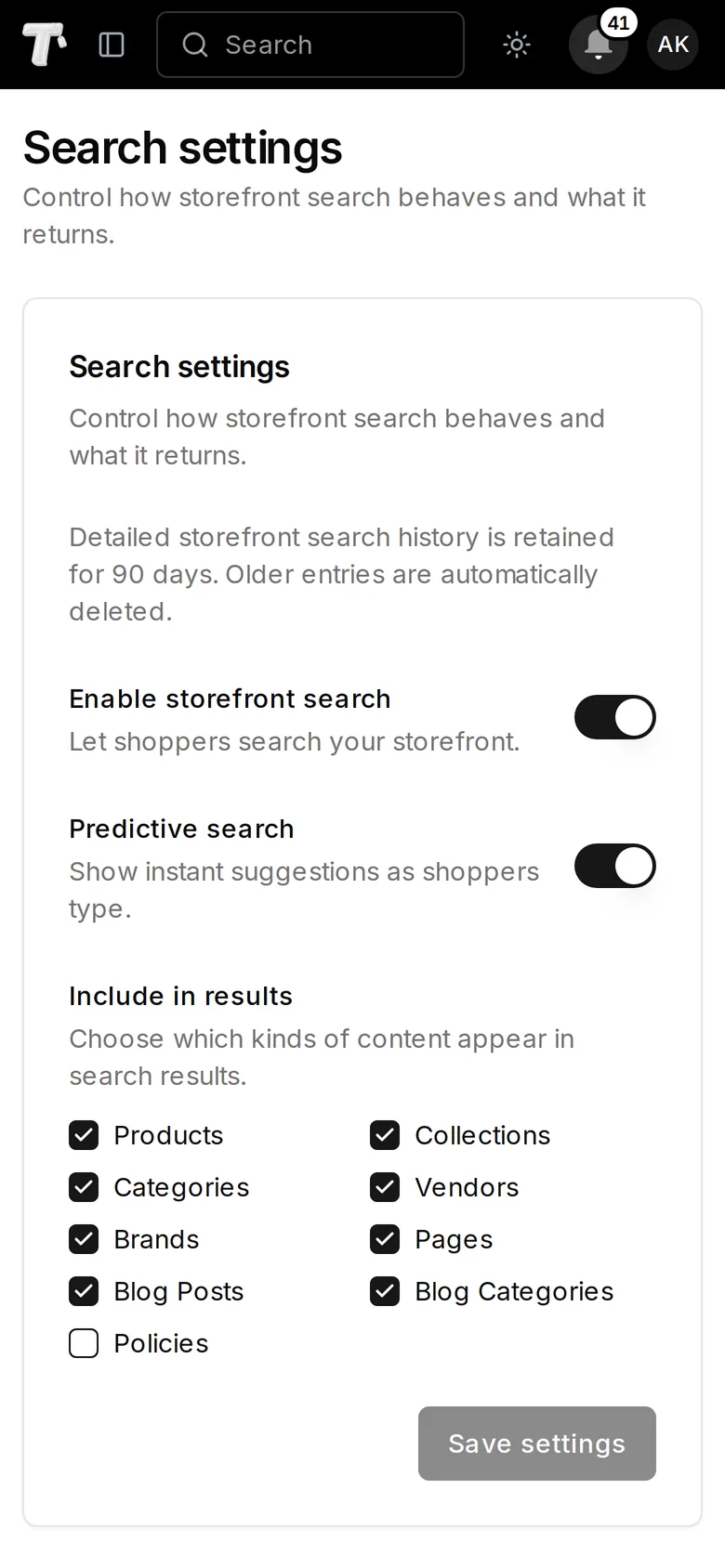
Choose what else search returns: collections, categories, vendors, brands, pages, blog posts, blog categories and policies.
In the shopper’s language
Each store language is searched in its own translated text, so shoppers find products by the names they read.
Filters on the results
The search results page offers the same filters and sort options as your collections.
Matches what shoppers type
Search matches whole words and their other forms, such as singular and plural, in each store language. It doesn’t correct spelling: add synonyms for the other names and spellings your shoppers use.
Only what’s for sale
Products appear when they’re active, listed and available on the sales channel. Rebuild the search index in the background if recent changes are missing.
Synonyms
Speak your shoppers’ language.
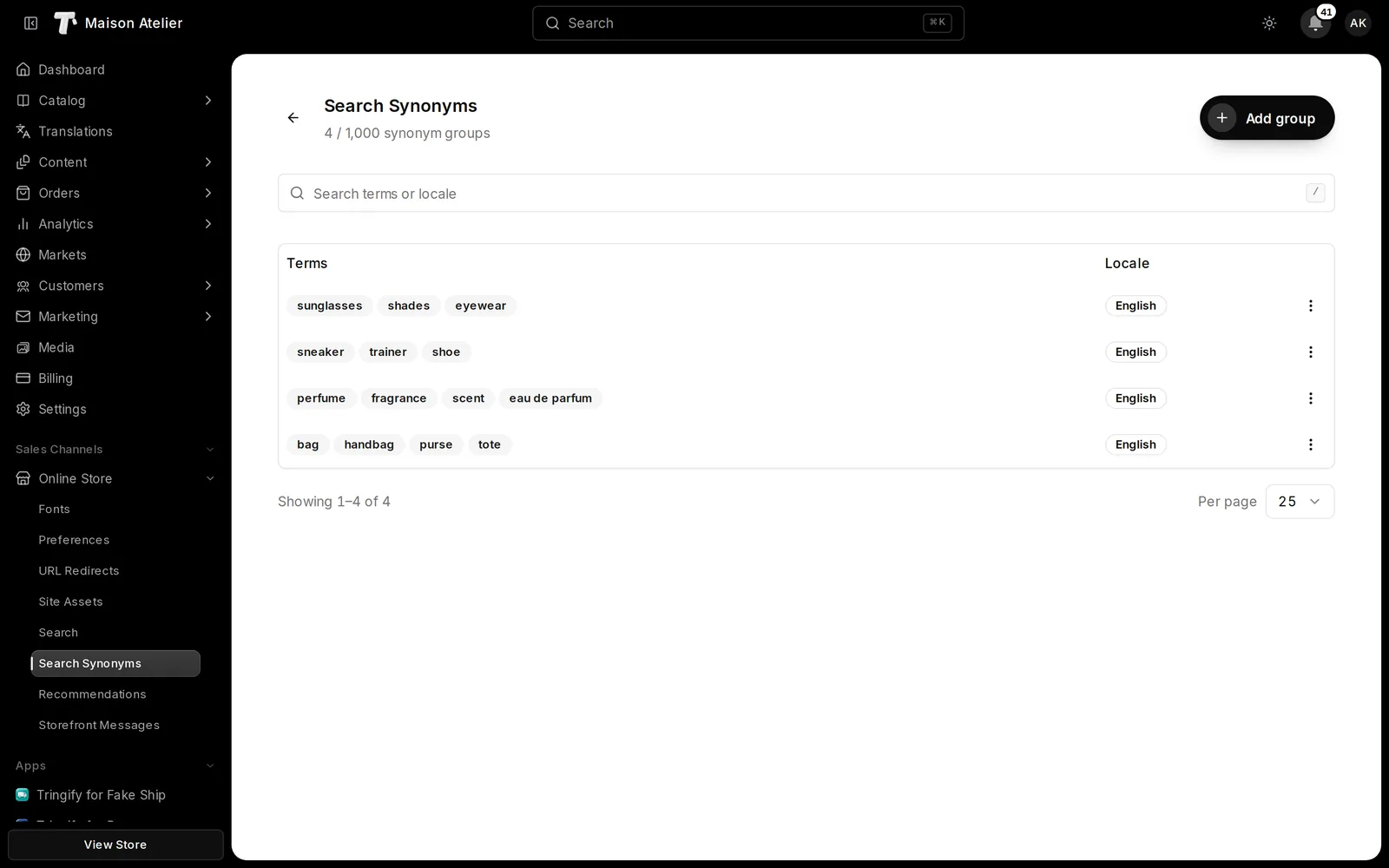
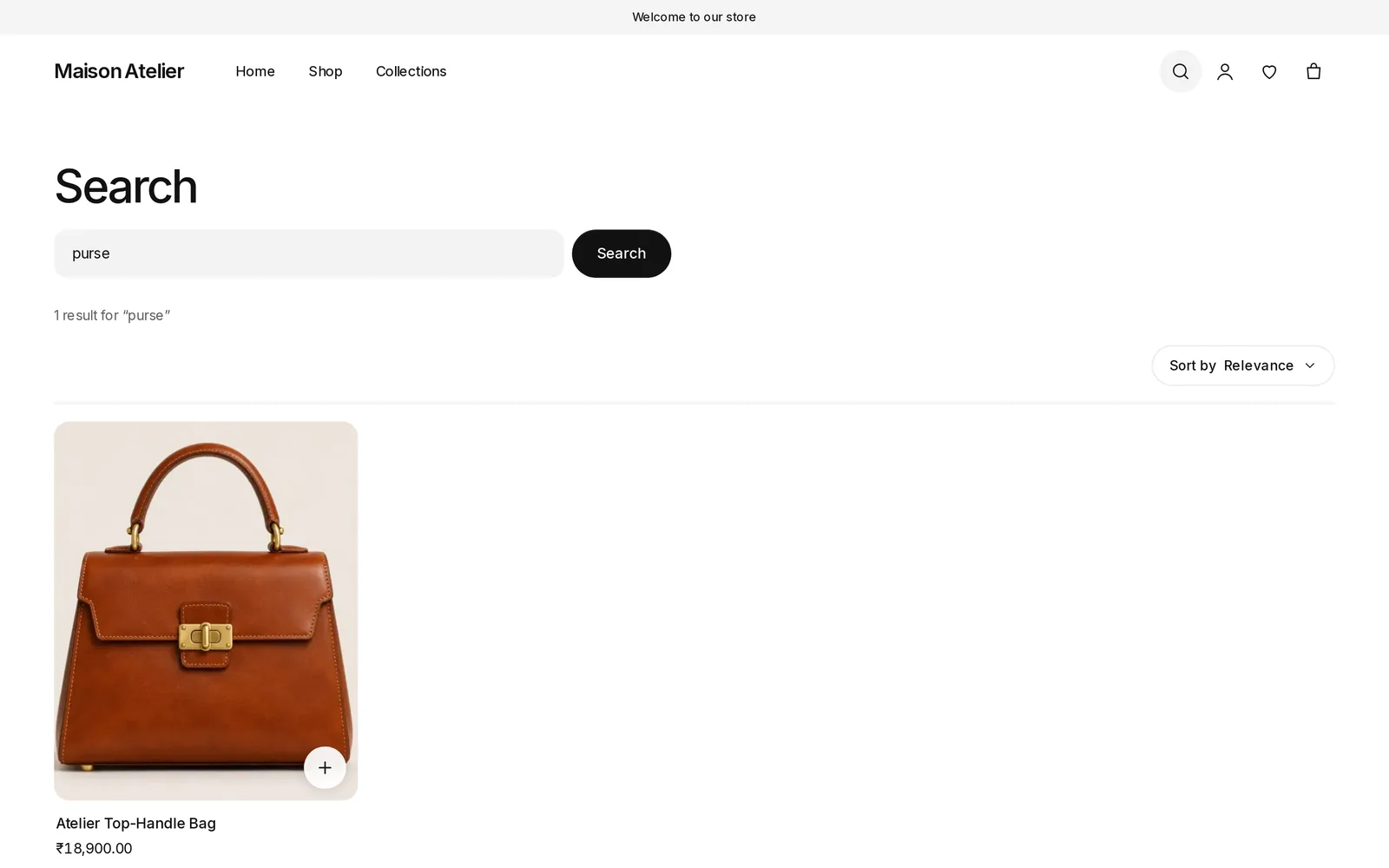
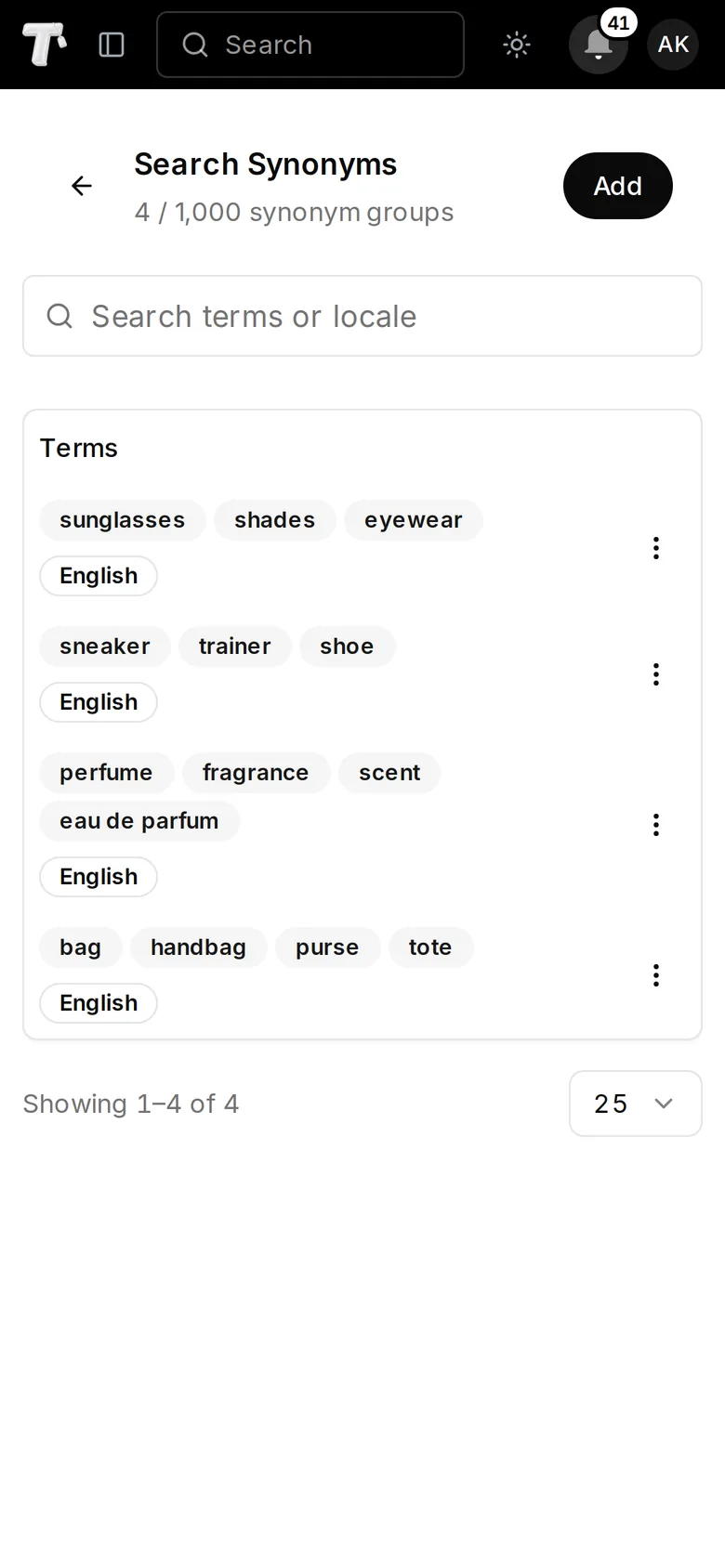
Group words that mean the same thing to your shoppers, separately for each store language. A search for any word in a group also finds the others. Changes apply from the next search, with nothing to rebuild.
2 to 25 terms a group
Words or short phrases of up to 64 characters each, matched regardless of case.
One group per term
A term can belong to one group in each language, so every search expands the same way.
Store Admin, AI or API
Edit synonym groups in Store Admin, from any AI assistant through MCP or with the Store API, with webhooks when a group is created, updated or deleted.
Recommendations
Recommendations that keep shoppers browsing.
Every product page can show related products and the shopper’s recently viewed items. Pin the picks you want first, let rules fill the rest, and leave out what shouldn’t appear.
Related products
Pinned products lead, then your rules fill the rail in order. With no rules, best sellers from the same category fill it.
Recently viewed
Shoppers pick up where they left off. History can follow a signed-in shopper across devices, kept for a window you set.
Pinned picks
Choose the exact products to show first on any product’s page.
Leave things out
Exclude products from recommendations, hide what’s sold out, and keep free gift items off the rails.
Analytics
See what shoppers look for.
Top searches
Analytics lists the searches shoppers make most often.
Searches with no results
See which searches found nothing, then add a synonym or the product shoppers are looking for.
Kept for 90 days
Detailed search history is kept for 90 days and then deleted automatically. Analytics summaries keep their own date ranges.