Orders
Every order, from payment to delivery.
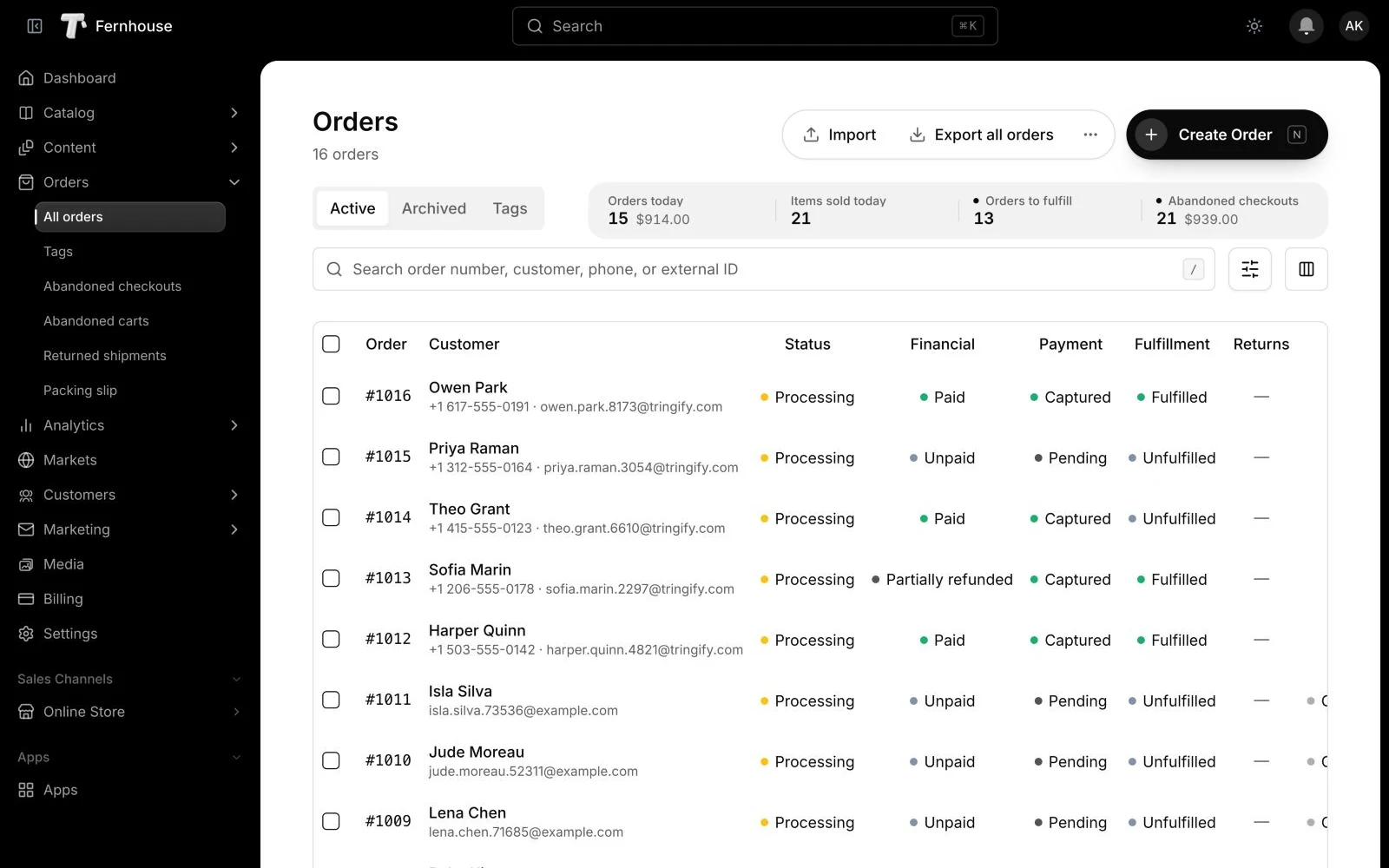
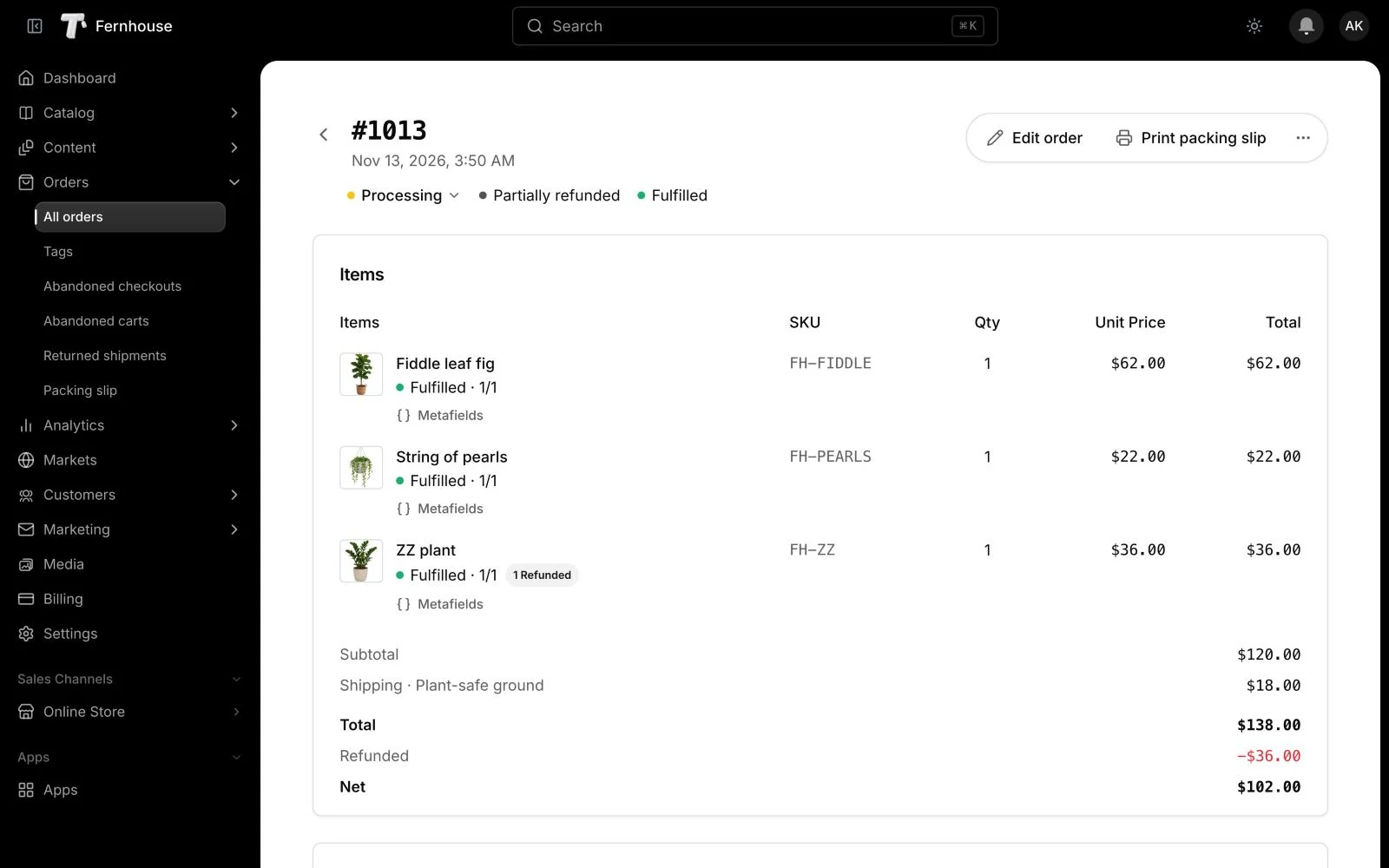
See what was paid, what has shipped and what is left. Edit an order, refund part of it, and restock items at the location you choose.
Statuses
Three statuses, so nothing hides behind one label
Payment and fulfilment come from what actually happened, so they can't be renamed. Order status is your workflow: Pending, Confirmed, Processing, Shipped and so on, plus statuses you add.

Payment
Unpaid, Authorized, Partially paid, Paid, Partially refunded and Refunded.
Fulfilment
Unfulfilled, Partially fulfilled and Fulfilled, worked out from the items that have shipped.
Your workflow
Move orders through your own statuses, including ones you add, beside payment and fulfilment.
Find any order
Filter by status, payment, fulfilment, channel, tag, product, customer, date, total and delivery method.
Tags and notes
Tag orders and keep internal notes on the order, each logged on the timeline. Mark a note visible to the customer when they should see it.
Checkout answers
Answers to your checkout questions appear on the order, in exports and in webhooks.
Fulfilment
One shipment for each location
An order that ships from two locations gets one fulfilment order per location, so each location packs and ships its own items. Choose Location Priority or Minimize Shipments.
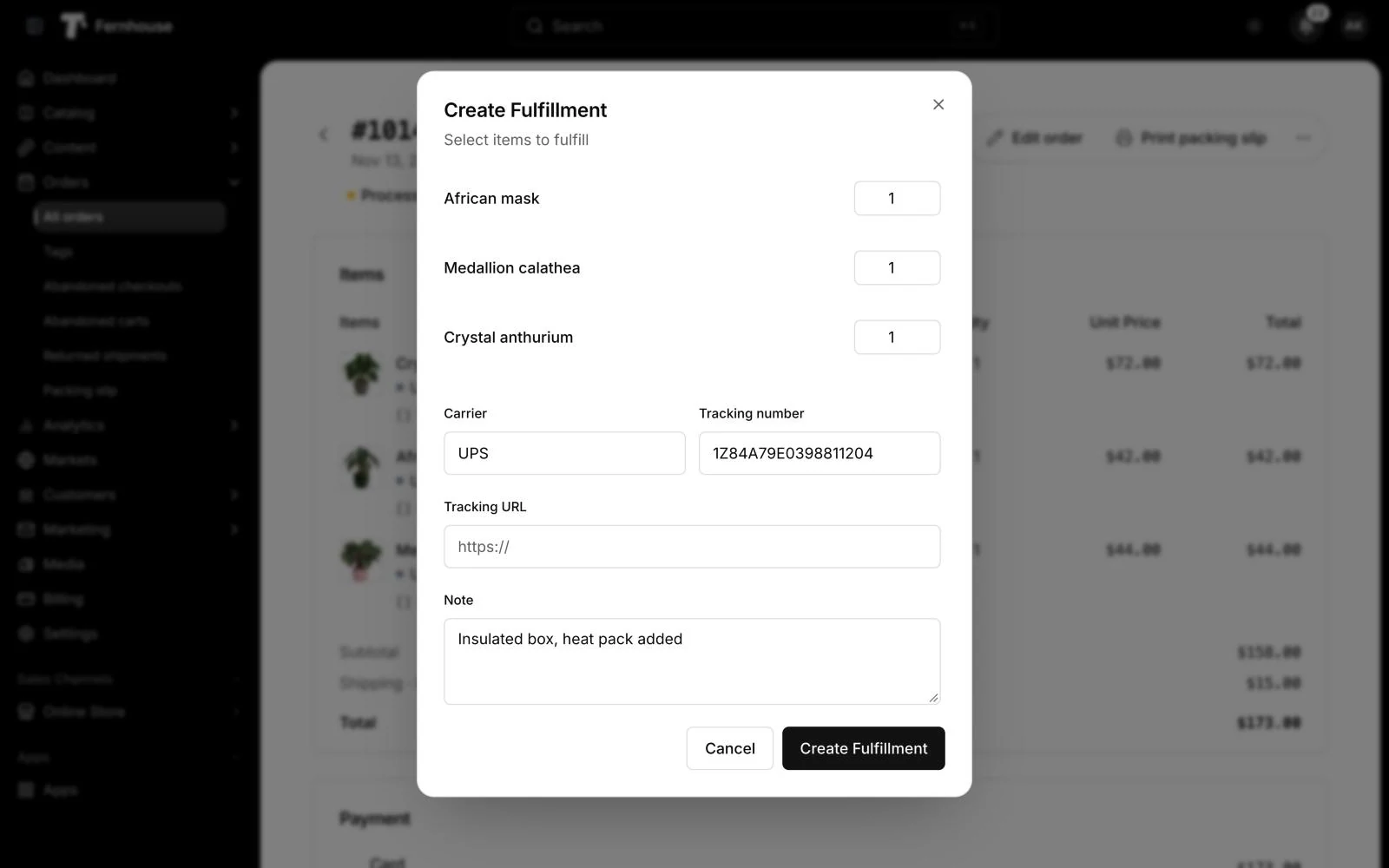
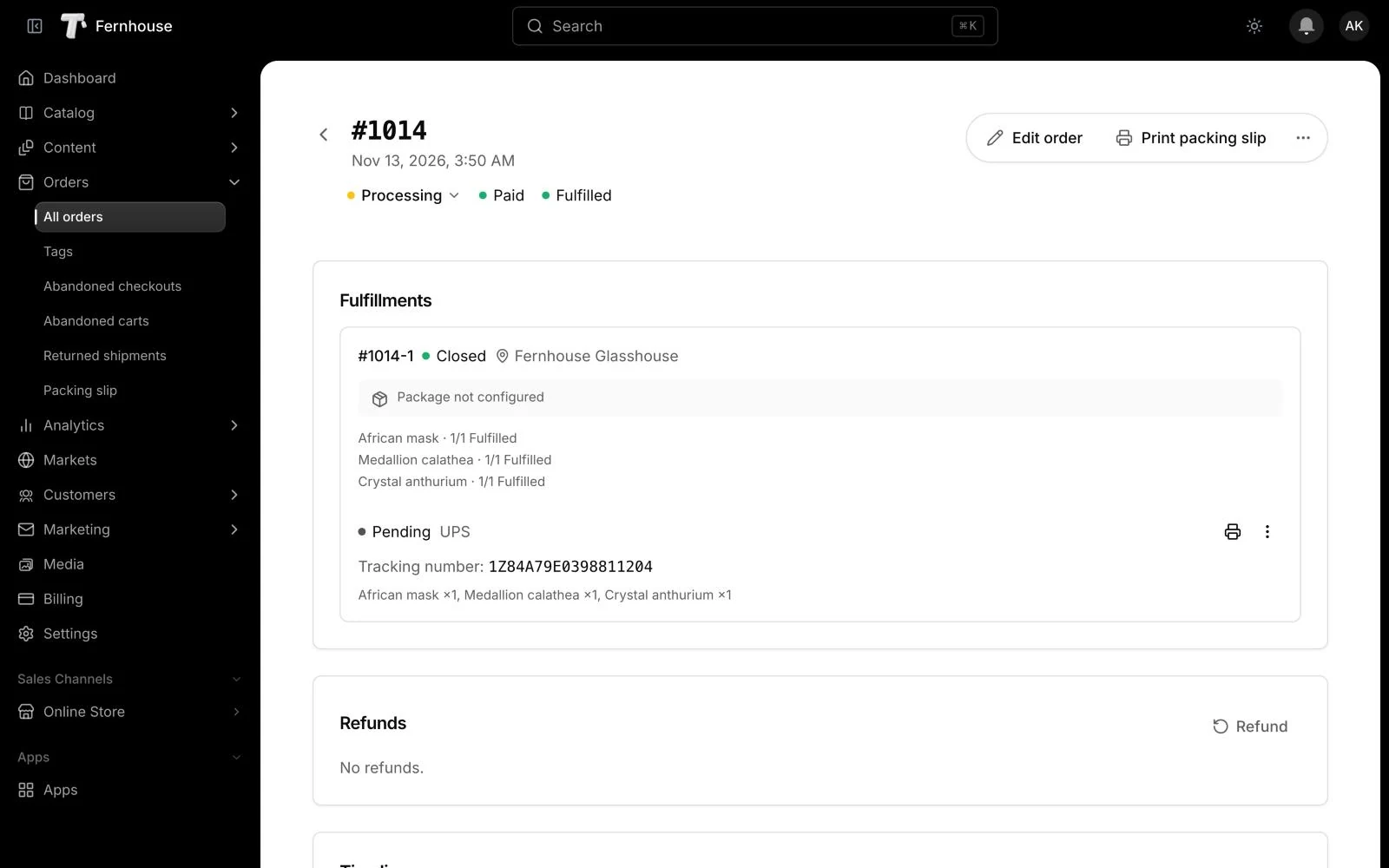
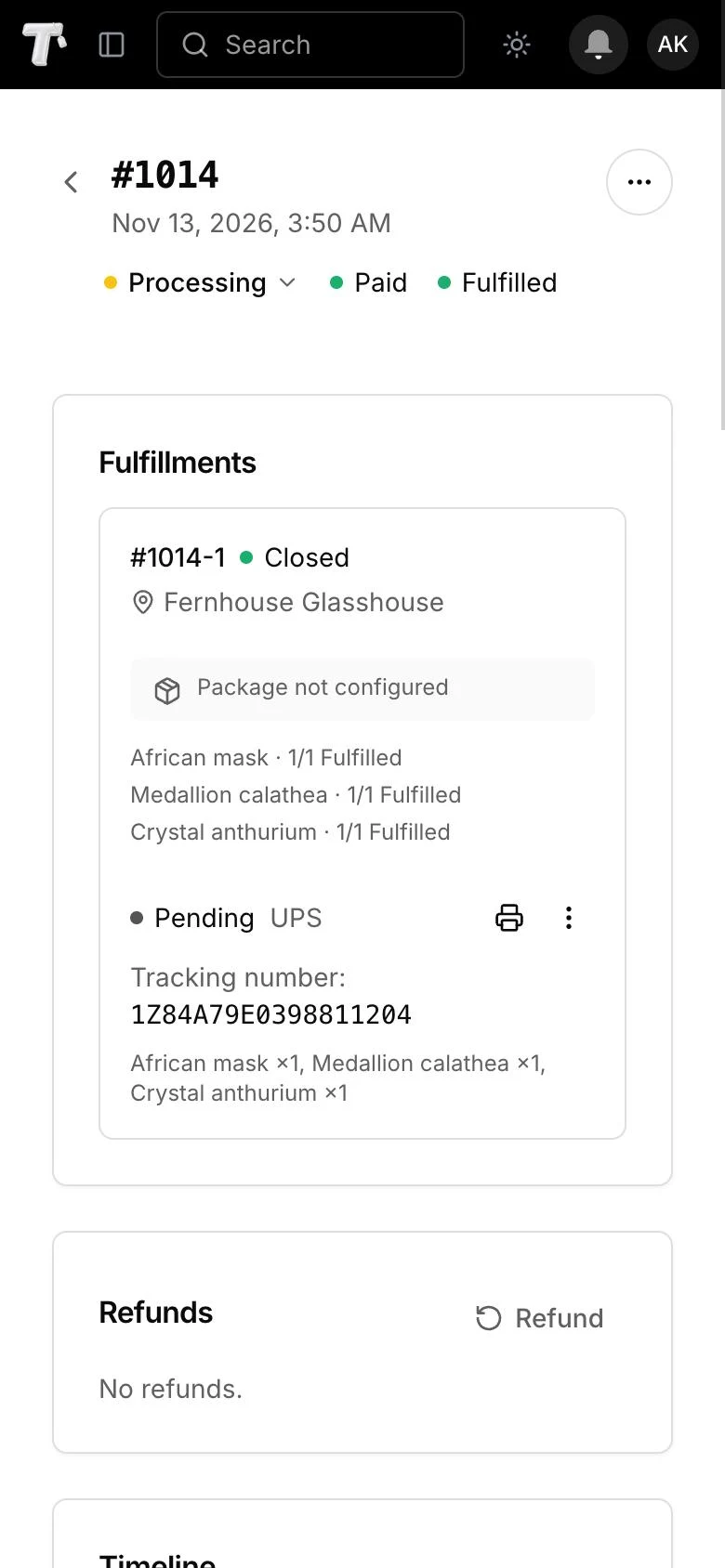
Split by location
Each location fulfils its own items. Choose Location Priority or Minimize Shipments, or require that an order ships from one location.
Every shipment followed
Pending, In transit, Out for delivery and Delivered, plus Delivery attempt failed, Returned to sender and more.
Local pickup
Pickup orders move from Pending to Ready for pickup to Picked up.
Packing slips
Airy, Classic or Minimal designs on A4, A5 or Letter. Print per order, per shipment or in bulk.
Archive when it's done
Archive up to 500 orders at once, or let Tringify archive paid and fulfilled orders after 1 to 365 days.
Customers can cancel
If you allow it, customers can cancel their own order within the time you set, before anything ships.
Refunds
Refund part of an order, restock where it belongs
Refund items, shipping, fees or duties, or any amount, to the original payment, the original gift card or store credit. Choose the location each restocked item goes back to.
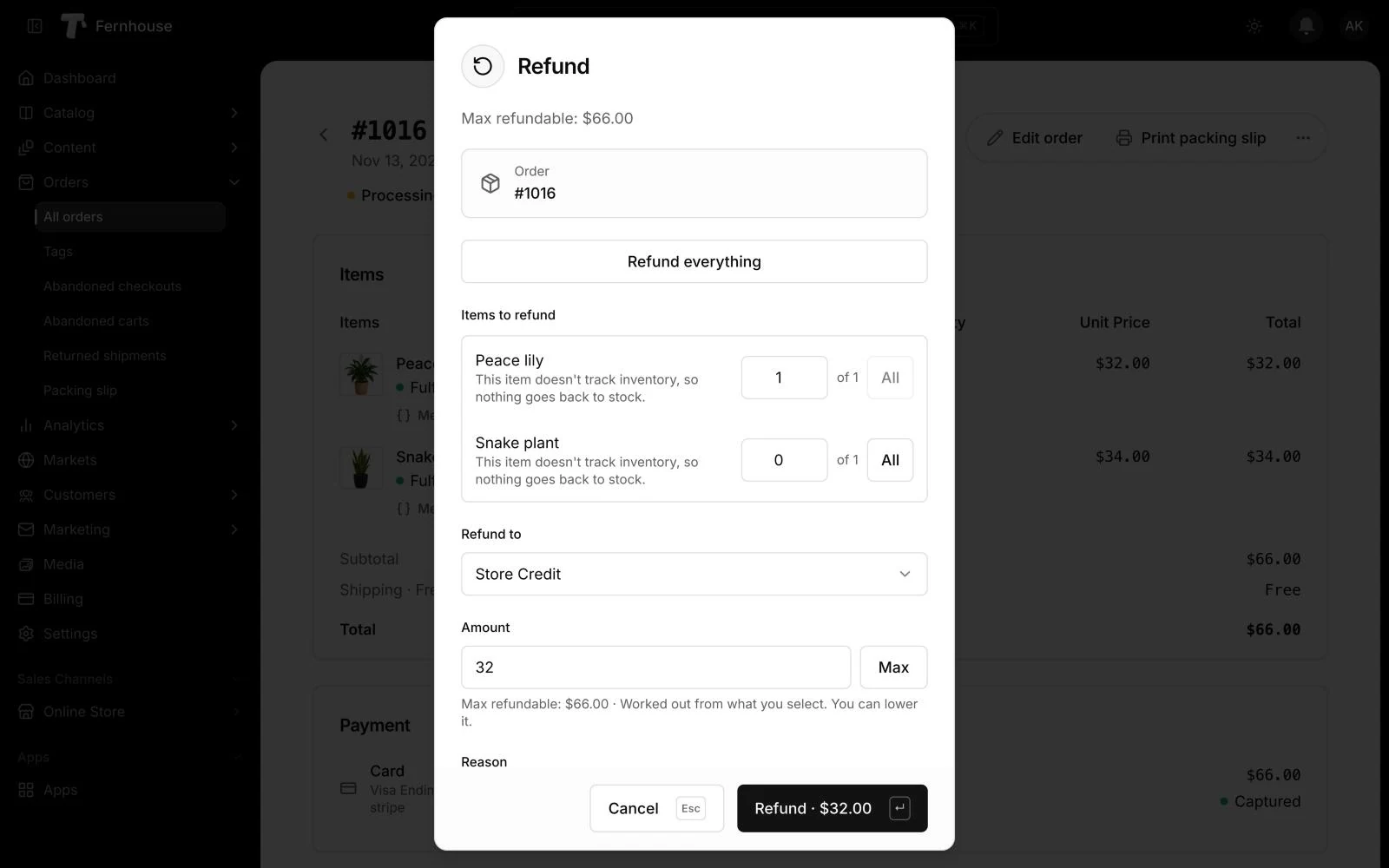
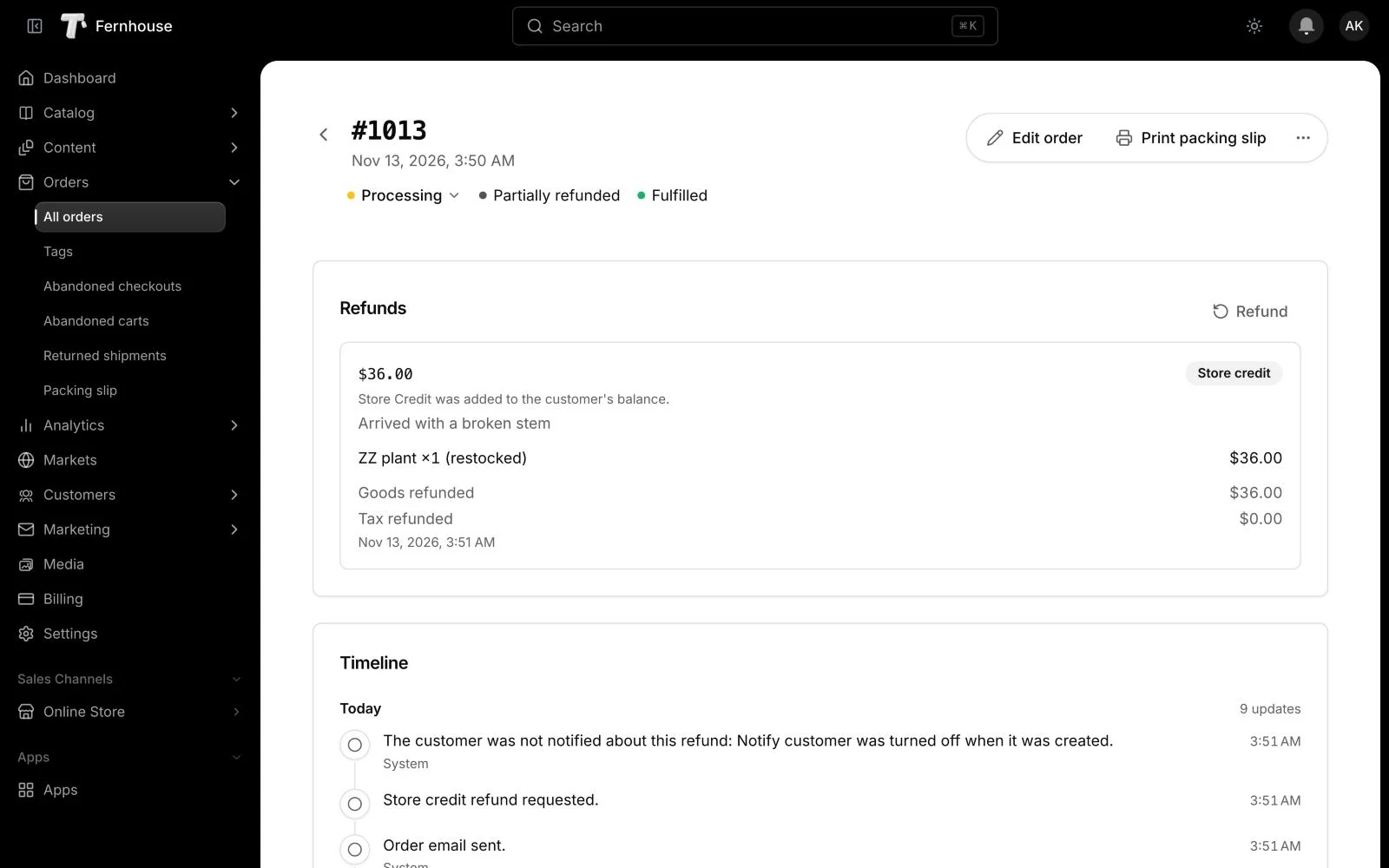
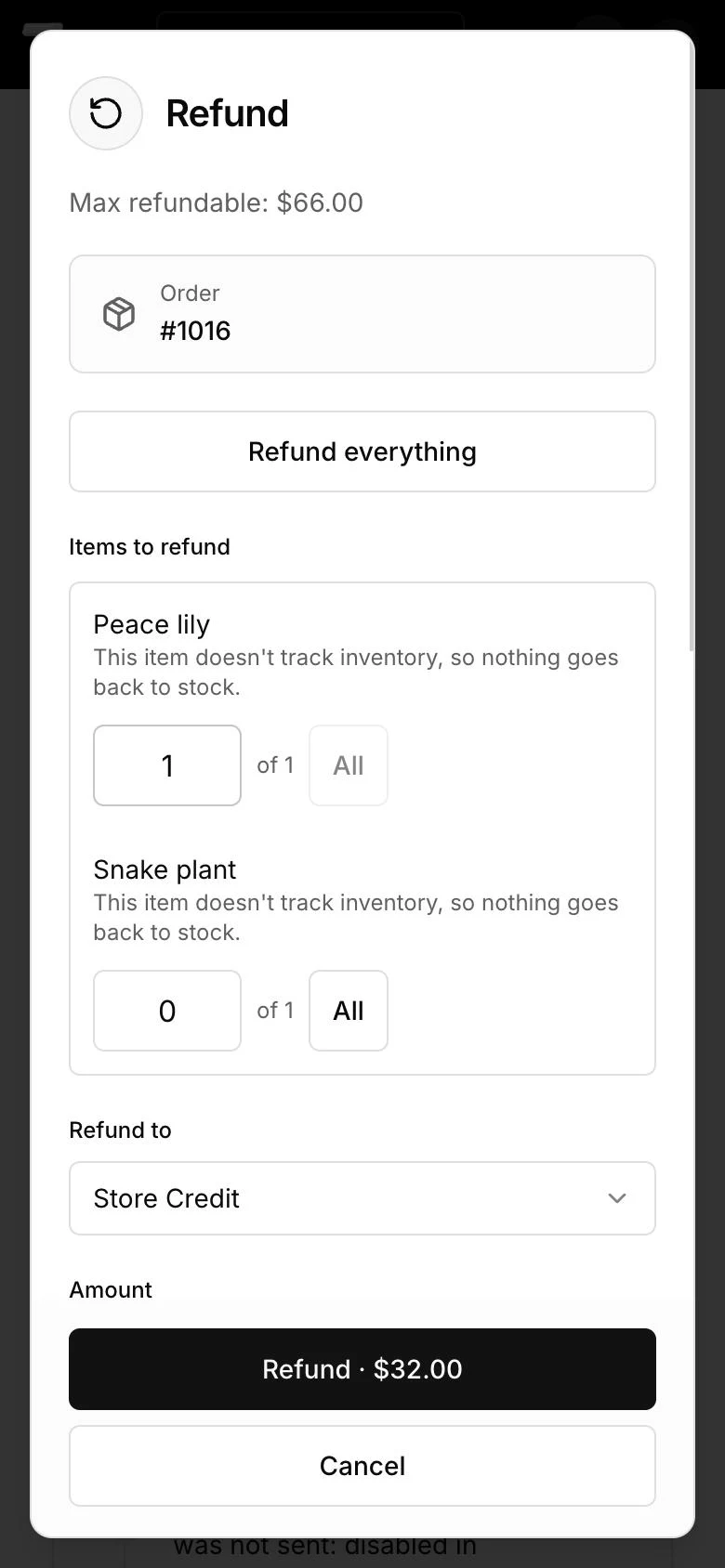
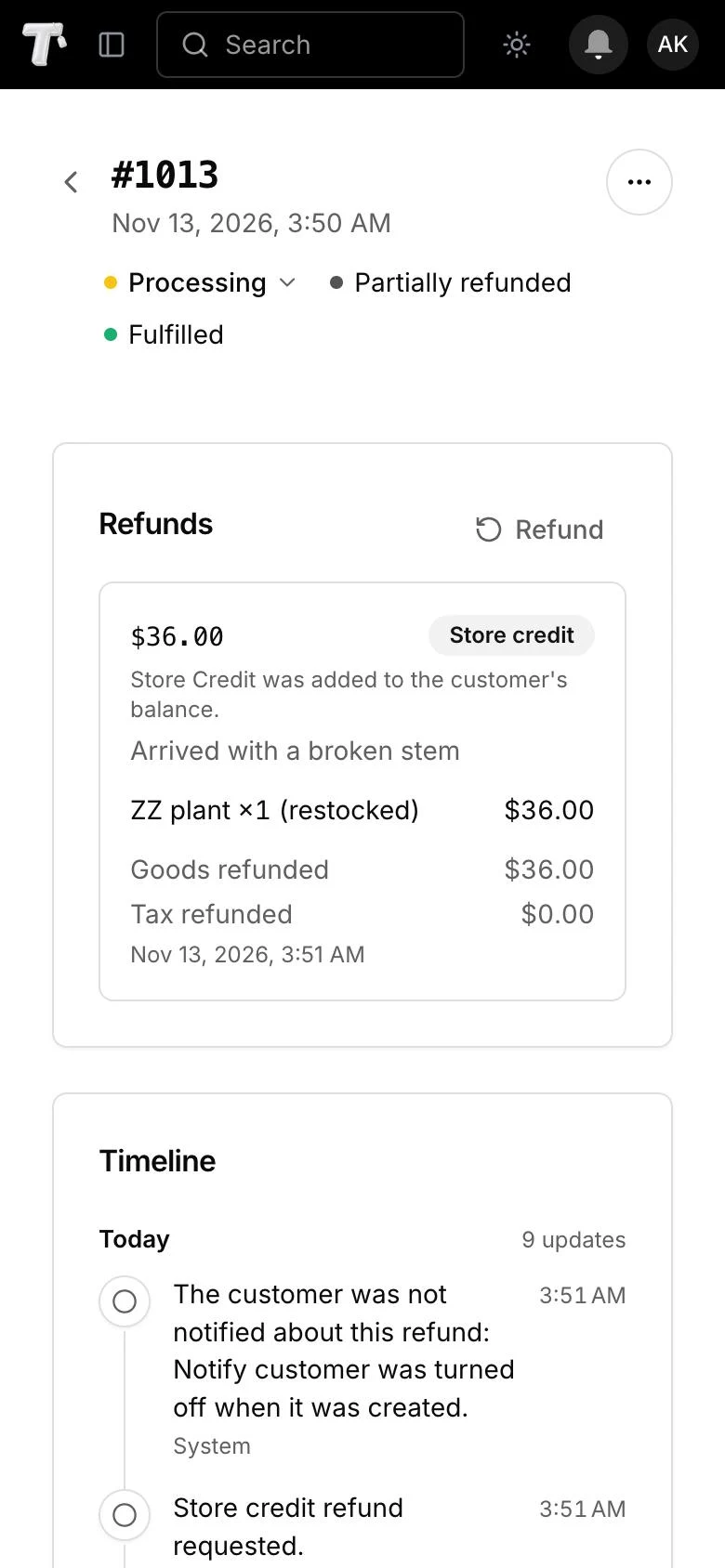
Items or any amount
Refund the items you choose, or enter an amount.
Shipping, fees and duties
Refund shipping, the cash on delivery fee, checkout fees and duties collected at checkout.
Where the money goes
Back to the original payment, to the gift card that paid, or to store credit.
Restock at a location
Refunded items go back to the location you choose for each one.
Edit an order
Change quantities, remove items, add products or custom items and update addresses. Tringify shows the balance due or the amount to refund before you save.
When edits aren't possible
Cancelled and imported orders, orders with duties, and orders with an authorized but uncaptured payment can't be edited.
Create and import
Create, import and export orders
Take an order over the phone or in a message, bring orders over from another platform, and keep a copy of every order in a spreadsheet.
Create an order
Create an order for a customer and record a payment, collect cash on delivery, send a payment link or use store credit.
CSV in and out
Export all orders to CSV, or import historical orders from CSV without notifying anyone.
On your phone
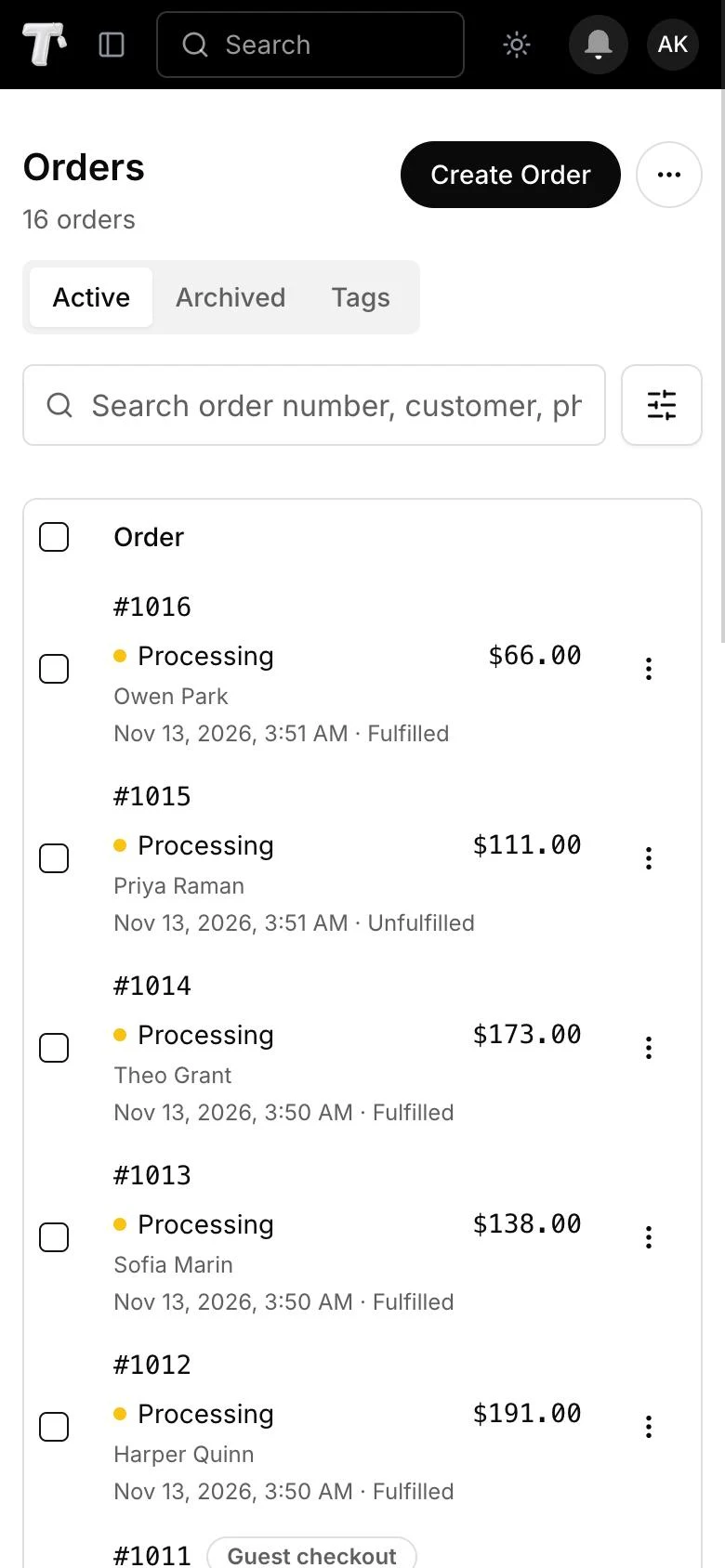
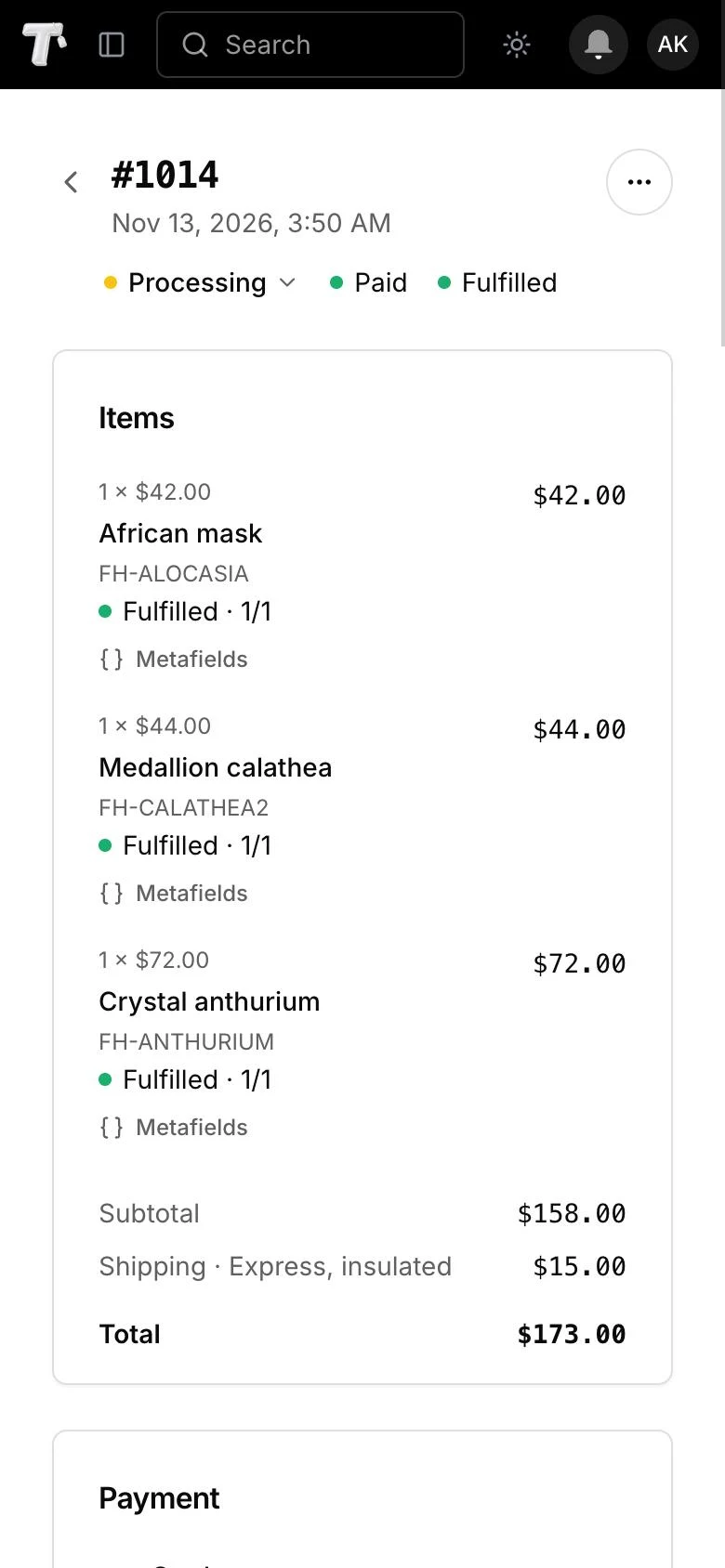
Store Admin works in your phone’s browser, so you can create, edit and fulfill orders on the go.