Inventory groups
One stock count for everything made from the same thing.
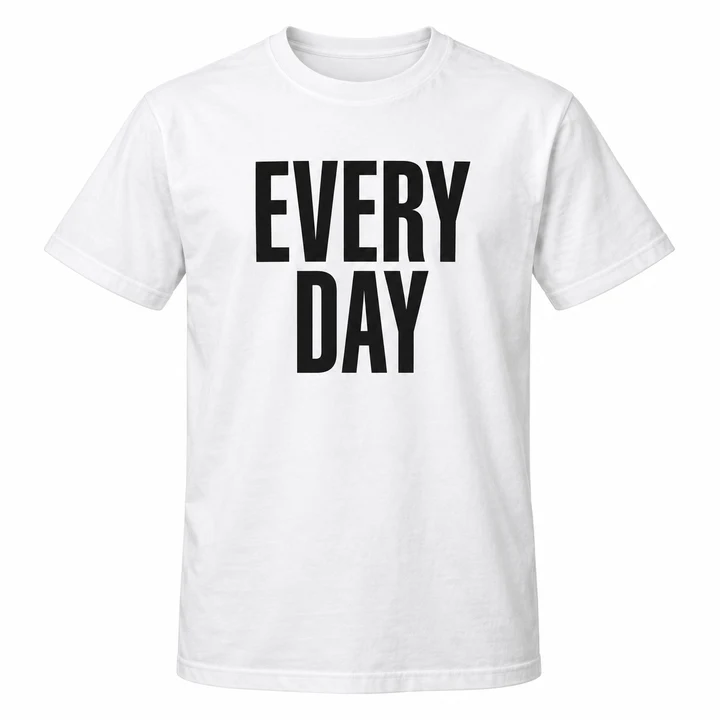
Print two hundred designs on one blank tee. Link them to an inventory group and they all sell from one shared pool, so the count stays right and you never sell a shirt you don't have.

How it works
Many listings share one pool
An inventory group is the physical item. Products and variants that ship as that item point at the group instead of keeping their own count.
Pick the group on the product
In a product's or variant's inventory section, choose Inventory group and select it. From then on it sells from the group.
A sale holds stock on the group
Every linked design shows one fewer at once, so two designs can never sell the same last shirt.
Shipping takes it off the pool
The group's stock drops when the order ships, and its stock history records each movement with the order it came from.
Unlink any time
Choose another inventory source on the product and it goes back to its own count. The group keeps its history.
Stock and alerts
See the pool the way your warehouse does
Each group shows on hand, held and available at every location, the products and variants that sell from it, and every change to its stock.
Stock by location
Enter stock at any location that holds the item. Locations without stock read as zero; there's nothing to assign first.
Available, always up to date
Available is on hand minus held, across every location, for every design at once.
One low-stock alert
Set an overall threshold for the group, and one per location if you like. When the blanks run low, you get one alert, not two hundred.
Everything that sells from it
Products and Variants tabs list each linked item, with search, so you see exactly what a stock change affects.
At scale
Built for big catalogs
Groups work with the rest of inventory: bulk files, transfers, the Store API and webhooks.
Bulk files
Create and update groups from a CSV file, and set their stock with the stock-levels file by the group's SKU, with a preview before anything changes.
Transfers
Move a group's stock between locations with a transfer, like any product's.
Store API and webhooks
Read and manage groups and their stock from the Store API. Webhooks report new, changed and deleted groups and every stock change.
Plenty of room
Up to 10,000 groups in a store, each with quantities up to 10 million at a location.
When to use one
Share stock only when it's really shared
Use a group when two or more listings ship as the same physical item. A product that is its own item is simpler with its own count.
Print on demand
Every design printed on the same blank sells from that blank's stock.
The same item, listed twice
A shop listing and a gift edition of one item share one count.
Made from one batch
Made-to-order pieces that come from one batch of material draw from that batch.