Blog
A blog that lives in your store.
Write posts in Store Admin, credit an author, file them under categories and tags, and publish now or at a time you choose.
Every post in one list.
Content › Blog › Posts lists your posts with their status, author and publication date. Filter by status, author, category, tag or publication date, and change many posts at once.
- Four statuses
- Draft, Scheduled, Published and Archived. Only published posts are on your storefront.
- Search and filters
- Search by title or slug, then filter by author, category, tag and a publication date range.
- Columns you choose
- Title, status, author and publication date show by default. Add categories, comment count, publish date, created and updated.
- Change up to 500 at once
- Publish, move to draft or archive the selected posts, add or remove categories and tags, or delete them.
- Your allowance, in view
- The page shows how many posts you have against your plan’s limit, and stops new posts at the limit.
- SEO for the blog page
- Set the search title and description of your blog’s main listing page from the same screen.
Write, schedule and file each post.
The post editor keeps the writing on the left and the publishing choices on the right: status and publish date, template, author, featured image, categories and tags.
Edit Post
How to care for a ceramic mug
Content
Wash it warm, not hot
Rinse the mug soon after use and wash it by hand with a soft sponge. Warm the mug before pouring boiling water, and keep it away from sudden cold. Our ceramic mug is $19.
Excerpt
A short summary shown in blog listings
SEO
Optimize how this post appears in search results
- A full rich text editor
- Headings, lists, links, quotes, tables, code, text colour and images from your media library. Content is cleaned to safe HTML when you save.
- Excerpt and SEO fields
- A short excerpt for listings and feeds, plus an SEO title and description for search results and link previews.
- Scheduled publishing
- Choose Scheduled and a future publish date in your store’s time. The post goes live on its own at that time.
- An author on every post
- Each post needs a blog author. Profiles hold a name, slug, bio and avatar, and the same profile is used on every post.
- Your URL, with a redirect
- Leave the slug empty to generate it from the title. When you change a saved slug, Store Admin offers a redirect from the old address.
- Private preview
- Preview opens a saved post on your storefront through a private link that lasts five minutes, before anyone else can see it.
- Theme templates
- Pick which of your theme’s post templates renders the post.
- Translations
- Translate the title, slug, content, excerpt and SEO fields into each store language by hand, by CSV or with AI translation.
What shoppers see.
A published post gets its own page on your storefront. Your theme decides the layout; every post page receives the author, categories, tags, featured image, related posts and comments.
Guides
How to care for a ceramic mug
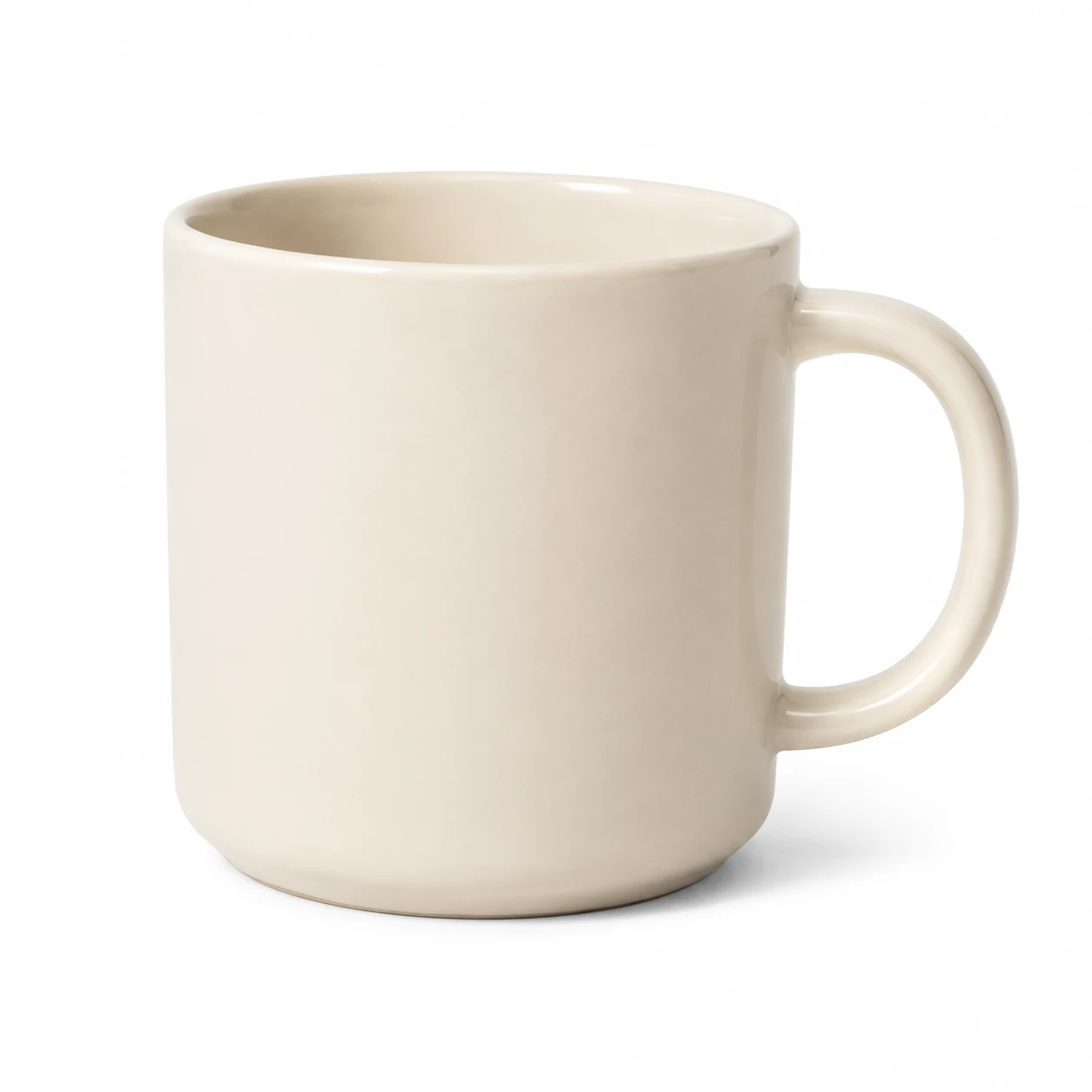
Five habits that keep the glaze bright and the handle strong.
Wash it warm, not hot
Rinse the mug soon after use and wash it by hand with a soft sponge. Warm the mug before pouring boiling water, and keep it away from sudden cold. Our ceramic mug is $19.
Related posts
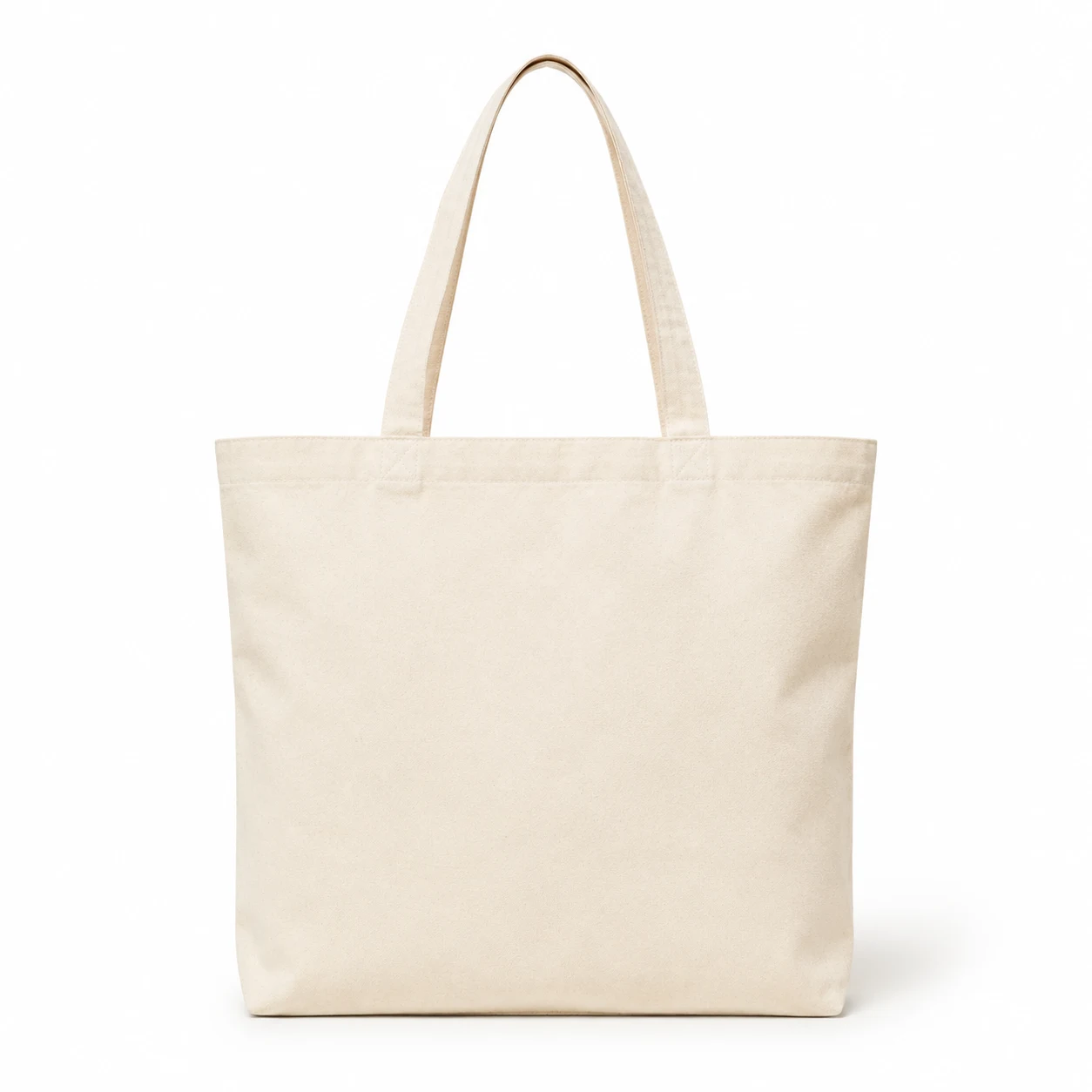 Packing a canvas tote for a day out
Comments (2)
Sophia · Oct 15, 2026
Mine still looks new after a year of daily coffee.
Ethan · Oct 16, 2026
Good tip about warming the mug first.
/blogs/feed.xml · /blogs/feed.atom
Layout and wording come from your theme.
- Clean addresses
- Posts live at /blog/post-slug, the list at /blogs and categories at /blog-category/category-slug. You can rename these prefixes in URL settings.
- RSS and Atom feeds
- Every blog has feeds of its latest 100 posts at /blogs/feed.xml and /blogs/feed.atom.
- Author pages
- Each author has a page listing their posts at /blogs/authors/author-slug.
- Monthly archive
- Themes can list published months and link to /blogs/archive/year/month.
- Topics
- Categories have their own pages with a description, SEO fields and template. Tags filter the blog list at /blogs?tag=tag-slug.
- Related posts
- Up to three published posts that share a category or tag, newest first.
- Search
- Posts can appear in your storefront search, and the Store Admin search finds them by title or slug.
Comments, on your terms.
Blog Settings decide who can comment: everyone, registered users only, or nobody. With moderation on, a new comment waits in Content › Blog › Comments until you approve it.
Blog Settings
Comments
Control how comments work on your blog posts
carterstudio.com/blog/ceramic-mug-care
Comments (2)
Sophia · Oct 15, 2026
Mine still looks new after a year of daily coffee.
Ethan · Oct 16, 2026
Good tip about warming the mug first.
Leave a comment
Blog Comments
- SophiaCustomerApproved · Oct 15, 2026
Mine still looks new after a year of daily coffee.
How to care for a ceramic mug
- EthanVisitorApproved · Oct 16, 2026
Good tip about warming the mug first.
How to care for a ceramic mug
- HarperVisitorSpam · Oct 12, 2026
Cheap followers, 10,000 for 1 dollar!! Visit my site.
Packing a canvas tote for a day out
- Three comment modes
- Everyone, Registered users only, or Disabled. New stores start with comments open to everyone and moderation on.
- Visitors and customers
- Visitors give a name and an email address, which is never shown. Signed-in customers comment under their account name.
- Four comment statuses
- Pending, Approved, Spam and Trash. Approve, mark as spam or move to trash one by one or in bulk, or delete permanently.
- Off means hidden, not deleted
- Disabling comments hides existing comments everywhere. Turn them back on and they return as they were.
- Spam clears itself
- Comments in Spam or Trash are deleted 30 days after they were moved there.
- Flood protection
- Each shopper can post only a few comments an hour, within an hourly limit for the whole store.
Around the blog.
Categories, tags and authors are managed on their own pages, and the blog plugs into the rest of Tringify.
- Blog categories
- Name, slug, description, SEO title and description and a template. A category in use by posts can’t be deleted until they are moved.
- Blog tags
- Name and slug. Create a tag right from the post editor; deleting one removes it from its posts.
- Blog authors
- Deleting an author never deletes their posts: you choose another author to take them over.
- Source backup
- Export every post as a CSV and import one to add or update posts. Imports run in the background.
- Store API and webhooks
- Apps can manage posts, categories, tags, authors and comments through the Store API and subscribe to blog webhooks.
- Up to 20 categories and 20 tags a post
- Titles run to 200 characters, excerpts to 500 and the content to 100,000.
Blog allowances by plan
Every plan includes the blog. These are the most posts, categories, tags and authors a store can have.
| Plan | Posts | Categories | Tags | Authors |
|---|---|---|---|---|
| Spark | 10 | 5 | 20 | 1 |
| Lite | 50 | 10 | 50 | 2 |
| Starter | 1,000 | 50 | 500 | 10 |
| Pro | 5,000 | 100 | 2,000 | 25 |
| Advanced | 20,000 | 250 | 5,000 | 50 |
| Plus | 50,000 | 500 | 10,000 | 100 |