Spot the pause
Set a cart inactivity threshold. Eligible carts appear after a reachable customer’s activity goes quiet.
Abandoned Carts
See carts with a reachable customer email that go quiet before checkout. Understand what was left behind, check recovery eligibility, and follow up thoughtfully.
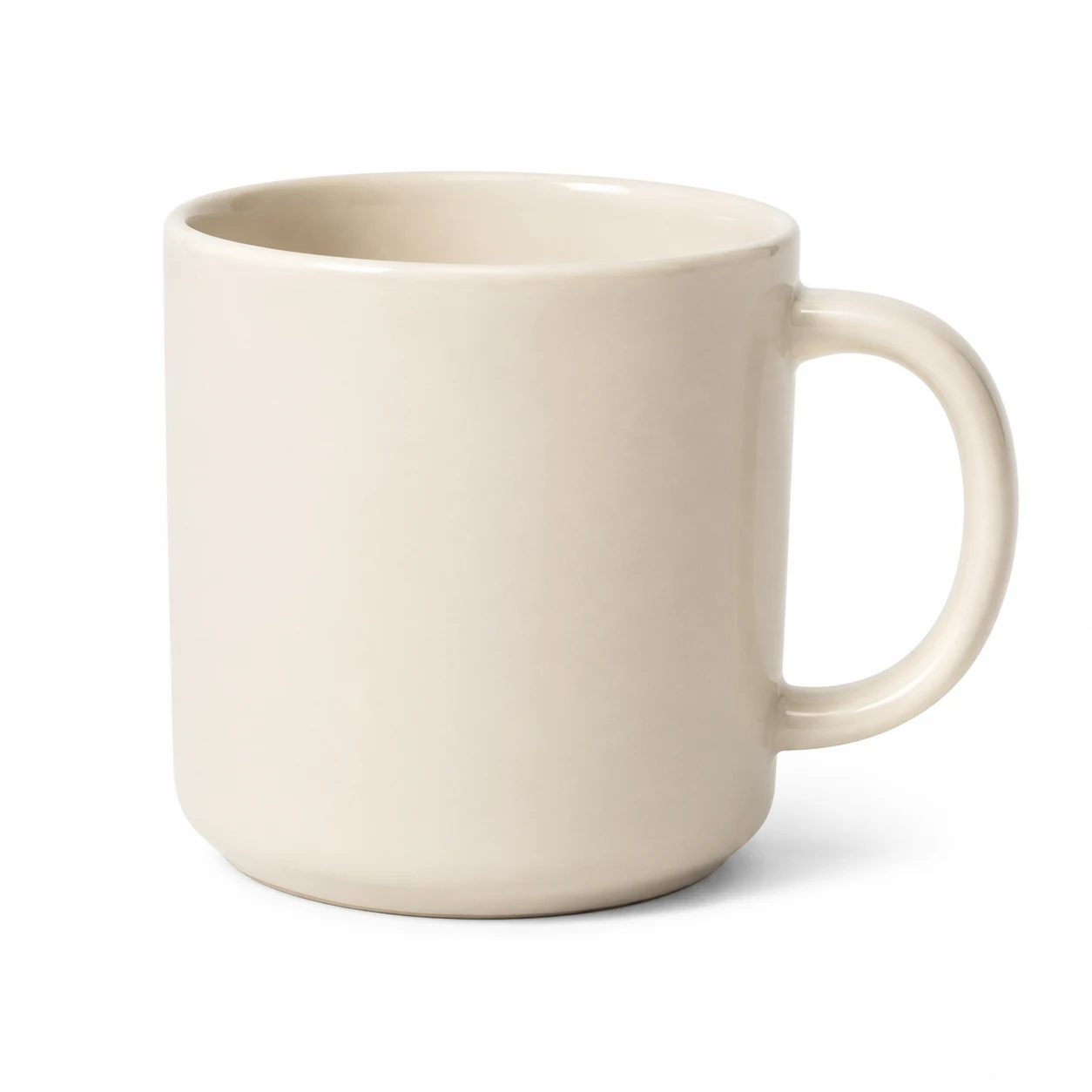 Ceramic mug
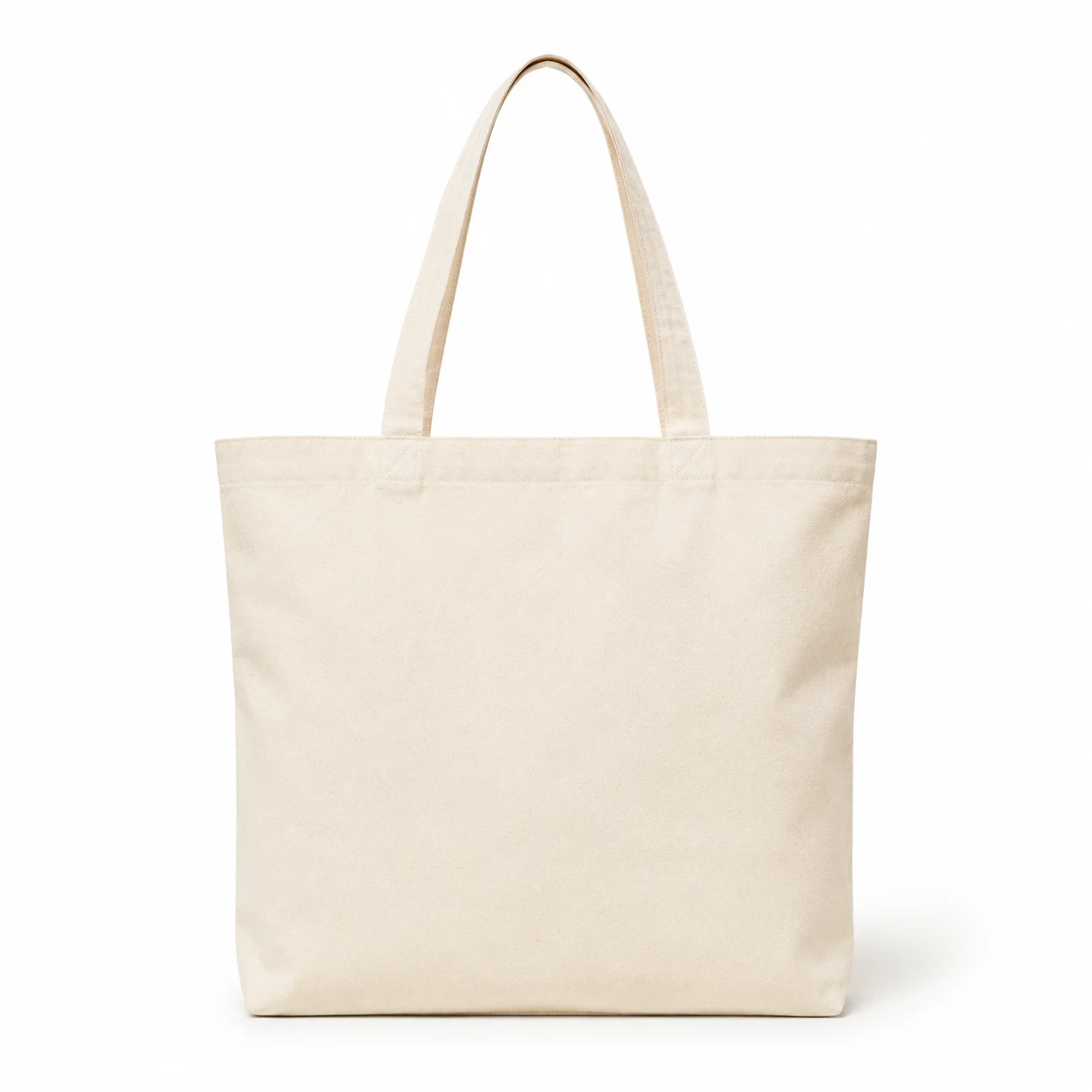 Canvas tote
 Linen notebook
This opted-in sample contact is eligible for a recovery email.
Sample data. These examples do not change a store, send messages, or take payments. Example currency · AUD
How it comes together
Set a cart inactivity threshold. Eligible carts appear after a reachable customer’s activity goes quiet.
Inspect items, customer contact, recovery status, and the reason a reminder can or cannot be sent.
Send a recovery email manually or enable automatic email. Review queued reminders and recovered orders.
The details that make a difference
Not every cart is a contact opportunity. Reachability, consent, and recovery settings help determine which records your team can act on.
Search by email and filter by status, recovery eligibility, or date. Open a record for its item and reminder details.
Choose the supported consent mode. Unsubscribed contacts and pending confirmations remain excluded; double opt-in rules still apply.
Configure the inactivity threshold and how long recovery records are kept. Deleting old recovery records does not delete orders.
Cart recovery focuses on the period before checkout. Anonymous guest cart activity is measured separately from this reachable-contact list.