Automatic discounts
Apply an offer when the cart and customer meet its conditions. Customers receive the eligible discount without entering a code.
Features · Discounts
Create the offer, choose who it reaches, and decide when it runs. Manage discounts by market with control over products, currencies, and how offers combine.
Explore discount typesRoom for your next idea
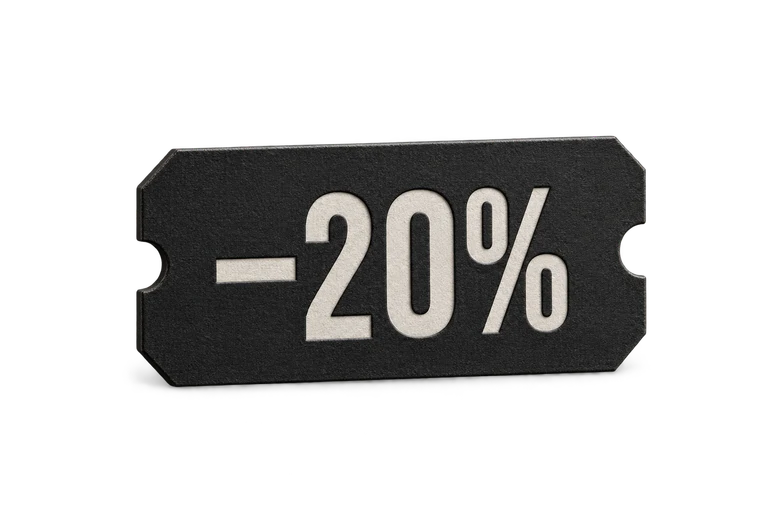
20%
Take a percentage off the order or selected merchandise. Put a collection in the spotlight or include your whole range.
 ×1
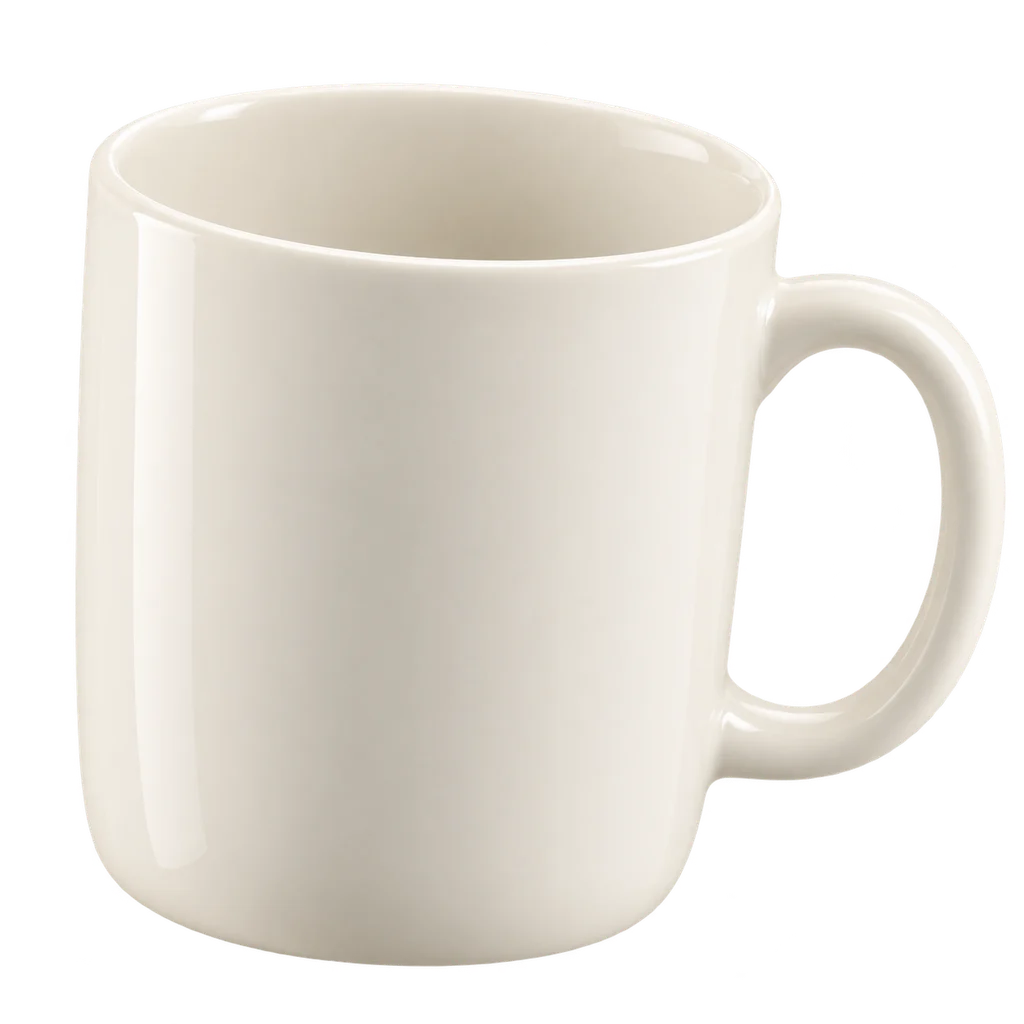
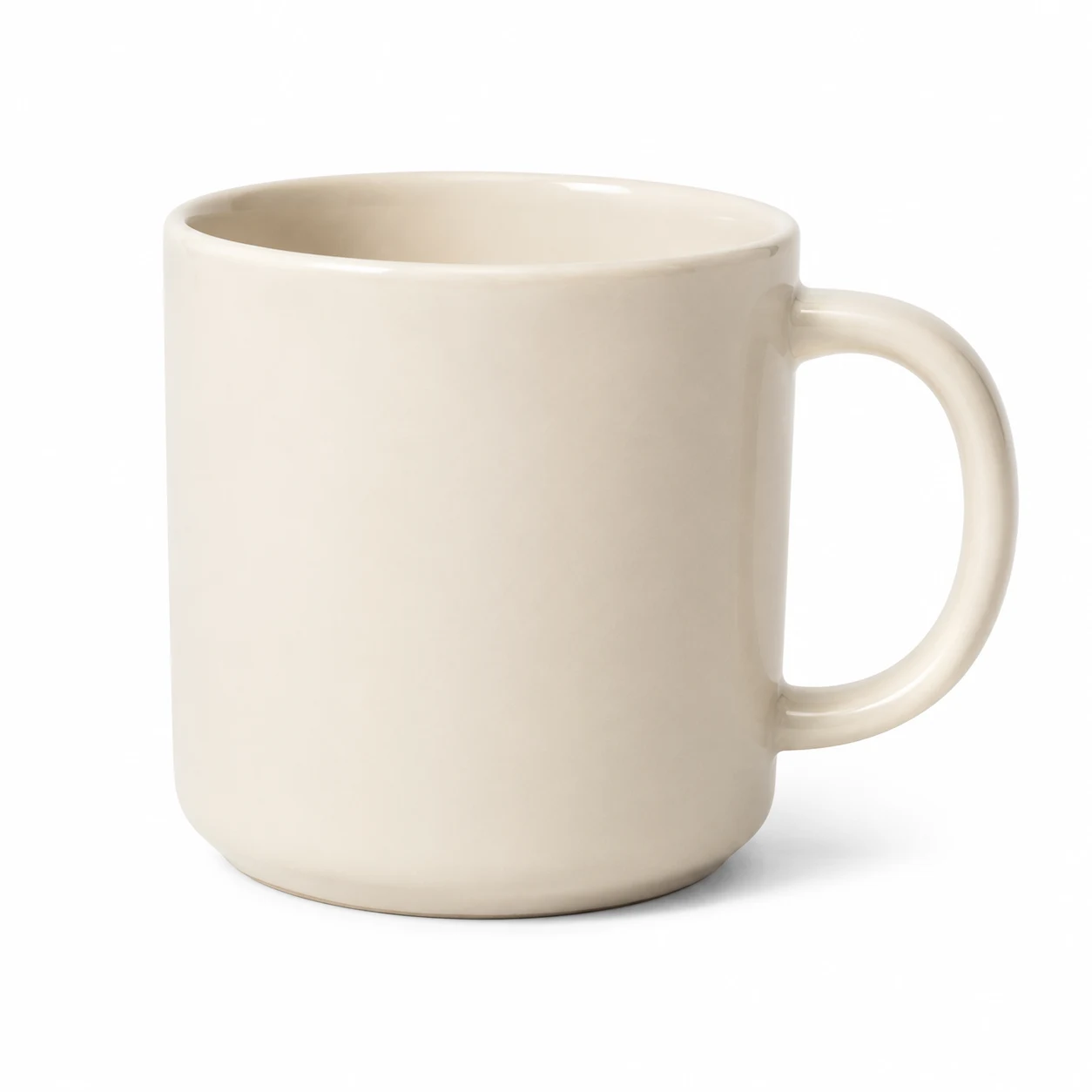
×1Ceramic Mug
Ivory · 350 ml
203,50 kr
 ×1
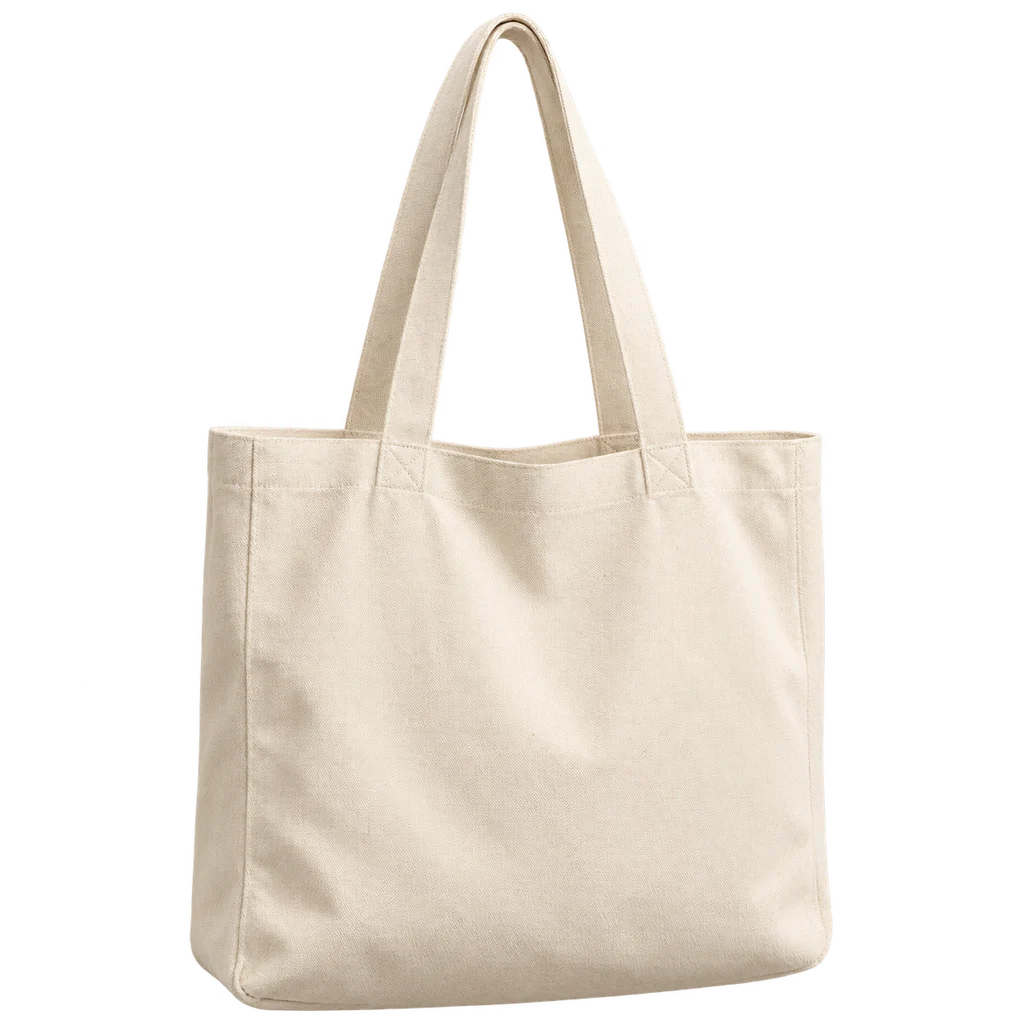
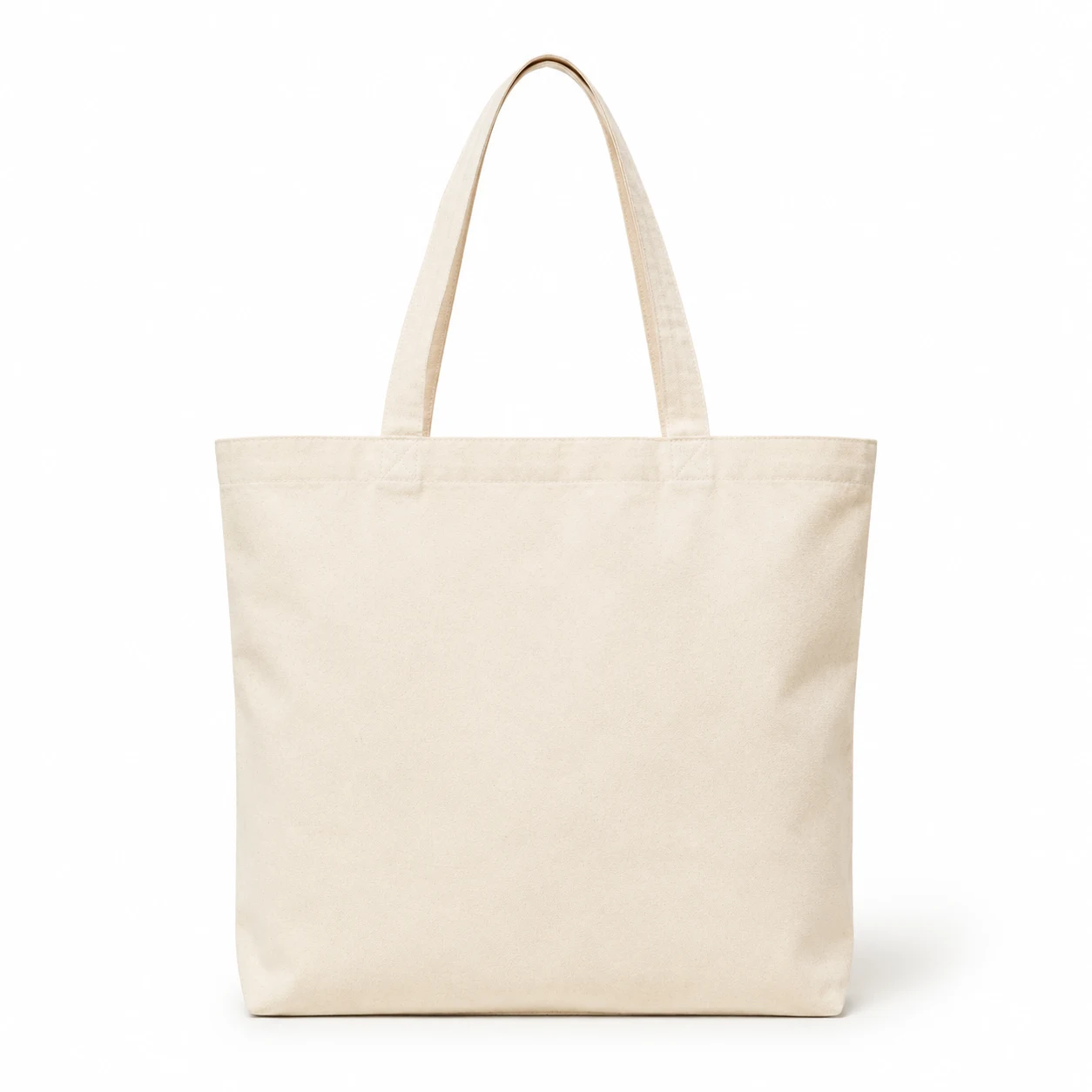
×1Canvas Tote
Natural
264,00 kr
Sample products. Illustrative prices.
Target whole products, exact variants, collections, or categories.
Percentage: save 93,50 kr. Total after the offer: 374,00 kr.
Two ways to apply an offer
Apply an offer when the cart and customer meet its conditions. Customers receive the eligible discount without entering a code.
Give a campaign a code customers can enter. Keep the code for a targeted campaign, or choose to show it to shoppers in their cart.
WELCOME20The details are yours
Use the controls available for each discount type to shape the campaign around your products and customers.
Target the whole order, specific products or variants, collections, or categories where supported. Exclude sale items from eligible discount types.
Offer discounts to everyone, selected customers, or customer groups. Limit a campaign to first orders when that is the audience you want.
Set minimum spend or item quantities where available. Use discount caps, total usage limits, and per-customer limits to define the boundaries.
Set start and end dates, leave an offer open-ended, or disable it when you need to. Manage scheduled, active, expired, and disabled discounts together.
Offers that work together
Manage discount combination rules for each market. Choose whether an order receives a single discount or can use several together.
Keep the offer simple by allowing a single eligible discount on each order.
Let eligible discounts combine, choose which types can work together, and control whether automatic offers combine with coupon codes.
Set a coupon limit and choose the best saving or your own priority when multiple discounts compete.
Organized by market
Each discount belongs to a market. Keep campaigns organized around the countries you sell to, and configure fixed values in your base currency with overrides for other currencies when needed.
Explore Markets