Give it an identity.
Build combinations from attributes, swatches, and images. Give each variant its own image, SKU, barcode, and price.
Products & collections
One product is only the beginning. Give every variation, every detail, and every collection a place to belong.
Product
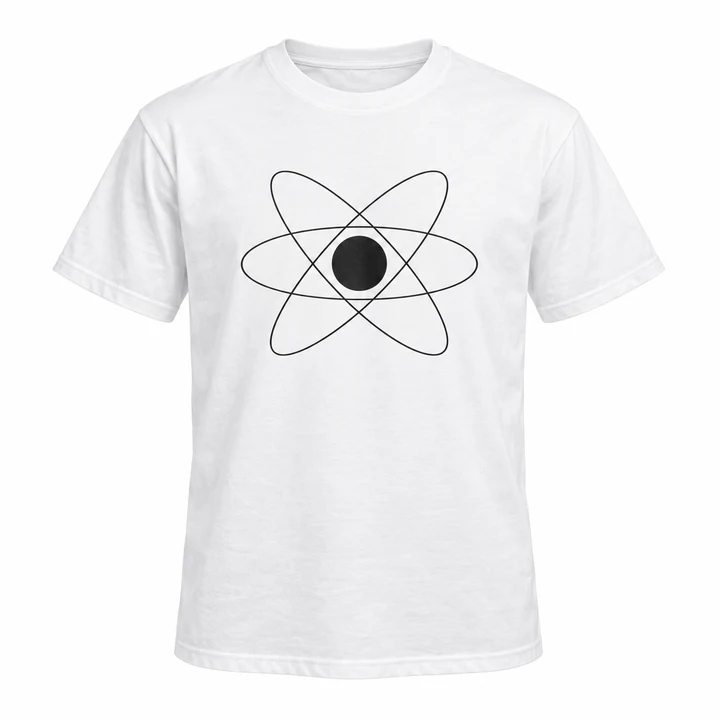
One essential. Three editions. Every size with its own identity, price, and stock.
CHF 25.92
Try another edition or size. Watch the product details respond.
Sample products and prices
Room for your whole range.
Combine up to 6 attributes, each with up to 100 options. Create the combinations you actually sell, within the 2,000-variant limit.
See all product limitsBeyond a name and a price
Build combinations from attributes, swatches, and images. Give each variant its own image, SKU, barcode, and price.
Track stock across locations, share a stock source through inventory groups, and set low-stock thresholds and order limits.
Weight, dimensions, country of origin, HS codes, and market tax classes stay with the products and variants they describe.
Product attributes
Create size, color, material, or finish attributes and reuse their options across your catalog. Choose the presentation that makes each choice easiest to understand.
Use named options for choices like size, capacity, or length. Keep labels clear and arrange options in the order you want.
Pair an option label with a color swatch, so shoppers can recognize a shade before selecting it.
Use images for patterns, prints, or finishes that a name alone cannot explain. Each image represents an attribute option.
Options become combinations
Combine the options your product uses to create variants. Each combination can have its own SKU, image, price, and stock. Try a combination below.
ST-ORBIT-MAttributes describe the choices a shopper selects. Metafields hold extra details—like care instructions or a size guide. Use both to give a product its full story.
Custom fields
Fabric and fit. A removable cover. A lamp’s power rating. Add structured details to products and variants, then bring them into your storefront.
In your product editor
100% cotton
Machine wash at 30°C
Size guide.pdf
Text, numbers, dates, selections, files, product references, and lists—with storefront visibility and translation options for supported field types.
Explore metafieldsCollections that follow your rules
Bring products together by category, tag, brand, vendor, or title. Combine conditions to make a collection that follows the way you merchandise.
Change a rule or switch between all and any. See which products belong.
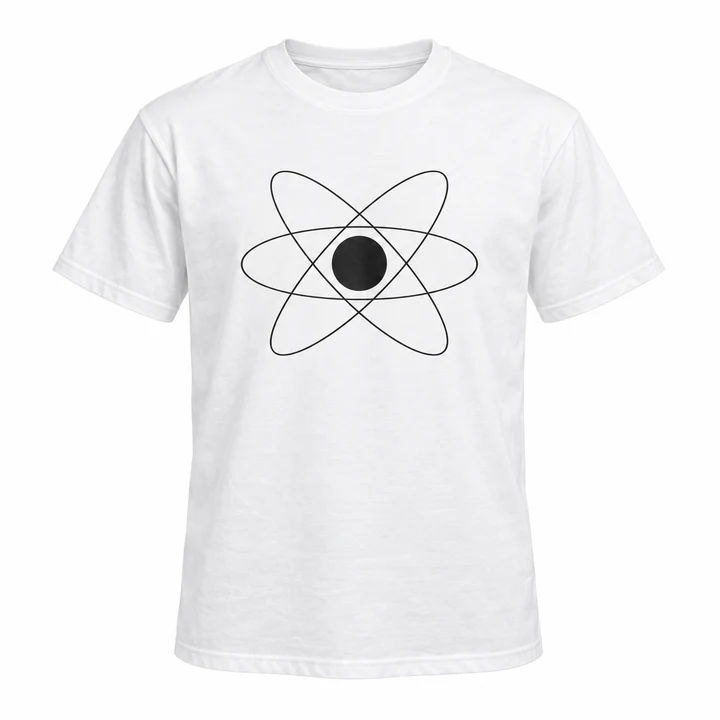
Apparel · Summer
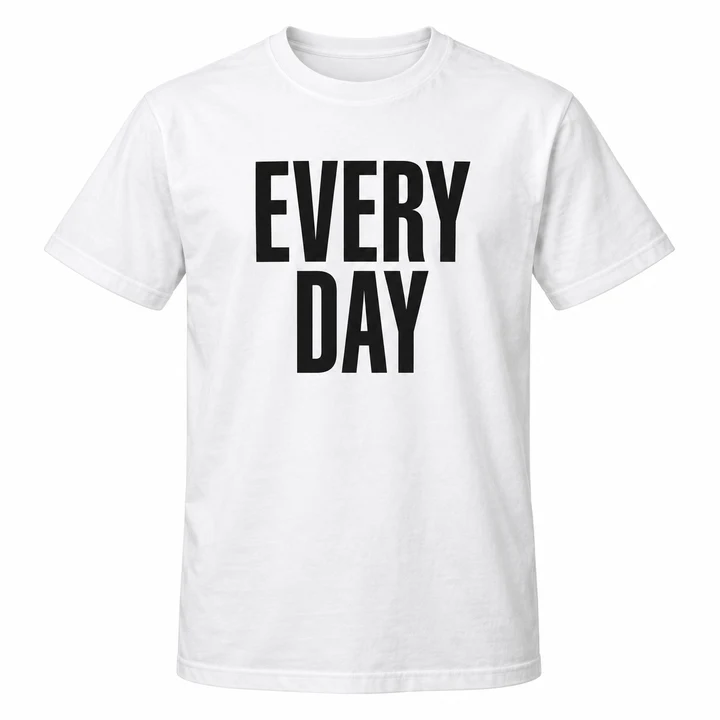
Apparel · Summer / Essentials
From organized to easy to find
Turn attributes and eligible custom fields into storefront filters. Choose their order, display style, and whether shoppers can select more than one value.
Explore filters & search
Sample storefront
CHF 21.60
CHF 25.92
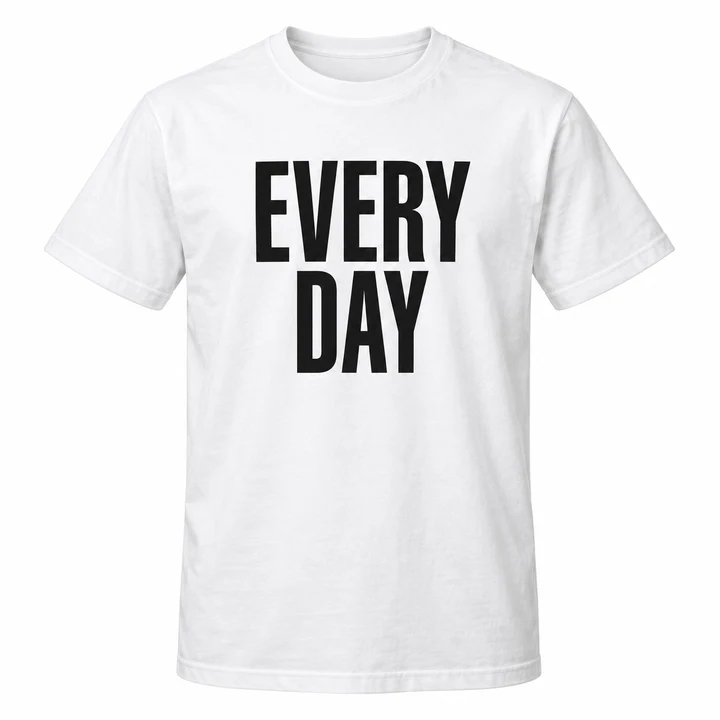
CHF 23.76
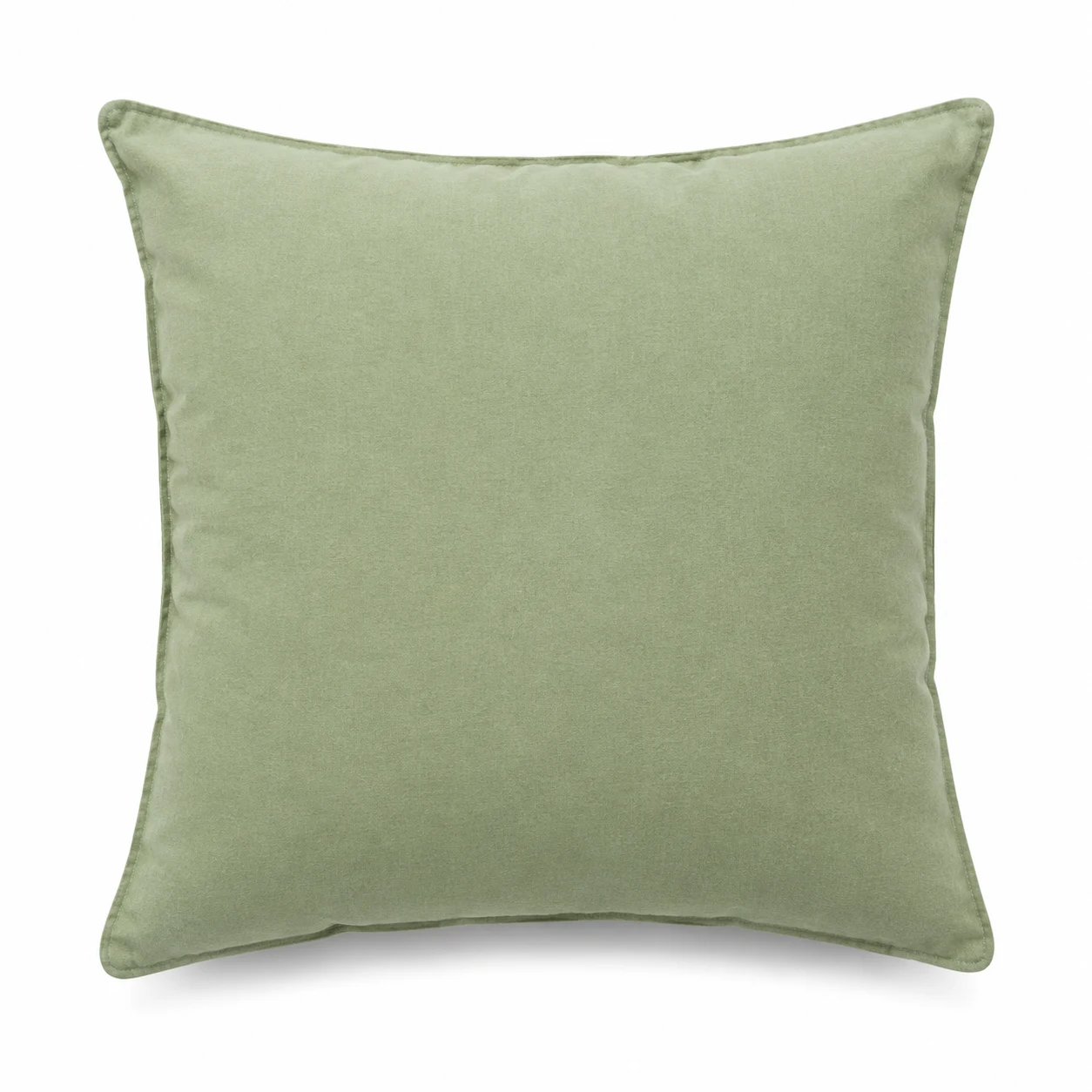
CHF 28.80
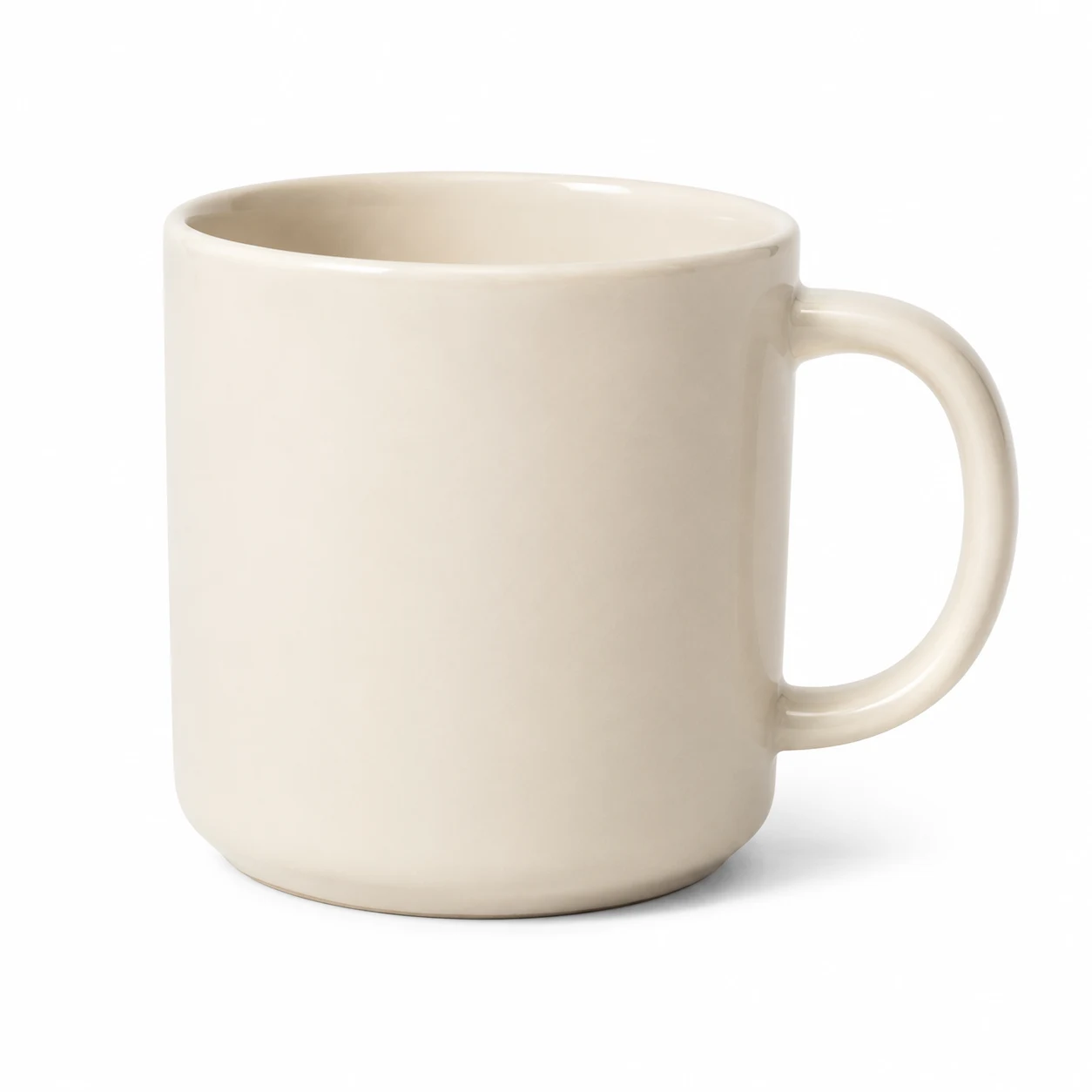
CHF 16.65
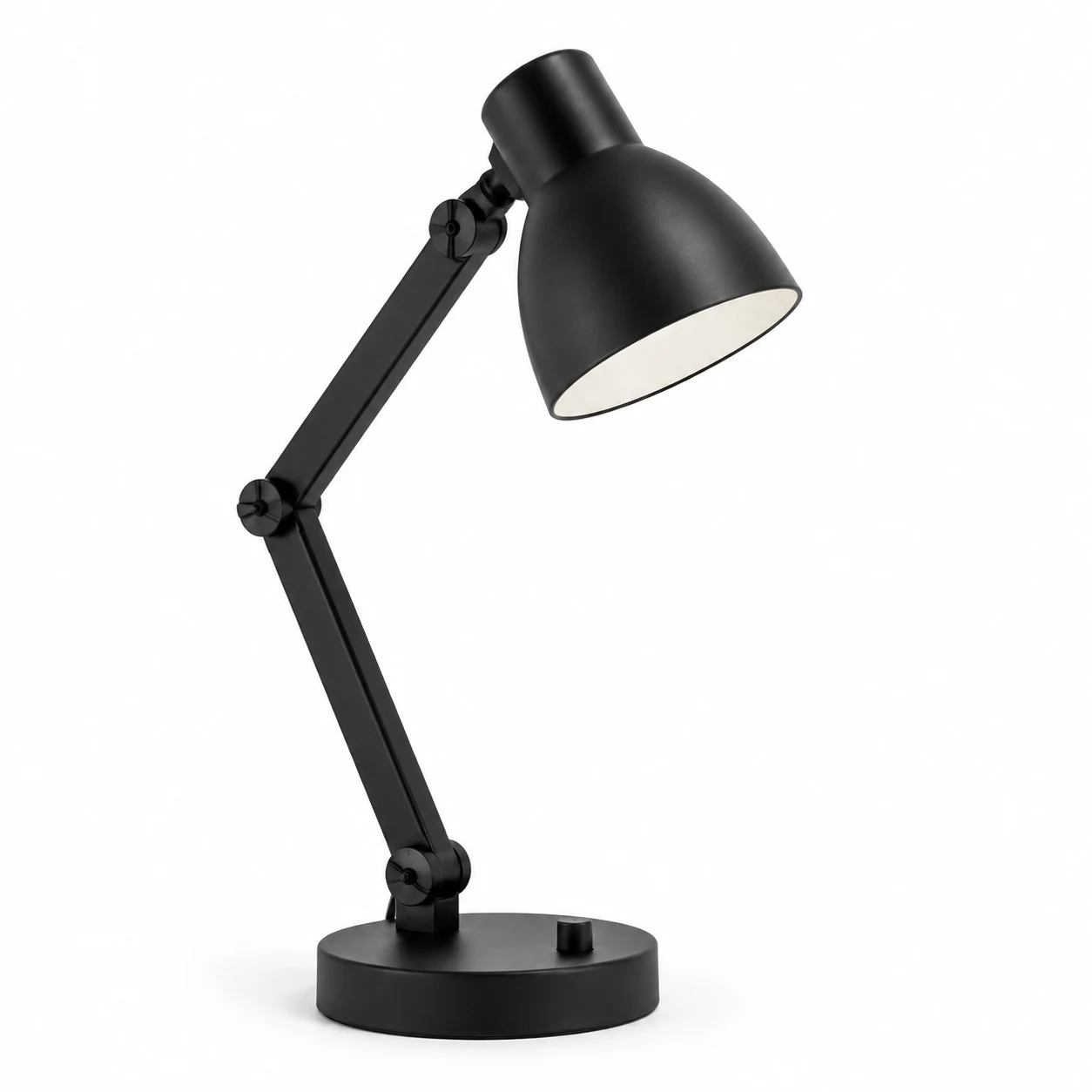
CHF 57.60
Pricing with room to grow
Set prices in the currencies you sell in. Plan a sale ahead of time. Reward a larger order with a quantity discount, down to the individual variant.
Try quantity pricing
Sample prices in your selected country’s currency. Subtotal excludes shipping and tax. These controls only change this demo.
Ready for the next collection
Save drafts, schedule a product launch, choose sales channels, and archive products when their run is over.
Add product media, translate content, refine SEO titles and descriptions, and choose a storefront template.
Import and update your catalog with CSV workflows when your next collection needs more than a few edits.
Bring categories, vendors, brands, tags, and collections together in one place as your range grows.