See the unfinished purchase
Records appear once delivery details are complete or an order is left awaiting payment. See contact details, items, and the checkout total.
Checkouts
Bring abandoned checkout records, recovery eligibility, reminder history, and recovered orders into focus. Help your team understand where a purchase was left unfinished.
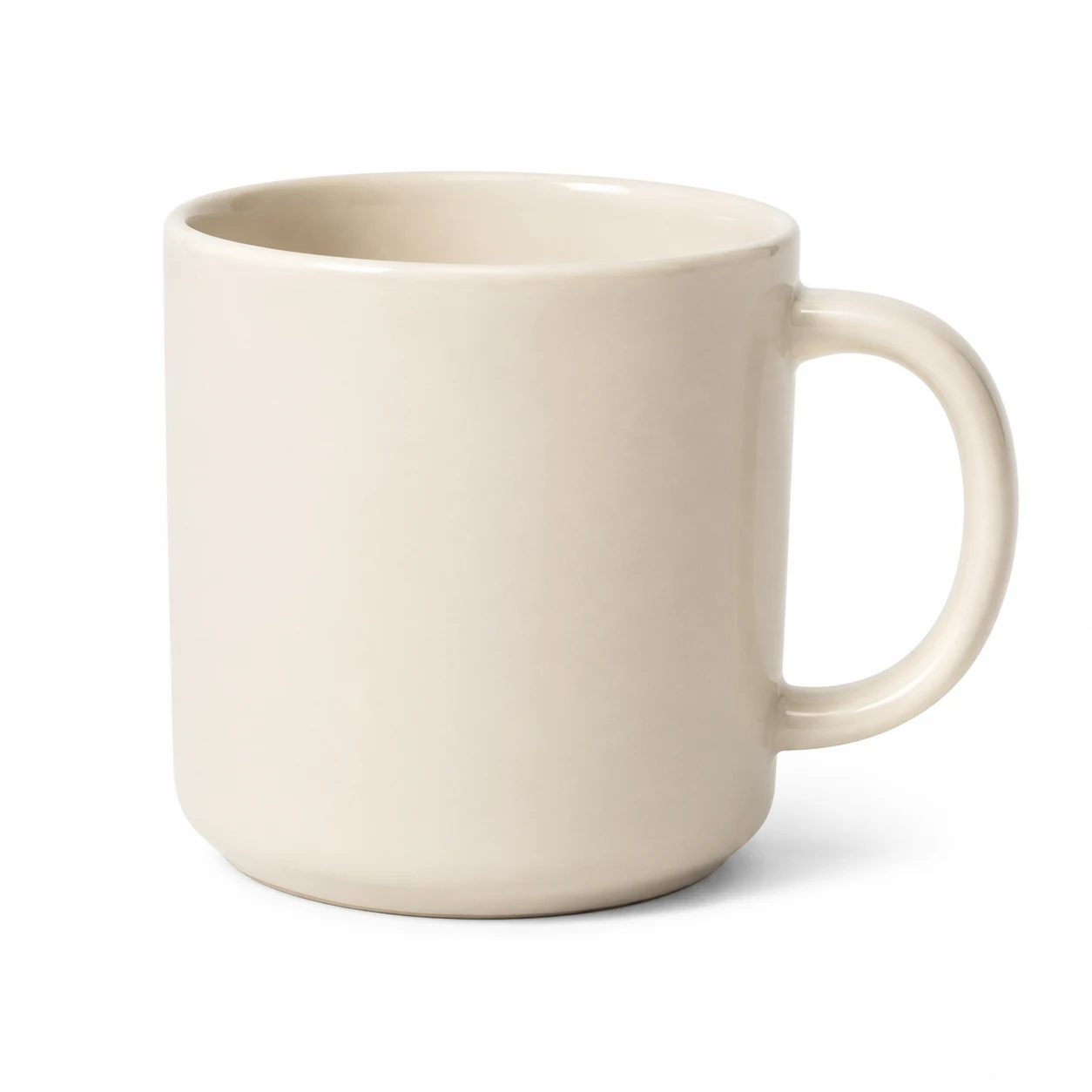 Ceramic mug
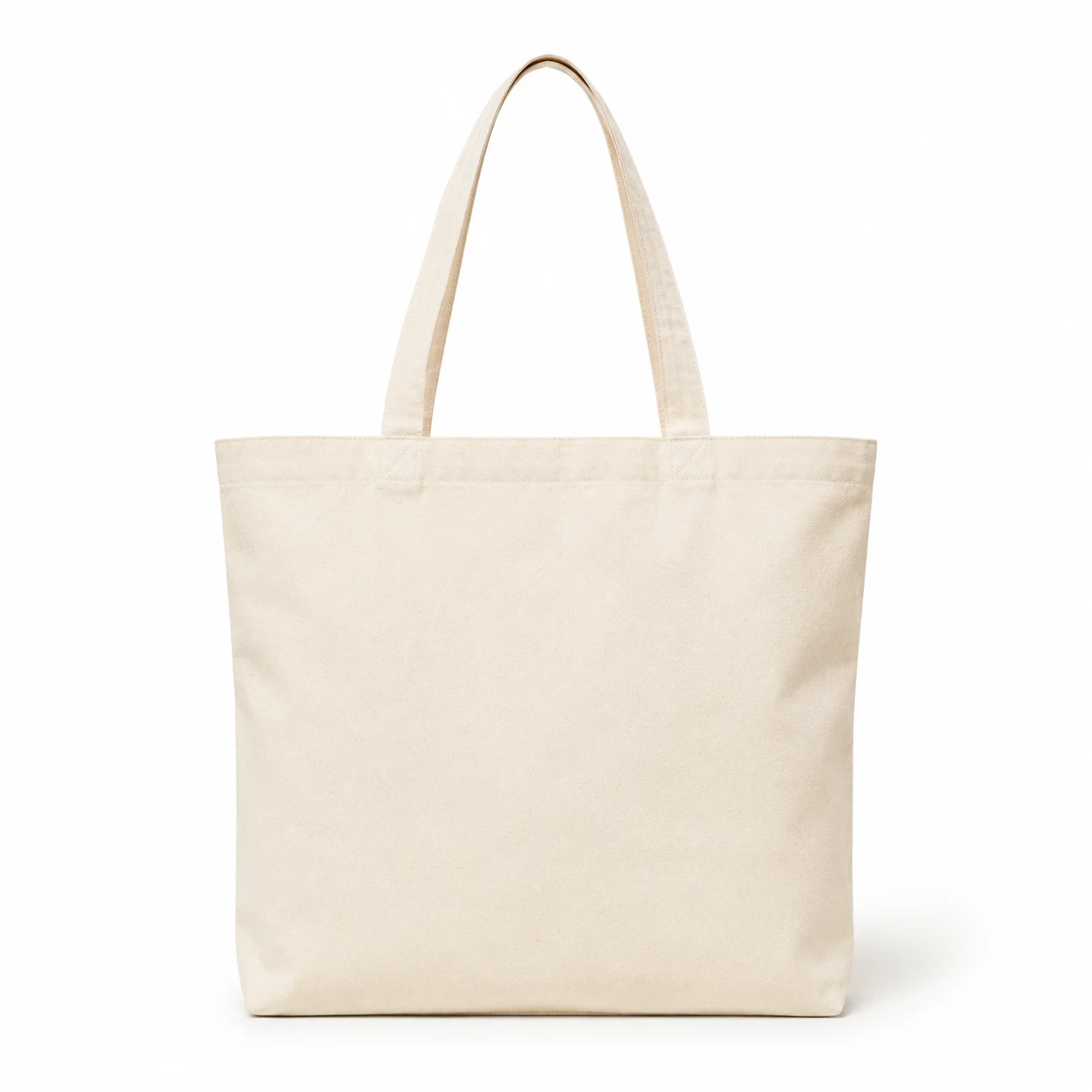 Canvas tote
 Linen notebook
This opted-in sample contact is eligible for a recovery email.
Sample data. These examples do not change a store, send messages, or take payments. Example currency · EUR
How it comes together
Records appear once delivery details are complete or an order is left awaiting payment. See contact details, items, and the checkout total.
Review eligibility, send a manual recovery email, or configure automatic recovery through your enabled channels.
See open and recovered records, review reminder history, and open the recovered order when one is available.
The details that make a difference
Checkout recovery has its own controls and contact information. Keep it distinct from abandoned carts and from the design of the buyer’s checkout.
Search by email, phone, or checkout ID. Narrow the list by status, eligibility, and date.
Control automatic email and automatic SMS or WhatsApp separately, using the messaging channels configured for your store.
Review consent and blocked reasons before acting. Recovery settings determine whether manual and automatic communication is enabled.
Turning recovery communication off does not stop tracking. Retention settings keep the recovery list manageable.